This guide explains how artificial intelligence is transforming modern web development by improving personalization, automation, security, performance, design, and user engagement. It covers key tools like TensorFlow.js, OpenAI API, and Azure Cognitive Services, along with practical use cases such as chatbots, recommendation engines, image optimization, voice interfaces, and content generation.
In today’s digital landscape, artificial intelligence (AI) is no longer a futuristic concept—it’s a transformative force reshaping how we build, deploy, and optimize websites. From personalized content recommendations to intelligent chatbots, AI-driven features are elevating user experiences and delivering measurable business results. This guide explores practical strategies, tools, and best practices for integrating AI into your web development workflow.
What Is AI in Web Development?

At its core, AI refers to computer systems that can perform tasks typically requiring human intelligence, such as learning, reasoning, and decision-making. In the context of web development, this means embedding machine learning models, natural language processing (NLP), and predictive analytics directly into websites and web applications.
Key Benefits of AI-Powered Websites
- Personalization: Deliver tailored content, product recommendations, and layout variations based on user behavior and preferences.
- Enhanced User Engagement: Implement chatbots and virtual assistants that provide instant support, improving satisfaction and reducing bounce rates.
- Automation: Automate repetitive tasks like form validation, content tagging, and image optimization to accelerate development cycles.
- Data-Driven Insights: Harness analytics and predictive models to understand user behavior, forecast trends, and inform design decisions.
- Accessibility: Use AI-powered tools for real-time captioning, image alt-text generation, and voice control to make sites more inclusive.
Popular AI Tools and Frameworks

A variety of open-source and commercial solutions enable developers to integrate AI without building models from scratch. Key options include:
- TensorFlow.js: A JavaScript library for training and running ML models in the browser.
- ml5.js: A user-friendly interface for common ML tasks like image classification and text generation.
- OpenAI API: Leverage GPT models for advanced NLP tasks such as content generation and chatbots.
- Hugging Face Transformers: State-of-the-art NLP models accessible via JavaScript or Python backends.
- Microsoft Azure Cognitive Services: Prebuilt APIs for vision, speech, language, and decision-making capabilities.
Common AI Use Cases in Web Development
Implementing AI can elevate nearly every aspect of your web projects. Consider these real-world scenarios:
- Intelligent Chatbots: Provide 24/7 customer support, answer FAQs, and guide users through complex workflows.
- Recommendation Engines: Suggest products, articles, or videos based on browsing history and collaborative filtering.
- Image Optimization: Automatically compress, tag, and serve the best image format for each device and network condition.
- Voice and Conversational Interfaces: Integrate voice search, form filling, and navigation using speech recognition APIs.
- Content Generation: Use NLP models to draft headlines, meta descriptions, or product descriptions at scale.
Integration Approaches: Front-End vs. Back-End
Choosing where to run AI models depends on performance, security, and complexity considerations:
- Front-End Integration: Execute lightweight models directly in the browser with TensorFlow.js or ml5.js. Pros: Reduced server load, real-time interactivity. Cons: Limited processing power, privacy concerns.
- Back-End Integration: Host models on dedicated servers or cloud functions. Pros: Access to powerful hardware (GPUs/TPUs), greater scalability. Cons: Potential latency, higher infrastructure costs.
Best Practices for AI-Driven Web Projects
- Data Privacy and Compliance: Ensure user data is anonymized and handled in accordance with GDPR, CCPA, or other regulations.
- Model Versioning: Track changes to AI models and maintain backward compatibility to avoid breaking features.
- Performance Optimization: Use model quantization, lazy loading, and caching to minimize page load impact.
- Continuous Monitoring: Set up analytics and error tracking to evaluate model accuracy, user satisfaction, and resource usage.
- Fallback Mechanisms: Provide default content or basic functionality if AI services fail or return errors.
Step-by-Step: Adding an AI Chatbot
- Choose Your Platform: Select an NLP API such as OpenAI GPT or Dialogflow based on budget and use-case requirements.
- Set Up Authentication: Obtain API keys and configure secure environment variables on your server or build tool.
- Build the Front-End Widget: Create an HTML/CSS chat interface component. Ensure it is responsive and accessible.
- Implement API Calls: Write JavaScript functions to send user messages to the NLP endpoint and render responses dynamically.
- Handle Edge Cases: Detect and respond gracefully to API errors, timeouts, and unsupported input.
- Test and Deploy: Validate performance under load. Deploy on a staging environment before rolling out to production.
Key Considerations Before You Start
While AI can unlock new capabilities, it also introduces complexity and cost. Assess the following:
- Budget Constraints: Pricing models for APIs and cloud compute can vary widely. Factor in ongoing usage fees.
- Skill Requirements: Ensure your team has or can acquire expertise in ML concepts, API integration, and data handling.
- Maintenance Overhead: AI models require updates, retraining, and monitoring to stay accurate and secure.
- Ethical Implications: Be mindful of bias in training data and transparent in how AI-driven decisions impact users.
Future Trends in AI and Web Development
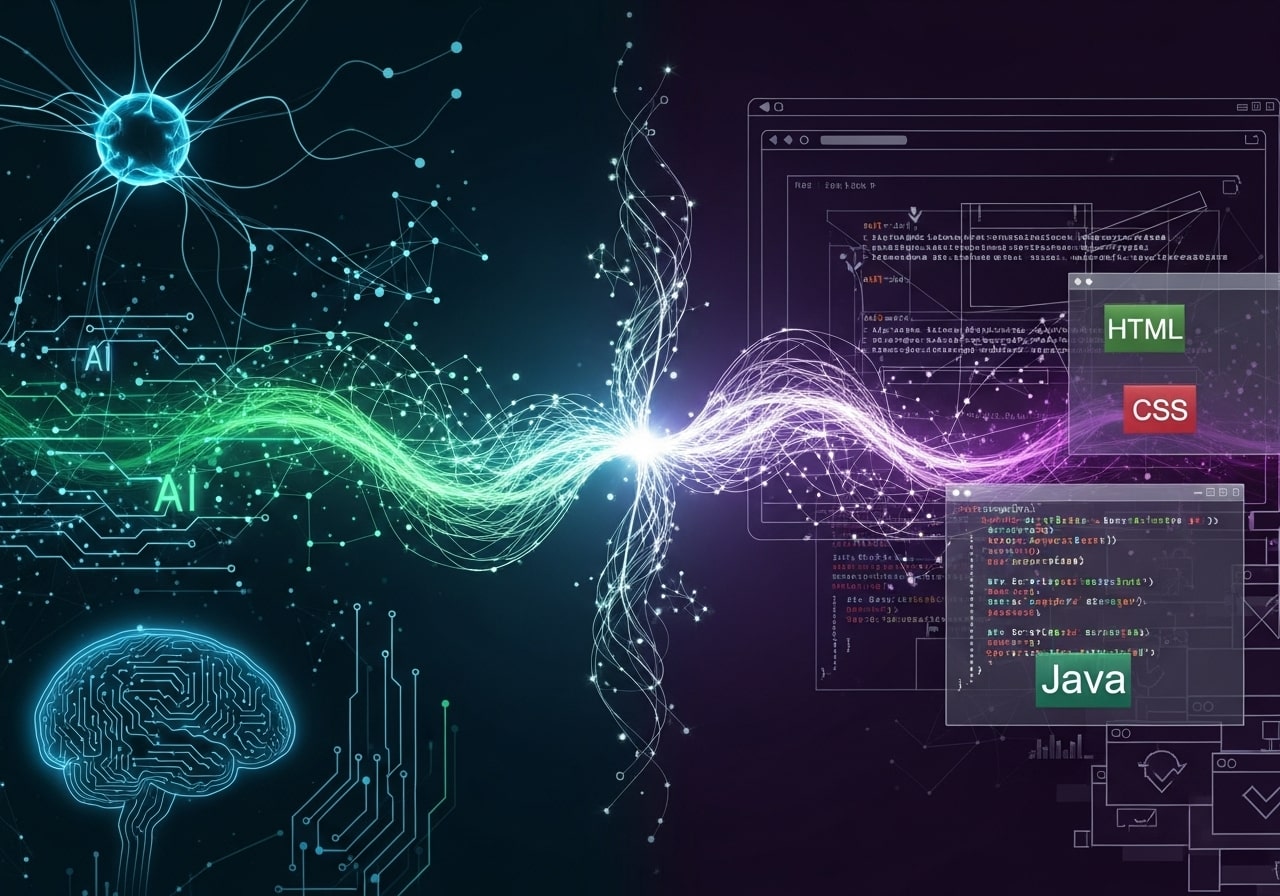
Looking ahead, several advancements will further converge AI and web development:
- Edge AI: Running sophisticated models on-device for ultra-low latency and enhanced privacy.
- Auto-Generated Code: AI assistants that write boilerplate, suggest refactors, and analyze security issues in real time.
- Multimodal Interfaces: Seamless integration of text, voice, image, and gesture-based interactions on the web.
- Federated Learning: Collaborative model training across user devices without centralizing sensitive data.
AI-Enhanced Security and Threat Detection
Integrating AI into your website’s security infrastructure allows you to identify threats long before they escalate. Traditional security tools rely on static rules, meaning they can miss new, evolving attack patterns. In contrast, AI-driven systems continuously analyze user behavior, traffic patterns, failed login attempts, unusual data transfers, and suspicious activity across your entire site. Machine learning models can detect anomalies in real time—flagging potential DDoS attempts, SQL injection patterns, brute-force attacks, and bot-based scraping.
Security AI can also assist in risk scoring for each user session, automatically blocking or challenging high-risk interactions through CAPTCHA or additional verification layers. Advanced solutions use natural language processing to monitor spam submissions, phishing attempts, and harmful content posted through forms or comments. With predictive analytics, AI can forecast threat likelihood and help automate incident responses such as isolating compromised accounts or triggering alerts for your team. As cyber threats grow more sophisticated, AI-powered security provides a proactive, adaptive defense system that evolves with emerging risks.
AI-Driven Design and User Interface Generation
AI is revolutionizing UI/UX design by automating repetitive tasks and generating high-quality layouts based on data-driven insights. Tools like Figma AI Assist, Galileo AI, and Uizard can convert text descriptions into wireframes, prototypes, and full UI screens within seconds. These tools analyze design best practices, color theory, accessibility guidelines, and common interaction patterns to produce layouts that are both visually appealing and user-friendly.
Beyond layout generation, AI can study user behavior—click heatmaps, scroll depth, session recordings, and engagement metrics—to suggest design improvements that reduce friction and increase conversions. Dynamic UI adaptation is also becoming popular, where the interface changes based on user preferences, device type, browsing history, and past interactions. This means two users may see different layouts optimized for their behavior, performance, or accessibility needs.
AI-assisted design significantly reduces time spent on manual tasks, allowing designers and developers to focus on creative problem-solving while ensuring the end product is modern, intuitive, and highly optimized.
AI for SEO and Content Optimization
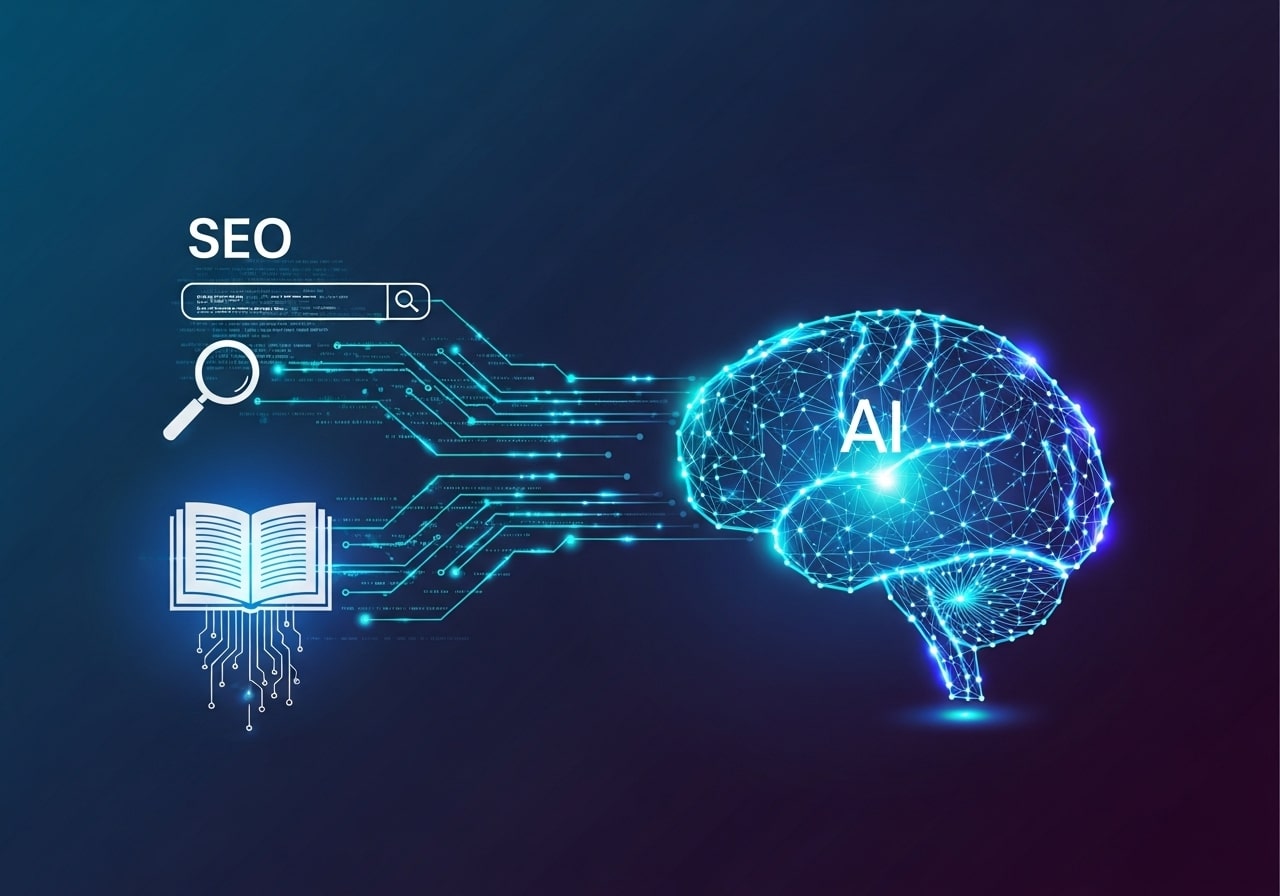
Search engine optimization is no longer guesswork—AI tools now analyze massive datasets to help you rank higher, faster, and more reliably. AI-powered SEO systems like Surfer, Clearscope, and Semrush use natural language processing to evaluate keyword relevance, competitor strategies, search intent, and content structure. They provide precise suggestions for headings, semantic keywords, metadata, and internal linking strategies that align with search engine algorithms.
AI can also monitor ranking fluctuations in real time, predict how algorithm changes may impact your website, and automatically generate meta descriptions, schema markup, structured data, and FAQ sections. Some advanced systems automatically A/B test content variations and adjust page elements to maximize visibility and traffic.
By integrating SEO-focused AI models into your workflow, you ensure that both new and existing pages remain optimized, reducing manual analysis time while improving long-term organic growth. This results in higher search rankings, improved CTR, and better content quality across your entire website.
AI-Optimized Performance and Load Management
Website performance plays a major role in user satisfaction, conversions, and search rankings. AI-driven performance tools analyze server load, user distribution, device capabilities, and network speed to dynamically adjust how your website delivers content. For example, AI can automatically compress images, prefetch assets, lazy-load components, and adjust video quality based on real-time bandwidth.
Performance-focused AI systems can also intelligently route traffic to the closest CDN node, redistribute server resources, and predict peak load times using historical data. This results in faster load speeds, fewer crashes, and better reliability—especially for websites with global traffic.
Some platforms incorporate predictive caching, where AI forecasts which pages or resources a user is likely to visit next and preloads them quietly in the background. The result is a smoother, app-like experience that dramatically reduces bounce rates and improves user experience across all devices and network conditions.
AI for Conversion Rate Optimization (CRO)
Conversion rate optimization becomes far more effective when powered by machine learning. Traditional A/B testing compares two versions of a page and requires significant traffic to reach reliable conclusions. AI-driven multivariate testing, however, can analyze dozens of variables at once—including button placements, copy variations, color choices, CTA wording, image styles, and layout adjustments.
AI models dynamically identify which combinations lead to the highest conversions for different audience segments. Over time, the system continuously adjusts content and design to maximize sign-ups, purchases, or other desired actions. Personalization engines also tailor recommendations, promotions, pricing, and product sequencing based on each user’s behavior, demographics, and preferences—dramatically increasing conversion likelihood.
With AI-powered CRO, websites become adaptive and continuously self-optimizing. This results in higher revenue, reduced acquisition costs, and improved user satisfaction without manually testing every variation.
AI-Enabled Testing, Debugging, and Code Quality Enhancement
AI tools are transforming the way developers test, debug, and maintain code. Platforms like GitHub Copilot, CodiumAI, and DeepCode analyze your codebase to detect potential bugs, security vulnerabilities, performance issues, and logic errors before they reach production. These models understand code patterns across millions of repositories, allowing them to predict error-prone functions and offer suggestions for more efficient or secure alternatives.
AI-powered automated testing can generate unit tests, integration tests, and UI test cases based on your existing code and user flows. This reduces the time spent writing tests manually while improving test coverage. Real-time debugging assistants can diagnose crashes, identify memory leaks, and recommend fixes in seconds, even for large and complex applications.
Over time, AI tools help developers write cleaner, more maintainable code, spot regressions early, and streamline deployment pipelines. This leads to faster releases, fewer bugs in production, and a significantly more efficient development workflow.
Conclusion
Integrating AI into your web development projects is no longer optional for forward-thinking teams—it’s a strategic imperative. By understanding the tools, use cases, and best practices outlined in this guide, you can build smarter, more engaging websites that adapt to user needs in real time. Start small, measure impact, and iterate toward increasingly intelligent experiences that set your brand apart.
FAQ: AI in Web Development
1. Do I need machine learning expertise to use AI in web development?
Not always. Many services like OpenAI, Azure Cognitive Services, and Hugging Face offer prebuilt APIs that require little ML knowledge. However, building custom models requires deeper expertise.
2. Will integrating AI slow down my website?
It depends on the implementation. Browser-based models may increase CPU usage, while server-side models can add network latency. Proper optimization—like caching, quantization, and lazy loading—can minimize impact.
3. Are AI-based features expensive to maintain?
Costs vary based on API usage, server load, and model complexity. Start small, monitor usage, and scale cautiously to manage costs effectively.
4. What types of websites benefit most from AI integration?
E-commerce, SaaS platforms, media sites, and customer support-heavy websites see immediate gains from recommendation engines, chatbots, and personalization tools.
5. Is it safe to send user data to AI APIs?
It can be, provided you use encryption, anonymize data, and comply with GDPR/CCPA. Always review the provider’s data retention policies.
6. How do I ensure my AI features aren’t biased?
Evaluate model outputs regularly, use diverse training data, and allow users to provide feedback. Transparency in how AI makes decisions builds user trust.
7. Can AI help with web accessibility?
Absolutely. AI can automate tasks like captioning, alt-text generation, voice navigation, and content adaptation, making sites more inclusive.
8. What if the AI model fails or produces incorrect results?
Always provide fallbacks—like default recommendations or manual support options—to prevent AI failures from hurting user experience.
9. How do I know which AI tool or platform to choose?
Consider budget, required features, performance needs, ease of integration, and model capabilities. Test multiple options before committing.
10. What’s the fastest way to start using AI on my website?
Begin with an API-powered chatbot or recommendation engine. These require minimal setup and provide instant user experience improvements.