Comprehensive PWA Toolkit: Building Fast, Reliable, and Engaging Web Experiences in 2025
Introduction
In a world where users expect instantaneous, app-like experiences on any device, Progressive Web Apps (PWAs) have emerged as a compelling approach to bridge the gap between native software and the open web. By leveraging modern browser APIs, PWAs deliver performance, reliability, and engagement without requiring an app store installation or separate codebases for iOS and Android. In this guide, we present an end-to-end strategy for architecting, optimizing, and maintaining high-quality PWAs in 2025 and beyond.
PWA Fundamentals
At their core, PWAs are simply web applications enhanced with progressive enhancement techniques. They load as ordinary websites but can:
- Function offline or on flaky connections via service workers (https://developer.mozilla.org/en-US/docs/Web/API/Service_Worker_API).
- Be installed to home screens and appear in native app listings through a Web App Manifest (https://developer.mozilla.org/en-US/docs/Web/Manifest).
- Send push notifications and synchronize in the background using standardized APIs.
- Run under HTTPS to guarantee privacy and integrity.
By combining these capabilities, PWAs bring the mobile app paradigm directly to the browser without sacrificing discoverability or requiring app store distribution.
Core PWA Capabilities
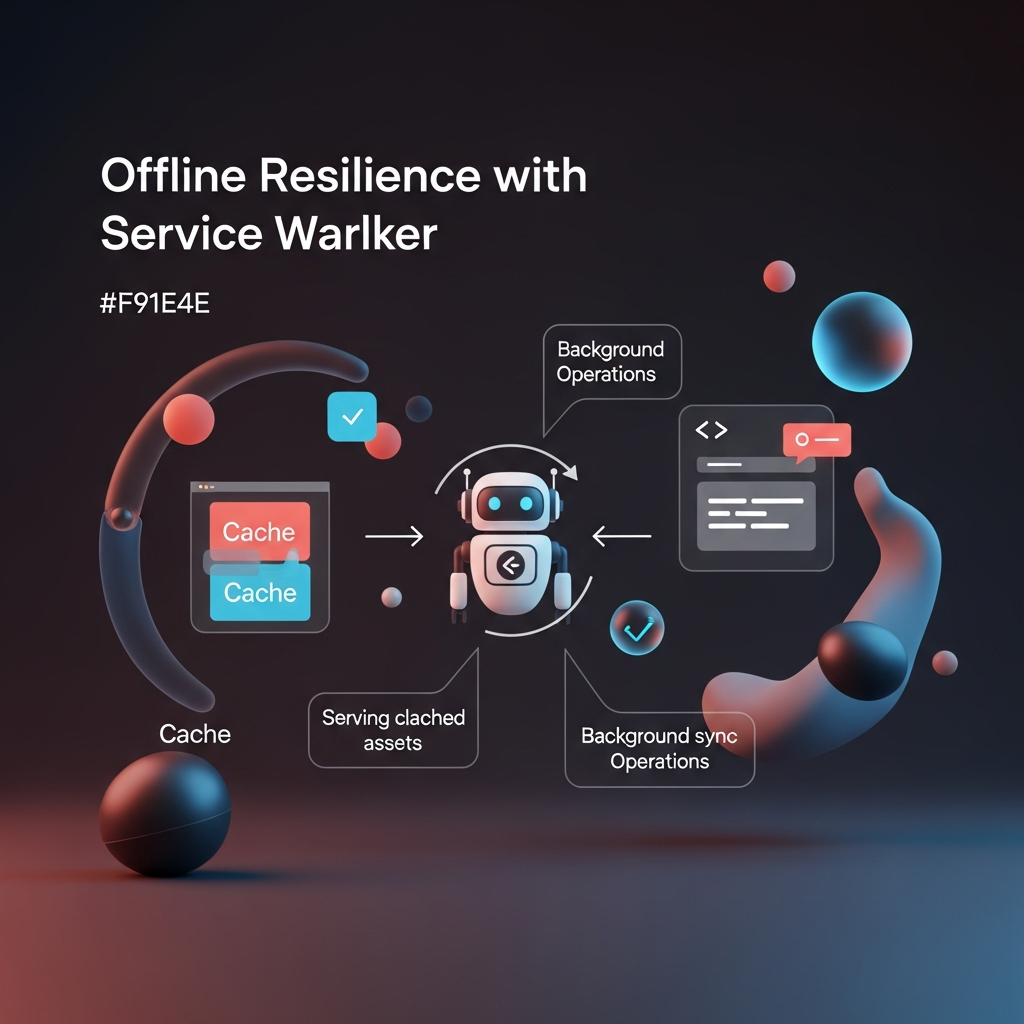
1. Offline Resilience with Service Workers
Service workers act as programmable network proxies running in a separate thread. They intercept fetch requests, enable sophisticated caching strategies, and manage background sync operations. According to a recent study by Google’s Web Performance Working Group [1], sites using service workers can reduce perceived load times by up to 50%.
2. App-Like Installation via Web App Manifest
The Web App Manifest is a simple JSON file that describes your application’s name, icons, launch parameters, and display mode. When properly configured, browsers prompt users to “Add to Home Screen,” offering a full-screen, standalone experience indistinguishable from native applications.
3. Push Notifications and Background Sync
By integrating with services such as Firebase Cloud Messaging (https://firebase.google.com/docs/cloud-messaging), PWAs can send targeted messages even when the user has closed the browser. Background sync ensures data consistency by deferring network requests until connectivity resumes.
4. HTTPS Security
Mandatory across all modern browsers, HTTPS not only protects your users but also unlocks many PWA APIs (e.g., geolocation, camera access). You can obtain free TLS certificates from Let’s Encrypt (https://letsencrypt.org/) to secure your site at scale.
Key Advantages of PWAs
- Cross-Platform Reach: One codebase serves desktop browsers, mobile devices, and tablets, reducing development and maintenance overhead.
- Offline Access: Users remain productive even in low-connectivity regions or during network disruptions.
- Instant Updates: No app store review cycles—deploy new features and fixes instantly.
- Improved Engagement: Push notifications and home-screen presence boost returning visitor rates by as much as 30% (source: Chrome Developers Blog [2]).
- SEO Benefits: PWAs are fully indexable by search engines, aiding discovery through organic search.
Architectural Patterns
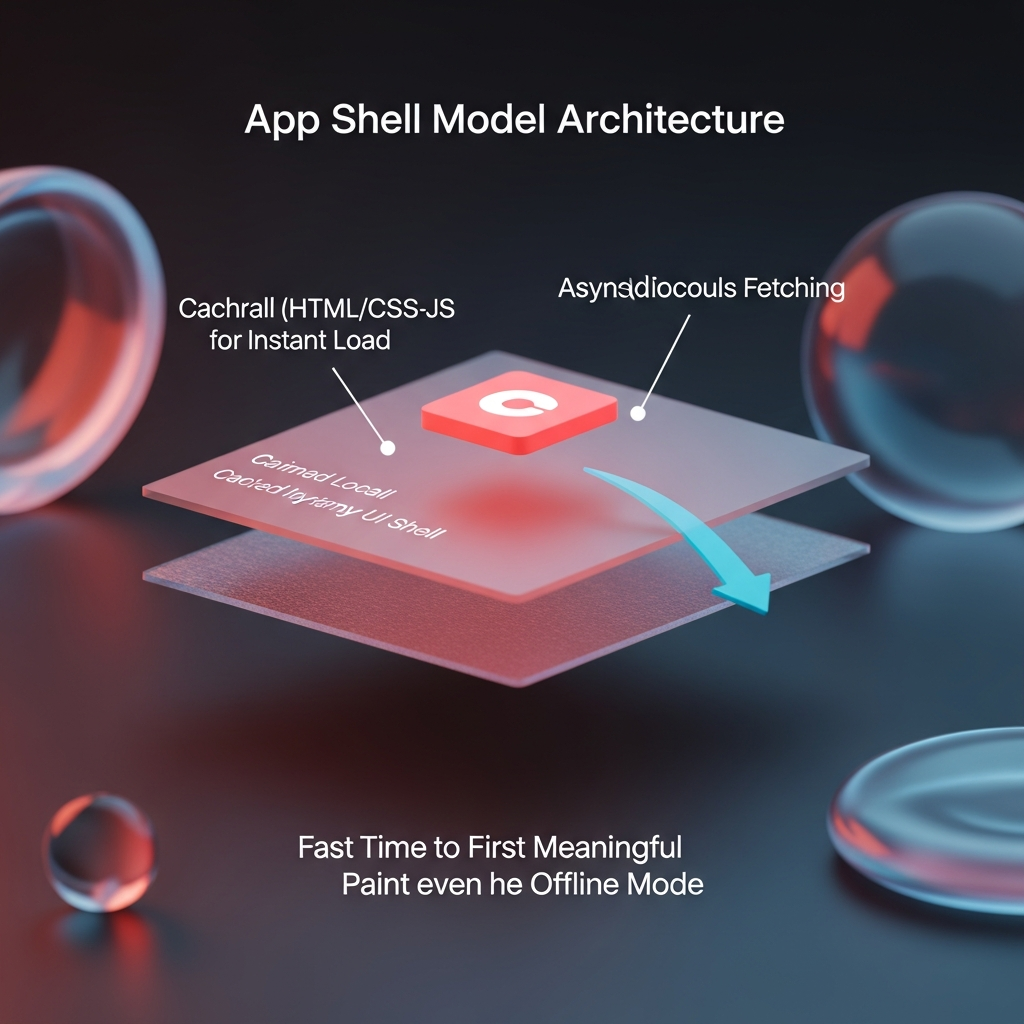
App Shell Model
The App Shell architecture decouples the minimal UI skeleton (HTML, CSS, and core JavaScript) from dynamic content. On first load, the browser caches the shell so that subsequent visits render instantaneously, even offline. Dynamic data can then be fetched asynchronously, improving the Time to First Meaningful Paint (FMP).
Caching Strategies
Choosing the right caching policy depends on your application’s content volatility and user expectations. Common patterns include:
- Cache-First: Ideal for static assets (CSS, images). The service worker serves from cache and falls back to network only if missing.
- Network-First: Suited to real-time data (news feeds, chat). The service worker tries network first, then serves stale cache when offline.
- Stale-While-Revalidate: Delivers cached content instantly while simultaneously fetching fresh data in the background.
- Cache-Only and Network-Only: Edge cases for extremely static or real-time-only resources.
Implementing Push and Background Sync
- Obtain user permission via the Notifications API.
- Subscribe to a push service (e.g., Firebase Cloud Messaging).
- Handle push events in your service worker and display notifications using the Notification API.
- Use Background Sync API to queue failed POST requests (e.g., form submissions) and replay them when connectivity is restored.
Installability and Manifest Best Practices
A valid Web App Manifest must include:
- name and short_name for display in prompts.
- start_url to define the entry point.
- display set to standalone, fullscreen, or minimal-ui.
- Icon assets in multiple sizes (e.g., 192×192, 512×512) in PNG or WebP format.
Link your manifest in the <head> tag and serve it with Content-Type: application/manifest+json. Auditors like Lighthouse will flag missing or malformed entries.
Development Tools and Frameworks
- Workbox (https://developers.google.com/web/tools/workbox) automates service worker generation and caching rules.
- React and Angular PWA toolkits integrate manifest and service-worker setups out of the box.
- Vue CLI PWA plugin scaffolds a compliant PWA structure in minutes.
- Webpack and Rollup offer tree-shaking to reduce bundle sizes.
- Lighthouse (https://web.dev/lighthouse) provides a free audit with actionable performance and PWA recommendations.
Performance Optimization & Core Web Vitals
Google’s Core Web Vitals set the gold standard for user-centric performance:
- Largest Contentful Paint (LCP) – target <2.5s
- First Input Delay (FID) – target <100ms
- Cumulative Layout Shift (CLS) – target <0.1
Optimize for these metrics by:
- Preloading critical resources (<link rel=”preload”>).
- Deferring or asynchronously loading non-essential scripts.
- Compressing and properly sizing images (use responsive <picture> elements).
- Enabling HTTP/3 (QUIC) via modern CDNs for lower latency (see IETF RFC 9000).
- Implementing AI-driven image optimization services (e.g., Cloudinary, Imgix).
Accessibility and Compliance
Full adherence to WCAG 2.1+ standards (https://www.w3.org/TR/WCAG21/) ensures your PWA is usable by people with disabilities. Integrate automated accessibility testing (axe-core, Pa11y) in your CI pipeline to catch issues early.
Testing and Continuous Integration
- Write unit tests for service worker logic using frameworks like Jest and workbox-webpack-plugin.
- Simulate offline conditions with Chrome DevTools Network Throttling.
- Automate audits with Lighthouse CI in GitHub Actions, GitLab CI, or Jenkins.
- Monitor real-user metrics via Google Analytics or Real User Monitoring (RUM) tools (e.g., New Relic, Datadog).
Security and Privacy
Regularly review your service worker’s scope and intercept rules to prevent unintentional data exposure. Apply Content Security Policy (CSP) headers to mitigate cross-site scripting (XSS). For handling user permissions (notifications, push), present clear in-app explanations before triggering the browser prompt to improve opt-in rates and reduce friction.
Advanced Techniques for 2025
- Periodic Background Sync: Schedule background tasks such as content prefetching or analytics pings when device is idle.
- WebHID, Web Bluetooth, and Web NFC: Integrate with hardware peripherals for rich, device-centric experiences.
- Edge Compute Functions: Deploy edge middleware (e.g., Cloudflare Workers, Fastly Compute@Edge) to handle authentication, A/B testing, and in-flight modifications closer to users.
- AI-Powered Personalization: Leverage client-side ML (TensorFlow.js) to tailor content offline without compromising privacy.
Common Pitfalls and How to Avoid Them
- Over-Caching: Failing to invalidate stale data leads to user confusion. Implement versioned cache names and stale-while-revalidate patterns.
- Push Spam: Bombarding users with trivial notifications causes them to revoke permissions. Use analytics to trigger messages only when engagement probability is high.
- Browser API Fragmentation: Not all features are uniformly supported. Refer to caniuse.com and employ polyfills or feature-detection logic.
- Ignoring Apple Ecosystem: Safari on iOS has more restrictive service worker limits and no advanced push support. Provide fallback experiences or fallback messaging strategies.
Case Studies and Results
- Pinterest saw a 40% increase in core engagements after launching their PWA, while reducing page weight by 80% (source: Google Developers).
- Forbes rebuilt its mobile site as a PWA and observed a 100% increase in article scroll depth.
References
Conclusion
Progressive Web Apps offer a powerful, future-proof approach to building web experiences that rival native applications. By mastering service workers, sophisticated caching strategies, performance tuning for Core Web Vitals, and leveraging emerging browser APIs, you can deliver fast, reliable, and engaging applications in 2025 and beyond. Use this guide as your roadmap: adopt progressive enhancement, integrate rigorous testing and analytics, and continually refine your PWA to delight users across every device and network condition.