CSS stands for Cascading Style Sheets, and it’s one of the fundamental technologies that powers the modern web. If HTML is the skeleton of a website, CSS is the skin, clothing, and makeup that make it visually appealing. Every website you visit—from simple blogs to complex web applications—relies on CSS to control colors, layouts, fonts, and animations.
This guide will walk you through everything you need to know about CSS, from basic concepts to practical applications. Whether you’re starting your web development journey or looking to strengthen your foundation, you’ll discover how CSS transforms plain HTML into beautiful, interactive websites.
Understanding CSS: The Language of Web Design
CSS is a stylesheet language that describes how HTML elements should be displayed on screen, paper, or other media. Think of it as a set of instructions that tells the browser how to style each part of your webpage.
How CSS Works with HTML
HTML provides the structure and content of your webpage, while CSS handles the presentation. When you write HTML, you’re essentially creating a list of elements—headings, paragraphs, images, and links. CSS takes these elements and applies visual styling to them.
Here’s a simple example:
<h1>Welcome to My Website</h1>
<p>This is a paragraph of text.</p>
Without CSS, this HTML would appear as plain black text on a white background. With CSS, you can transform it:
h1 {
  color: blue;
  font-size: 36px;
  text-align: center;
}

p {
  color: gray;
  font-size: 16px;
  line-height: 1.5;
}
Now your heading appears in blue, centered, and larger, while your paragraph text is gray with improved readability.
The Three Pillars of CSS
CSS operates on three core principles that make it powerful and flexible:
1. Selectors
Selectors tell CSS which HTML elements to style. You can target elements by their tag name, class, ID, or other attributes. Common selectors include:
- Element selectors:
p,h1,div - Class selectors:
.my-class - ID selectors:
#my-id - Universal selector:
*
2. Properties
Properties define what aspect of the element you want to change. CSS offers hundreds of properties, including:
colorfor text colorbackground-colorfor background colorfont-sizefor text sizemarginandpaddingfor spacingwidthandheightfor dimensions
3. Values
Values specify how you want to change the property. Each property accepts specific types of values:
- Colors:
red,#FF0000,rgb(255, 0, 0) - Sizes:
16px,1em,100% - Keywords:
bold,italic,center
CSS Syntax: Writing Your First Styles
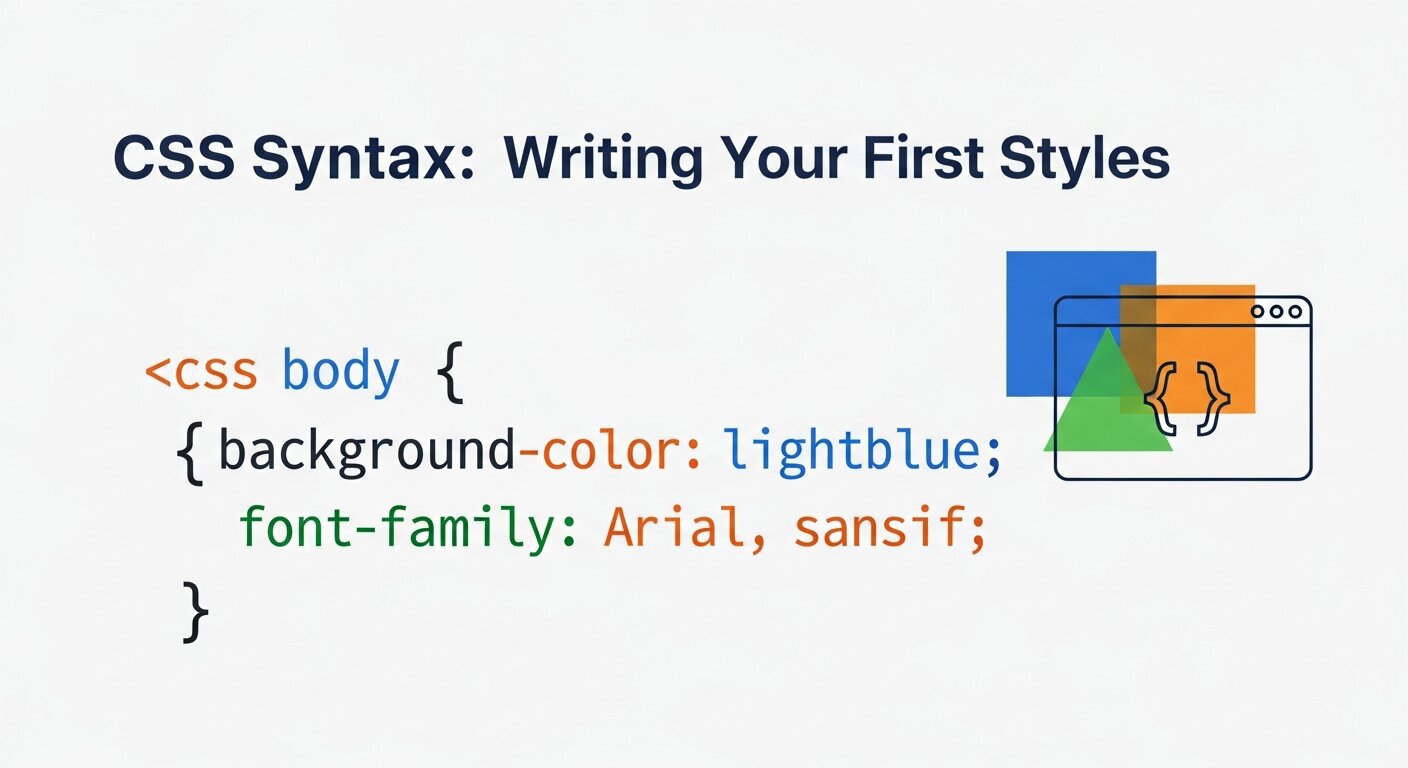
CSS follows a simple syntax pattern called a rule set:
selector {
  property: value;
  property: value;
}
Each rule set consists of:
- A selector that targets HTML elements
- Curly braces that contain the style declarations
- Property-value pairs separated by semicolons
CSS Comments
You can add comments to your CSS code using /* */:
/* This is a comment */
h1 {
  color: blue; /* This sets the heading color to blue */
}
Comments help you document your code and make it easier to maintain.
Adding CSS to Your HTML
There are three ways to add CSS to your HTML documents:
1. Inline CSS
Inline CSS applies styles directly to individual HTML elements using the style attribute:
<p style="color: red; font-size: 18px;">This paragraph is red and larger.</p>
While inline CSS works, it’s generally not recommended for larger projects because it mixes content with presentation.
2. Internal CSS
Internal CSS is placed within <style> tags in the HTML document’s <head> section:
<head>
  <style>
    p {
      color: red;
      font-size: 18px;
    }
  </style>
</head>
This method is useful for single-page websites or when you need page-specific styles.
3. External CSS
External CSS is stored in a separate file .css files and linked to HTML documents:
<head>
  <link rel="stylesheet" href="styles.css">
</head>
This is the most common and recommended approach for web development projects because it keeps your HTML and CSS separate, making your code more organized and maintainable.
Essential CSS Properties Every Developer Should Know
Understanding key CSS properties will help you create effective web designs:
Typography Properties
font-family: Sets the font typefacefont-size: Controls text sizefont-weight: Makes text bold or lightline-height: Adjusts spacing between linestext-align: Aligns text left, center, or right
Color Properties
color: Sets text colorbackground-color: Sets background colorborder-color: Sets border-color
Layout Properties
widthandheight: Control element dimensionsmargin: Creates space outside elementspadding: Creates space inside elementsdisplay: Controls how elements are displayedposition: Controls element positioning
Box Model Properties
The CSS box model is crucial for understanding the layout. Every element is essentially a rectangular box with:
- Content: The actual content
- Padding: Space inside the element
- Border: A line around the element
- Margin: Space outside the element
CSS Selectors: Targeting Elements Precisely
Mastering CSS selectors is essential for effective web development. Here are the most important ones:
Basic Selectors
*Select all elementselementSelect all elements of that type.class: Selects elements with a specific class#idSelect the element with a specific ID
Combination Selectors
element elementSelect nested elementselement > element: Selects direct childrenelement + element: Selects adjacent siblingselement ~ element: Selects general siblings
Pseudo-classes
Pseudo-classes select elements based on their state:
:hover: When the mouse hovers over the element:active: When an element is clicked:focus: When an element has a focus:first-child: First child element:last-child: Last child element
Responsive Design with CSS
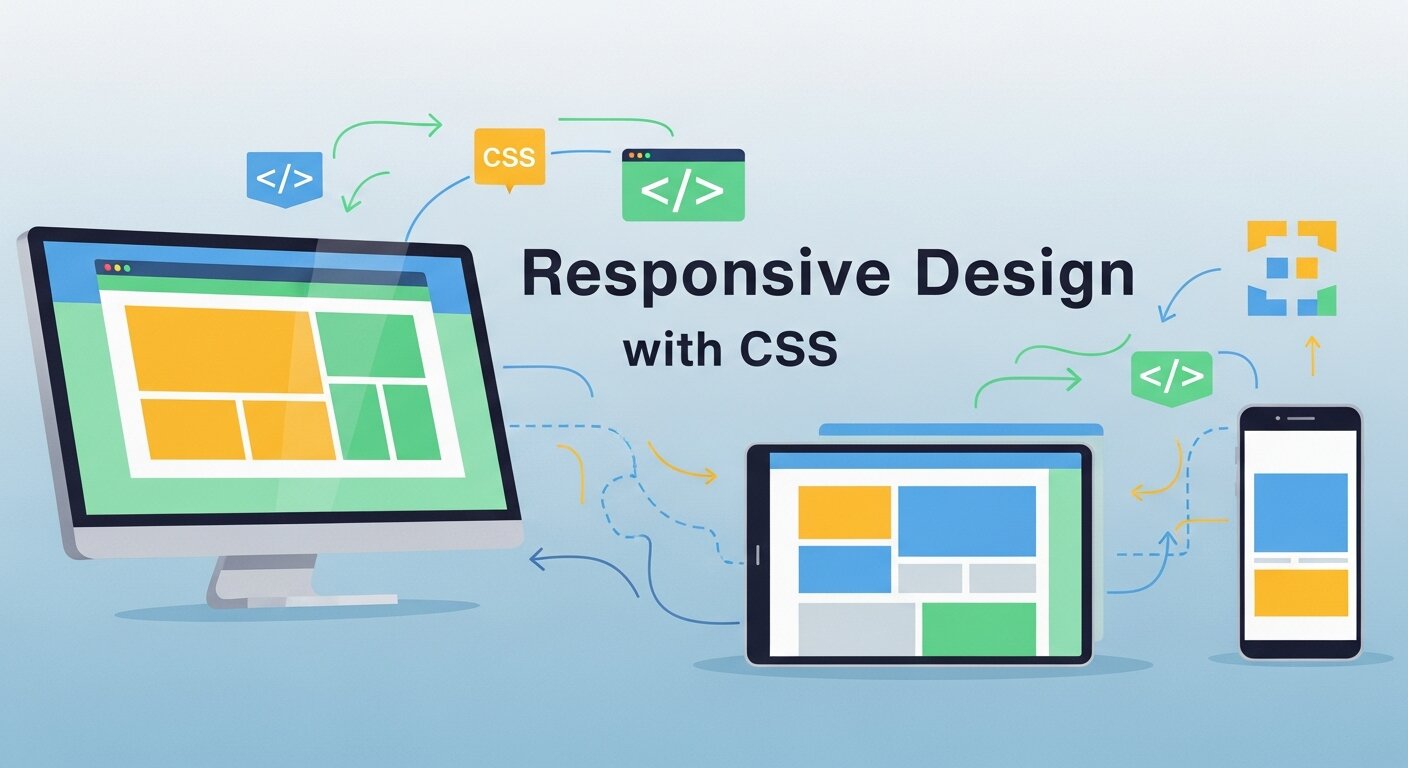
Modern web development requires websites that work on all devices. CSS provides tools for creating responsive designs:
Media Queries
Media queries allow you to apply different styles based on screen size:
@media (max-width: 768px) {
  body {
    font-size: 14px;
  }
}
Flexible Units
Use relative units instead of fixed pixels:
%: Percentage of parent elementem: Relative to the element’s font sizerem: Relative to root font sizevh/vw: Relative to viewport height/width
Flexbox and Grid
CSS Flexbox and Grid are powerful layout systems:
- Flexbox: Great for one-dimensional layouts
- Grid: Perfect for two-dimensional layouts
Common CSS Mistakes to Avoid
As you begin your CSS journey, watch out for these common pitfalls:
1. Overusing Inline Styles
Inline styles make your code harder to maintain and override your stylesheet rules.
2. Not Understanding Specificity
CSS specificity determines which styles apply when multiple rules target the same element. IDs are more specific than classes, which are more specific than elements.
3. Forgetting the Box Model
Not accounting for padding, borders, and margins can break your layouts.
4. Using Fixed Units Everywhere
Fixed pixel values don’t adapt to different screen sizes or user preferences.
5. Not Organizing Your Code
Unorganized CSS becomes difficult to maintain as projects grow.
CSS Frameworks and Preprocessors
As your web development skills grow, you’ll encounter tools that make CSS more powerful:
CSS Frameworks
Frameworks like Bootstrap, Tailwind CSS, and Bulma provide pre-written CSS components and utilities that speed up development.
CSS Preprocessors
Tools like Sass, Less, and Stylus add programming features to CSS, such as variables, functions, and nesting.
CSS-in-JS
Modern JavaScript frameworks often use CSS-in-JS solutions that allow you to write CSS directly in your JavaScript code.
Building Your CSS Skills
CSS mastery comes with practice and continuous learning:
Start with Simple Projects
Begin with basic HTML pages and gradually add CSS styling. Practice common layouts and design patterns.
Study Real Websites
Use browser developer tools to examine how professional websites implement their designs.
Follow CSS Resources
Stay updated with CSS specifications and best practices through resources like MDN Web Docs, CSS-Tricks, and web development blogs.
Practice Regularly
Consistent practice is key to becoming proficient in CSS. Try recreating designs you admire or building personal projects.
CSS in Modern Digital Products
CSS plays a critical role in shaping user interfaces for modern platforms and scalable systems. In today’s competitive tech landscape, strong styling skills are essential for building polished interfaces in Web Application Development. From dashboards and admin panels to customer-facing portals, CSS ensures consistent branding, usability, and responsiveness across devices. Developers use advanced layout systems like Flexbox and Grid to structure complex components efficiently. Well-written CSS also improves performance and accessibility, which are crucial for user retention. As applications become more interactive and design-focused, mastering CSS enables developers to bridge the gap between functionality and aesthetics, delivering seamless digital experiences that users trust and enjoy.
Standing Out in a Competitive Industry
Many beginners wonder whether entering tech is still worthwhile, especially with claims that Web Development Saturated the job market. While competition has increased, strong CSS skills remain a valuable differentiator. Companies seek developers who not only write functional code but also create visually refined, responsive, and user-friendly interfaces. A deep understanding of layout systems, animations, and design principles can set candidates apart from others who rely solely on frameworks. Clean, maintainable CSS demonstrates professionalism and attention to detail. Instead of focusing on market saturation, aspiring developers should concentrate on mastering fundamentals, building impressive projects, and developing a strong portfolio that showcases real design capability.
CSS in Product-Based and Service Businesses
In the growing digital economy, styling and interface quality directly influence customer perception and conversion rates. Companies offering SaaS Development Services depend heavily on well-structured CSS to create intuitive dashboards, onboarding flows, and responsive user experiences. Consistent design systems, reusable components, and scalable styling architecture are essential for maintaining large applications over time. CSS helps ensure that branding remains uniform across multiple pages and devices, strengthening trust and credibility. As subscription-based platforms evolve with new features, maintainable and modular styling becomes even more important. Skilled CSS developers contribute significantly to product success by enhancing usability, clarity, and overall user satisfaction.
Taking Your CSS Journey Forward
CSS is a powerful tool that transforms static HTML into engaging, interactive websites. While it might seem overwhelming at first, breaking it down into manageable concepts makes it approachable for beginners.
Start with the basics—selectors, properties, and values—then gradually explore more advanced features like Flexbox, Grid, and responsive design. Remember that becoming proficient in CSS takes time and practice, but the ability to bring your creative visions to life on the web makes the journey worthwhile.
Focus on understanding the fundamentals before moving to frameworks or advanced techniques. Build small projects, experiment with different properties, and don’t be afraid to make mistakes. Every professional web developer started exactly where you are now.
The web development landscape continues to evolve, and CSS remains at its core. By mastering CSS, you’re building a foundation that will serve you throughout your entire web development career.
FAQ
1. What does CSS stand for?
CSS stands for Cascading Style Sheets. It is a stylesheet language used to control the appearance and layout of HTML elements on a webpage.
2. Why is CSS important in web development?
CSS is important because it controls the visual presentation of a website, including colors, fonts, spacing, layouts, and responsiveness. Without CSS, websites would look plain and unstyled.
3. What is the difference between HTML and CSS?
HTML provides the structure and content of a webpage, while CSS controls how that content looks. HTML builds the foundation, and CSS designs it.
4. What are the three ways to add CSS to a webpage?
You can add CSS using inline styles (inside an HTML element), internal styles (inside a <style> tag in the <head>), or external styles (in a separate .css file linked to the HTML document). External CSS is the most recommended method.
5. What is the CSS box model?
The CSS box model describes how every HTML element is structured as a box consisting of content, padding, border, and margin. Understanding it is essential for proper layout design.
6. What is CSS specificity?
Specificity determines which CSS rule is applied when multiple rules target the same element. ID selectors have higher specificity than class selectors, and class selectors have higher specificity than element selectors.
7. What is responsive design in CSS?
Responsive design ensures that a website looks good on all devices, including desktops, tablets, and smartphones. It is achieved using media queries, flexible layouts, and relative units.
8. What are Flexbox and Grid in CSS?
Flexbox and Grid are layout systems in CSS. Flexbox is mainly used for one-dimensional layouts (row or column), while Grid is used for two-dimensional layouts (rows and columns together).
9. Are CSS frameworks necessary to learn CSS?
No, frameworks like Bootstrap or Tailwind CSS are not necessary for beginners. It’s important to first understand core CSS concepts before using frameworks.
10. How long does it take to learn CSS?
You can learn the basics of CSS in a few weeks with regular practice. Mastering advanced layouts and responsive design may take a few months of hands-on experience.