
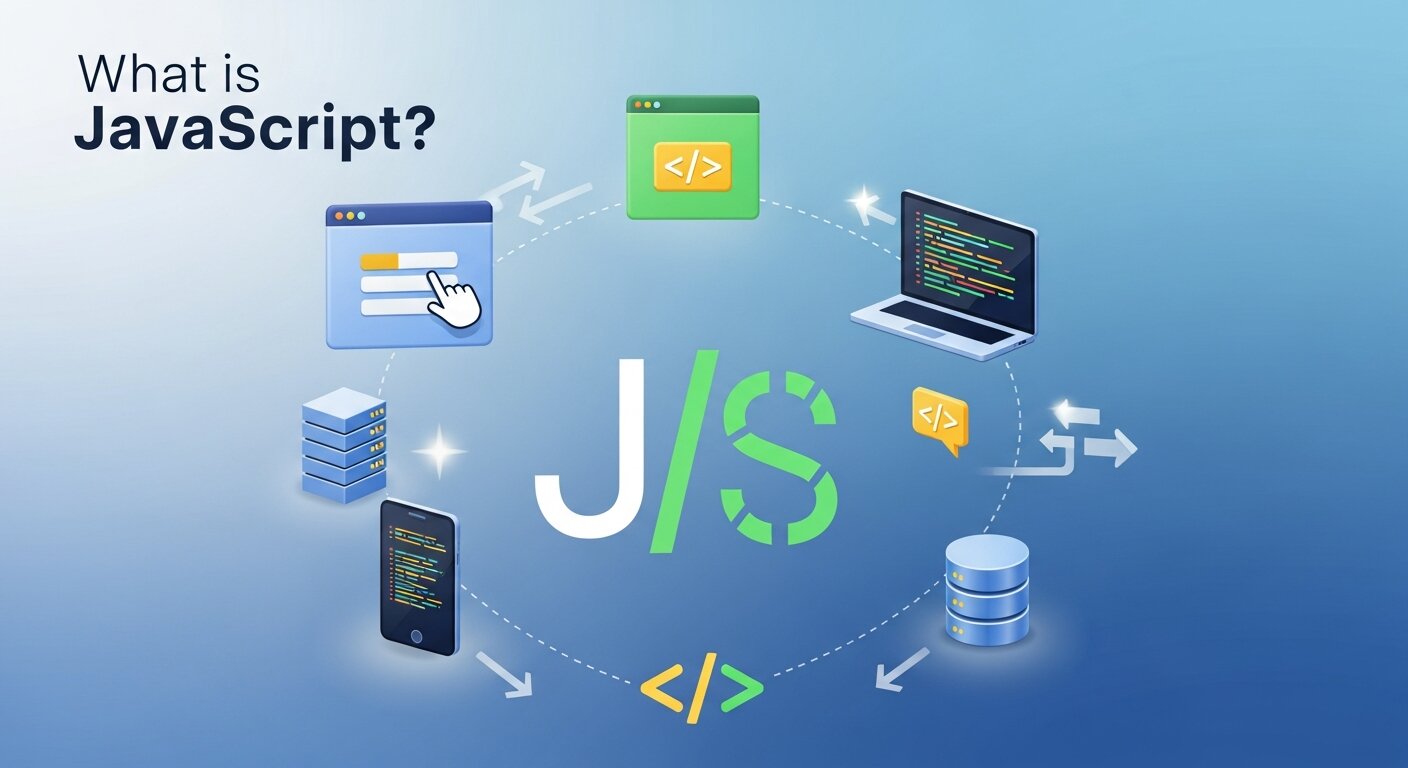
JavaScript powers nearly every website you visit. From the moment you click a button to the instant a page loads new content, JavaScript is working behind the scenes to make your web experience smooth and interactive.
But what exactly is JavaScript? How does it work, and why has it become such a fundamental part of web development? This guide will break down everything you need to know about JavaScript, from its basic concepts to its real-world applications.
Understanding JavaScript: The Basics
JavaScript is a programming language that brings websites to life. While HTML creates the structure of a webpage and CSS handles the styling, JavaScript adds the interactive elements that make modern websites engaging and functional.
Unlike many programming languages that require compilation before running, JavaScript is an interpreted language. This means it runs directly in your web browser without any additional setup or compilation steps.
How JavaScript Differs from Other Languages
JavaScript stands out from other programming languages in several key ways:
Client-side execution: JavaScript runs in the user’s browser, not on the server. This allows for immediate responses to user actions without waiting for server communication.
Dynamic typing: You don’t need to declare variable types in JavaScript. The language automatically determines whether a variable contains text, numbers, or other data types.
Event-driven programming: JavaScript responds to user interactions like clicks, form submissions, and mouse movements through event handlers.
Prototype-based: Instead of traditional class-based inheritance, JavaScript uses prototypes to create and extend objects.
The History and Evolution of JavaScript

JavaScript was created in 1995 by Brendan Eich at Netscape Communications. Despite its name, JavaScript has no direct relationship to the Java programming language. The naming choice was primarily a marketing decision during Java’s peak popularity.
The language has evolved significantly since its creation:
1995-1997: Initial development and standardization efforts began
1999: ECMAScript 3 introduced regular expressions and better error handling
2009: ECMAScript 5 added strict mode and new array methods
2015: ECMAScript 6 (ES6) brought major improvements, including arrow functions, classes, and modules
2016-Present: Annual releases continue to add new features and improvements
Core JavaScript Concepts
Variables and Data Types
JavaScript uses variables to store information. You can create variables using let, const, or var keywords:
let userName = "John";
const age = 25;
var isActive = true;
The language supports several data types:
- Strings: Text values like “Hello World.”
- Numbers: Both integers and decimals, like 42 or 3.14
- Booleans: True or false values
- Arrays: Lists of values like [1, 2, 3]
- Objects: Collections of key-value pairs
Functions
Functions are reusable blocks of code that perform specific tasks. They’re fundamental to JavaScript programming:
function greetUser(name) {
    return "Hello, " + name + "!";
}
Control Structures
JavaScript uses familiar programming constructs like loops and conditional statements:
if (age >= 18) {
    console.log("You can vote!");
} else {
    console.log("Too young to vote.");
}
Where JavaScript Runs
Web Browsers
JavaScript’s primary environment is the web browser. Every modern browser includes a JavaScript engine that executes code:
- Chrome: V8 engine
- Firefox: SpiderMonkey
- Safari: JavaScriptCore
- Edge: Chakra (legacy) or V8 (Chromium-based)
Server-Side with Node.js
Node.js allows JavaScript to run on servers, enabling full-stack JavaScript development. This means you can use the same language for both frontend and backend development.
Mobile Applications
Frameworks like React Native and Ionic allow developers to create mobile apps using JavaScript, sharing code between iOS and Android platforms.
JavaScript in Action: Common Use Cases
Interactive Web Elements
JavaScript powers the interactive elements you encounter daily:
- Form validation: Checking if email addresses are valid before submission
- Dynamic content: Loading new posts on social media feeds without page refreshes
- Image galleries: Creating slideshow effects and lightboxes
- Navigation menus: Dropdown menus and mobile hamburger menus
Web Applications
Modern web applications rely heavily on JavaScript:
- Gmail: Uses JavaScript for real-time email loading and composition
- Google Maps: Interactive mapping and location services
- Netflix: Video streaming controls and recommendation systems
- Online banking: Secure transaction processing and account management
Game Development
JavaScript can create browser-based games ranging from simple puzzles to complex multiplayer experiences. The HTML5 Canvas API and WebGL enable sophisticated graphics and animations.
JavaScript Frameworks and Libraries
The JavaScript ecosystem includes numerous frameworks and libraries that simplify development:
Frontend Frameworks
React: Developed by Facebook, React focuses on building user interfaces through reusable components.
Angular: A comprehensive framework by Google that provides a complete solution for building web applications.
Vue.js: Known for its gentle learning curve and progressive adoption approach.
Backend Frameworks
Express.js: A minimal web framework for Node.js applications.
Next.js: A React-based framework that enables server-side rendering and static site generation.
Getting Started with JavaScript

Setting Up Your Development Environment
You don’t need expensive software to start learning JavaScript. Here’s what you need:
- Text Editor: VS Code, Sublime Text, or even Notepad will work
- Web Browser: Any modern browser with developer tools
- Optional: Node.js for server-side development
Your First JavaScript Program
Create an HTML file and add this code:
<!DOCTYPE html>
<html>
<head>
    <title>My First JavaScript</title>
</head>
<body>
    <h1>Hello, JavaScript!</h1>
    <script>
        alert("Welcome to JavaScript!");
    </script>
</body>
</html>
Learning Resources
Online Courses: Platforms like Codecademy, freeCodeCamp, and MDN Web Docs offer comprehensive JavaScript tutorials.
Practice Platforms: Sites like LeetCode, HackerRank, and CodeWars provide coding challenges to strengthen your skills.
Books: The “You Don’t Know JS” series and “JavaScript: The Good Parts” are excellent resources for deeper understanding.
JavaScript Best Practices
Code Organization
Keep your code organized with proper naming conventions and structure:
// Use descriptive variable names
const userAccountBalance = 1000;

// Group related functions together
const userActions = {
    login: function() { /* login logic */ },
    logout: function() { /* logout logic */ }
};
Performance Considerations
- Minimize DOM manipulation: Batch updates to reduce browser reflows
- Use event delegation: Handle events efficiently for dynamic content
- Optimize loops: Choose the right loop type for your specific use case
- Cache frequently accessed elements: Store DOM references in variables
Security Awareness
JavaScript security is crucial for protecting users and applications:
- Validate user input: Never trust data from external sources
- Use HTTPS: Ensure secure data transmission
- Implement Content Security Policy: Prevent cross-site scripting attacks
- Keep dependencies updated: Regularly update libraries and frameworks
The Future of JavaScript
JavaScript continues to evolve with new features and capabilities:
Emerging Technologies
WebAssembly: Enables near-native performance for web applications by running compiled code alongside JavaScript.
Progressive Web Apps: JavaScript-powered applications that work offline and provide app-like experiences.
Machine Learning: Libraries like TensorFlow.js bring AI capabilities to browsers and Node.js applications.
Language Evolution
The ECMAScript committee continues to add new features annually, making JavaScript more powerful and developer-friendly. Recent additions include optional chaining, nullish coalescing, and top-level await.
Modern Cloud Architecture with JavaScript
Cloud computing has significantly changed how JavaScript applications are built and deployed. Developers now rely on scalable infrastructure that reduces the need for manual server management and complex configurations. This shift has accelerated the adoption of Serverless Web Development, where backend logic runs through managed cloud functions instead of traditional servers. It allows applications to automatically scale based on user demand while keeping operational costs lower. JavaScript integrates smoothly with cloud databases, authentication services, and API gateways, enabling faster deployment cycles. This architecture is especially beneficial for startups and fast-growing platforms that need flexibility, reliability, and minimal infrastructure maintenance while focusing primarily on product innovation and user experience.
Intelligent User Experiences
Web applications are becoming smarter and more adaptive thanks to AI in Web Development. JavaScript now works seamlessly with machine learning libraries and AI-powered APIs to create personalized experiences. Developers can implement intelligent chatbots, predictive search suggestions, recommendation systems, and automated content generation directly within web applications. These AI-driven features analyze user behavior to improve engagement and satisfaction. Real-time language translation, facial recognition, and sentiment analysis are also becoming more accessible through browser-based technologies. As artificial intelligence continues to evolve, integrating it into JavaScript applications allows businesses to deliver dynamic and responsive digital experiences that feel intuitive and tailored to individual users.
Inclusive and Accessible Design
Building inclusive digital products requires a strong commitment to accessibility standards and usability principles. Ensuring Web Accessibility means designing JavaScript-driven interfaces that can be used by people with disabilities, including those who rely on screen readers, keyboard navigation, or assistive technologies. Developers must use semantic HTML, proper ARIA attributes, and accessible event handling to make interactive components functional for all users. Accessibility also enhances overall usability, benefiting users on slow networks or mobile devices. Beyond compliance with legal requirements, accessible design demonstrates social responsibility and expands audience reach. When accessibility is prioritized from the beginning, applications become more inclusive, user-friendly, and sustainable.
API-Driven Development
Modern JavaScript applications increasingly rely on APIs to connect services, retrieve data, and integrate third-party tools. API-driven development separates frontend and backend systems, allowing teams to work independently and deploy updates faster. JavaScript frameworks efficiently fetch and display data from RESTful or GraphQL APIs, enabling dynamic and responsive user interfaces. This approach also simplifies integration with payment systems, authentication providers, and external analytics platforms. By structuring applications around reusable APIs, developers improve scalability and maintainability. As microservices architecture becomes more common, API-driven design ensures that JavaScript applications remain modular, flexible, and adaptable to evolving business and technical requirements.
Real-Time Application Development
Real-time functionality has become a key expectation in modern web platforms. JavaScript enables instant data updates using technologies like WebSockets and real-time databases. Applications such as chat platforms, live collaboration tools, stock dashboards, and multiplayer games rely heavily on immediate data synchronization. Instead of refreshing pages, users receive updates automatically, creating smoother and more engaging experiences. JavaScript frameworks and backend services work together to maintain persistent connections between client and server. Real-time architecture enhances interactivity and productivity, particularly for remote teams and online communities. As digital communication continues to grow, real-time capabilities remain essential for delivering responsive and interactive web applications.
Cross-Platform Application Development
JavaScript has evolved beyond traditional websites and now powers applications across multiple platforms. Developers can build web, mobile, and desktop applications using shared codebases and frameworks. Technologies like React Native, Electron, and hybrid mobile frameworks allow teams to maintain consistency across devices while reducing development time. This cross-platform capability improves efficiency and lowers costs for businesses targeting diverse audiences. JavaScript’s flexibility ensures that applications function smoothly across operating systems and screen sizes. By leveraging unified development approaches, organizations can launch products faster and maintain them more easily, ensuring consistent performance and user experience across modern digital ecosystems.
Taking Your Next Steps with JavaScript
JavaScript opens doors to countless opportunities in web development, mobile applications, and even desktop software. The language’s versatility and extensive ecosystem make it an excellent choice for both beginners and experienced developers.
Start with the basics: variables, functions, and control structures. Practice regularly by building small projects like calculators, to-do lists, or simple games. As you become more comfortable, explore frameworks and libraries that align with your interests.
Remember that mastering JavaScript is a journey, not a destination. The language and its ecosystem constantly evolve, providing endless opportunities for learning and growth. Whether you’re building your first website or developing complex applications, JavaScript provides the tools and flexibility to bring your ideas to life.
FAQ
1. What is JavaScript mainly used for?
JavaScript is mainly used to create interactive and dynamic features on websites. It handles things like button clicks, form validation, animations, dynamic content loading, and even full web applications.
2. Is JavaScript the same as Java?
No. Despite the similar name, JavaScript and Java are completely different programming languages. They have different syntax, use cases, and development environments.
3. Do I need to learn HTML and CSS before JavaScript?
Yes, it’s highly recommended. HTML provides structure, CSS handles styling, and JavaScript adds interactivity. Understanding HTML and CSS first makes learning JavaScript much easier.
4. Can JavaScript be used for backend development?
Yes. With Node.js, JavaScript can run on servers, allowing developers to build backend applications, APIs, and full-stack systems using the same language.
5. Is JavaScript good for beginners?
Yes. JavaScript is beginner-friendly and has a massive amount of learning resources. However, some concepts like asynchronous programming may take time to fully understand.
6. What are JavaScript frameworks?
Frameworks and libraries like React, Angular, and Vue help developers build applications faster by providing pre-written code and structured development patterns.
7. Do all browsers support JavaScript?
Yes. All modern web browsers have built-in JavaScript engines that execute JavaScript code without requiring additional installation.
8. How long does it take to learn JavaScript?
You can learn the basics in a few weeks with consistent practice. Becoming job-ready typically takes several months of hands-on project building and a deeper understanding.
9. What is ECMAScript?
ECMAScript is the standardized specification that JavaScript follows. New JavaScript features are added through updated ECMAScript versions.
10. Is JavaScript secure?
JavaScript itself is not insecure, but improper coding practices can create vulnerabilities. Following security best practices—like validating user input and using HTTPS—helps keep applications safe.





[…] can learn more about JavaScript in web development and […]