
React has become one of the most popular tools in web development. Whether you’re starting your coding journey or considering a career change, understanding React can open doors to exciting opportunities in the tech industry.
This comprehensive guide will explain what React is, why it’s so popular, and how you can start using it. By the end, you’ll have a clear understanding of this powerful JavaScript library and whether it’s the right fit for your web development goals.
What is React?
React is a JavaScript library created by Facebook (now Meta) in 2013. It’s designed to build user interfaces, particularly for web applications. Think of React as a toolkit that helps developers create interactive websites and web apps more efficiently.
Unlike full frameworks, React focuses specifically on the “view” layer of applications—the part users see and interact with. It’s component-based, meaning you build your application by creating reusable pieces of code called components.
Here’s a simple analogy: If building a website were like constructing a house, React would be like having pre-made, customizable room modules. Instead of building each room from scratch, you can use these modules and arrange them to create your perfect home.
Why React Became So Popular
React’s popularity in web development isn’t accidental. Several key factors have contributed to its widespread adoption:
Component-Based Architecture
React breaks down complex user interfaces into smaller, manageable pieces called components. Each component is self-contained and can be reused throughout your application. This approach makes code easier to maintain and debug.
For example, if you’re building an e-commerce site, you might create a “Product Card” component that displays product information. You can then use this same component throughout your site—on category pages, search results, and recommendation sections.
Virtual DOM
React uses something called a Virtual DOM (Document Object Model). The DOM represents the structure of your web page, and updating it can be slow. React’s Virtual DOM creates a lightweight copy in memory, figures out what changes need to be made, and then updates only those specific parts of the actual DOM.
This process, called “reconciliation,” makes React applications faster and more responsive than traditional approaches.
Strong Community Support
React has one of the largest and most active communities in web development. This means:
- Extensive documentation and tutorials
- Thousands of third-party libraries and tools
- Active forums where developers help each other
- Regular updates and improvements
Backed by Meta
Having Meta (formerly Facebook) behind React provides stability and confidence. The company uses React for many of its own products, including Facebook, Instagram, and WhatsApp, ensuring continued development and support.
How React Works
Understanding how React works will help you appreciate its power and flexibility.
JSX Syntax
React uses JSX (JavaScript XML), which lets you write HTML-like code within JavaScript. This might look strange at first, but it makes creating user interfaces more intuitive.
Here’s what JSX looks like:
function Welcome(props) {
  return <h1>Hello, {props.name}!</h1>;
}
This code creates a component that displays a personalized greeting. The HTML-like syntax is JSX, and the curly braces {} let you include JavaScript expressions.
State Management
React components can have “state”—data that can change over time. When state changes, React automatically updates the user interface to reflect those changes.
Think of the state as the current condition of your application. For example, a shopping cart’s state might include the items currently in it, the total price, and whether the cart is visible or hidden.
Props
Props (short for properties) are how components communicate with each other. They’re like parameters you pass to a function. A parent component can pass data to a child component through props.
This system creates a clear flow of data through your application, making it easier to understand and debug.
React vs Other Web Development Tools
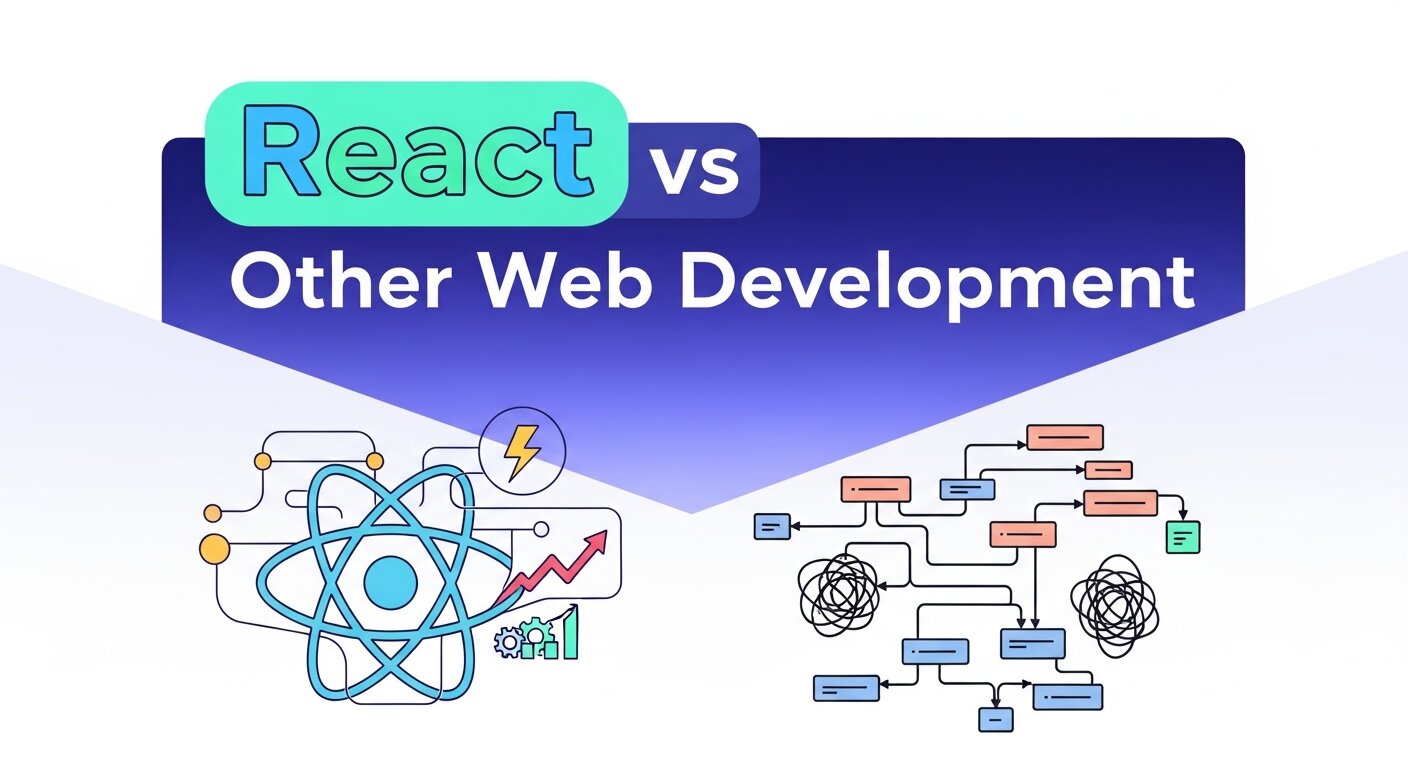
To better understand React’s place in web development, let’s compare it with other popular options:
React vs Angular
Angular is a full framework, while React is a library. Angular provides more built-in features but has a steeper learning curve. React is more flexible and easier to learn, but you might need additional libraries for a complete solution.
React vs Vue.js
Vue.js is another popular JavaScript framework. It’s known for being beginner-friendly and having a gentler learning curve than React. However, React has a larger ecosystem and job market presence.
React vs Vanilla JavaScript
Vanilla JavaScript is plain JavaScript without any frameworks or libraries. While you can build anything with vanilla JavaScript, React makes complex applications much easier to manage and maintain.
Getting Started with React
Ready to dive into React? Here’s how to begin your journey:
Prerequisites
Before learning React, you should have a solid foundation in:
- HTML and CSS
- JavaScript fundamentals (variables, functions, arrays, objects)
- ES6+ JavaScript features (arrow functions, destructuring, modules)
Setting Up Your Development Environment
The easiest way to start with React is using Create React App, a tool that sets up a new React project with all the necessary configuration:
npx create-react-app my-app
cd my-app
npm start
This creates a new React application and starts a development server. You can then open your browser and start building.
Learning Resources
The React community offers excellent learning resources:
- Official React Documentation: Comprehensive and well-written
- React Tutorial: Step-by-step guide from the React team
- Online Courses: Platforms like Codecademy, Udemy, and freeCodeCamp
- YouTube Channels: Many developers share React tutorials and tips
Common React Concepts to Master
As you learn React, focus on these fundamental concepts:
Functional vs Class Components
React components can be written as functions or classes. Modern React development favors functional components with hooks, which are simpler and more efficient.
Hooks
Hooks are special functions that let you use state and other React features in functional components. The most common hooks are:
useState: Manages component stateuseEffect: Handles side effects like API callsuseContext: Shares data between components
Event Handling
React handles user interactions through events. You can respond to clicks, form submissions, and other user actions by creating event handler functions.
Conditional Rendering
React lets you show different content based on conditions. This is crucial for creating dynamic user interfaces that respond to user actions and data changes.
Optimizing Web Applications for Performance

Modern web development requires fast, responsive applications to retain users and improve conversions. Developers focus on optimizing code, minimizing load times, and efficiently managing resources. Techniques like lazy loading, caching, and code splitting help deliver smoother experiences, while serverless architecture can reduce infrastructure overhead and scale dynamically with traffic. Using lightweight frameworks and optimizing images and assets also enhances performance. Additionally, monitoring tools allow teams to track bottlenecks and improve application responsiveness. Incorporating AI in web development can further optimize user experiences by predicting behaviors and dynamically adjusting content. A well-optimized application improves engagement, reduces bounce rates, and ensures that development efforts translate into measurable business results.
Building Scalable SaaS Platforms

Creating a scalable SaaS platform requires careful planning of architecture, backend services, and user management. Developers focus on building modular code, reusable components, and secure databases that can handle growth without performance degradation. Integration with third-party APIs, monitoring tools, and automated deployment pipelines ensures smooth operations as the user base expands. SaaS development services often emphasize multi-tenant design, subscription management, and analytics dashboards to support business goals. Security, compliance, and data privacy remain critical, especially for platforms handling sensitive user information. Proper planning and the use of modern technologies enable platforms to scale efficiently, maintain reliability, and deliver high-quality experiences even as customer demand increases exponentially over time.
Cost Considerations for Digital Marketing Tools

Budgeting for digital marketing requires careful evaluation of subscription fees, additional features, and operational costs. Platforms often charge based on usage, audience size, or advanced capabilities, and hidden expenses like design, content creation, and integration can significantly increase costs. Email marketing costs, for instance, vary depending on subscriber count, campaign frequency, and automation features. Businesses also need to consider tools for analytics, deliverability, and workflow integration to maximize ROI. Planning campaigns with efficiency in mind—choosing only necessary features, optimizing content, and implementing automation—can reduce expenses while improving performance. Understanding both visible and hidden costs allows marketers to allocate resources strategically and achieve measurable results within budget constraints.
Building Your First React Application
Start with a simple project to practice React concepts. Here are some beginner-friendly project ideas:
To-Do List
Create a simple task management app where users can add, complete, and delete tasks. This project covers state management, event handling, and conditional rendering.
Weather App
Build an app that displays weather information for different cities. This introduces API calls and data fetching—essential skills for modern web development.
Personal Portfolio
Create a portfolio website to showcase your projects. This helps you practice component composition and responsive design with React.
React in the Job Market
React skills are highly valued in the web development job market. Many companies use React for their web applications, creating a strong demand for React developers.
Career Opportunities
React knowledge opens doors to various roles:
- Frontend Developer
- Full-Stack Developer
- React Developer (specialized role)
- Web Developer
- Software Engineer
Salary Expectations
React developers typically earn competitive salaries. According to various salary surveys, React developers can expect higher-than-average compensation in the tech industry.
Building a Portfolio
As you learn React, build projects that demonstrate your skills. A strong portfolio with React projects can significantly improve your job prospects.
The Future of React
React continues to evolve with regular updates and new features. The React team focuses on improving performance, and developer experience, and adding new capabilities.
Recent developments include:
- React 18: Introduced concurrent features for better performance
- React Server Components: Enable server-side rendering improvements
- Improved Developer Tools: Better debugging and development experience
Your Next Steps in Web Development
React is a powerful tool that can accelerate your web development journey. Start with the basics, build projects, and gradually tackle more complex concepts. The React community is welcoming and supportive, making it an excellent choice for developers at any level.
Consider joining React communities, attending meetups, and contributing to open-source projects. The skills you develop with React will serve you well throughout your web development career.
Remember, learning React is a journey, not a destination. Start building, keep practicing, and don’t be afraid to make mistakes—they’re part of the learning process.
Frequently Asked Questions (FAQ)
1. What is React and why is it important?
React is a JavaScript library for building user interfaces, created by Meta. It simplifies development through reusable components, efficient rendering via the Virtual DOM, and strong community support. React is widely adopted in web development because it accelerates building interactive, scalable applications while maintaining maintainable and modular code.
2. Do I need prior experience to learn React?
Yes, having a solid understanding of HTML, CSS, and JavaScript fundamentals is essential. Familiarity with ES6+ features like arrow functions, destructuring, and modules will make learning React smoother. A foundation in these concepts helps you understand JSX, state, props, and component lifecycle effectively.
3. What are the key concepts to master in React?
Important concepts include components (functional and class), JSX syntax, state and props, hooks (useState, useEffect, useContext), event handling, and conditional rendering. Understanding these basics ensures you can build interactive, maintainable applications and utilize React’s full potential in real-world projects.
4. How does React compare to other frameworks?
React is a library focusing on the view layer, unlike full frameworks like Angular, which provide more built-in features. Compared to Vue.js, React has a larger ecosystem and job market presence. While Vanilla JavaScript can handle similar tasks, React makes building complex applications faster, more maintainable, and scalable.
5. How do I start building applications with React?
Set up your development environment using Create React App. Practice by building simple projects like a to-do list, a weather app, or personal portfolio. Gradually incorporate JSX, components, state, props, and hooks while exploring external libraries and API integrations. Building projects reinforces learning and strengthens your portfolio.
6. Are React skills valuable in the job market?
Absolutely. React is highly demanded by employers, especially for frontend and full-stack roles. Specialized React developer positions are common, and salaries are competitive. A strong portfolio demonstrating React projects increases employability and showcases practical expertise to potential employers.
7. What resources help me learn React effectively?
Use the official React documentation, online tutorials, video courses from platforms like Udemy or freeCodeCamp, and developer communities. Contributing to open-source projects or joining React meetups accelerates learning through real-world experience and networking with other developers.
8. What is the future of React development?
React continues evolving with new features and performance improvements, such as concurrent rendering in React 18, server components, and enhanced developer tools. Staying updated ensures you leverage the latest optimizations, maintain modern practices, and remain competitive as a React developer.





[…] If you want a basic explanation of React before exploring larger framework ecosystems, check the site’s React beginner’s guide. […]
[…] with directly. Modern web applications commonly use JavaScript frameworks like React, which this beginner’s guide to React introduces clearly for developers new to component-based frontend development. Understanding the […]