This beginner-friendly guide explains web page development using HTML, CSS, and JavaScript. It covers essential tools, accessibility, performance, SEO, testing, and hosting, helping new developers build responsive, user-friendly websites with confidence and prepare for advanced web development skills.
Creating your first web page might seem overwhelming, but it’s more accessible than you think. With the right foundation and a step-by-step approach, anyone can learn the fundamentals of web development and build functional, attractive websites.
This guide walks you through everything you need to know about web page development, from understanding the basic technologies to launching your finished site. You’ll discover the essential tools, learn core coding concepts, and get practical tips to avoid common pitfalls that trip up new developers.
Whether you’re building a personal portfolio, starting a business website, or exploring a potential career change, mastering these web development basics will give you the confidence to bring your ideas to life online.
Understanding Web Development Fundamentals
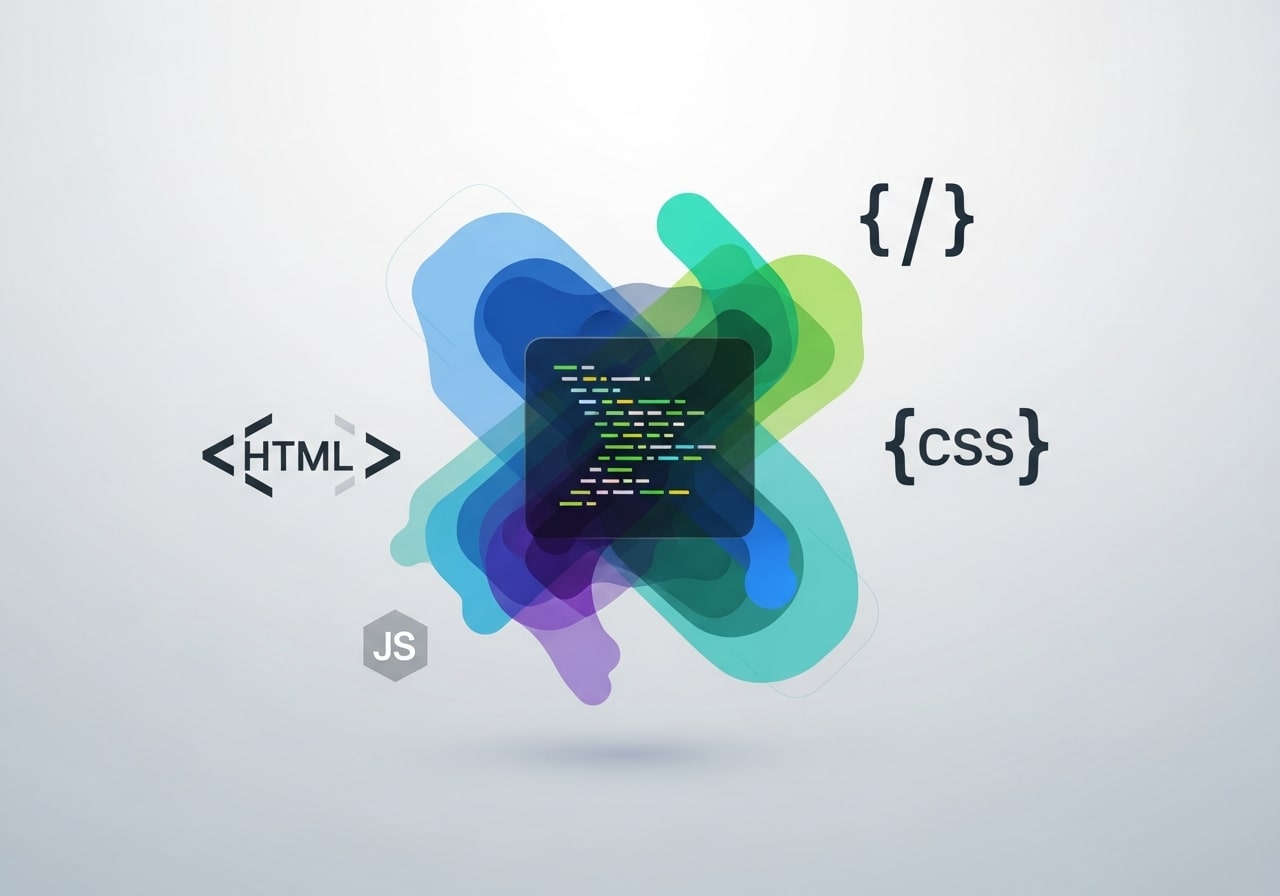
Web development involves creating and maintaining websites using various programming languages, frameworks, and tools. At its core, every web page relies on three foundational technologies that work together seamlessly.
HTML (HyperText Markup Language) provides the structure and content of your web page. Think of it as the skeleton that holds everything together. CSS (Cascading Style Sheets) handles the visual presentation, controlling colors, fonts, layouts, and animations. JavaScript adds interactivity and dynamic functionality, allowing users to click buttons, submit forms, and see real-time updates.
Understanding how these technologies complement each other is crucial for effective web development. HTML creates the foundation, CSS makes it look appealing, and JavaScript brings it to life with interactive features.
Understanding Web Accessibility Basics
Web accessibility ensures that your website can be used by everyone, including people with disabilities. This includes users who rely on screen readers, keyboard navigation, or other assistive technologies. By following accessibility best practices, you not only create a more inclusive web experience but also improve usability for all users. Simple steps such as using semantic HTML tags, adding alt text to images, maintaining proper color contrast, and ensuring keyboard navigation can make a significant difference. Accessibility also has SEO benefits, as search engines favor well-structured, user-friendly websites.
Setting Up Your Development Environment
Before you start coding, you need the right tools for web development success. Your development environment includes a text editor, web browser, and various helpful extensions or plugins.
Choose a code editor that supports syntax highlighting and auto-completion. Popular free options include Visual Studio Code, Atom, and Sublime Text. These editors make coding easier by color-coding different elements and suggesting code completions as you type.
Install multiple web browsers for testing your web pages. Chrome, Firefox, Safari, and Edge each render websites slightly differently, so testing across browsers ensures your site works for all visitors. Most browsers include developer tools that help you debug code and inspect page elements.
Consider using a local development server like XAMPP or MAMP if you plan to work with server-side languages later. These tools let you test dynamic websites on your computer before uploading them to the internet.
Learning HTML: Building Your Page Structure
HTML uses tags to define different elements on your web page. Tags are keywords surrounded by angle brackets, like <h1> for headings or <p> for paragraphs. Most tags come in pairs with an opening tag and a closing tag that contains a forward slash.
Start with the basic HTML document structure. Every web page begins with <!DOCTYPE html> to specify the HTML version, followed by <html>, <head>, and <body> tags. The head section contains metadata and links to external files, while the body holds your visible content.
Practice creating different content types using semantic HTML tags. Use <header>, <nav>, <main>, <section>, and <footer> to organize your page logically. These semantic elements help search engines understand your content and make your site more accessible to users with disabilities.
Learn to work with images using the <img> tag, create links with <a> tags, and build lists with <ul> <ol> elements. Master these fundamental tags before moving on to more complex HTML features.
Styling with CSS: Making Your Page Look Great
CSS transforms plain HTML into visually appealing web pages. You can add CSS in three ways: inline styles directly in HTML tags, internal styles within <style> tags in your document head, or external stylesheets linked to your HTML file.
External stylesheets offer the best approach for web development because they keep your HTML clean and allow you to reuse styles across multiple pages. Create a separate .css file and link it to your HTML using the <link> tag in your document head.
Start with basic CSS properties like color, font-size, background-color, and margin. Learn how CSS selectors work to target specific HTML elements. You can select elements by tag name, class attribute, or ID attribute using different selector syntax.
Explore CSS layout techniques like Flexbox and CSS Grid to create responsive designs that work on different screen sizes. These modern layout methods make it easier to create professional-looking web pages without complex workarounds.
Improving Website Performance and Loading Speed

Website performance plays a crucial role in user experience and search engine rankings. Slow-loading pages can frustrate visitors and increase bounce rates. Basic performance optimization techniques include minimizing image sizes, reducing unnecessary CSS and JavaScript files, and using efficient coding practices. Caching, compression, and proper file organization also help pages load faster. Even simple optimizations can dramatically improve how quickly your site responds, especially on mobile devices or slower networks.
Understanding Basic SEO for Web Pages
Search Engine Optimization (SEO) helps your website appear in search engine results, making it easier for people to find your content. Basic SEO starts with clean HTML structure, proper heading hierarchy, descriptive page titles, and meaningful meta descriptions. Using semantic tags, optimizing images, and writing clear, relevant content all contribute to better search visibility. While advanced SEO involves many strategies, mastering the basics early ensures your websites are both user-friendly and search-engine friendly from the start.
Adding Interactivity with JavaScript
JavaScript brings dynamic functionality to your web development projects. Unlike HTML and CSS, JavaScript is a full programming language that can perform calculations, respond to user actions, and modify page content in real-time.
Begin with basic JavaScript concepts like variables, functions, and event listeners. Variables store data that your scripts can use and modify. Functions group related code together and can be called when needed. Event listeners respond to user actions like clicks, form submissions, or page loads.
Practice manipulating HTML elements using JavaScript’s Document Object Model (DOM) methods. You can change text content, modify CSS styles, add new elements, or remove existing ones based on user interactions or other conditions.
Start small with simple interactive features like showing and hiding content, validating form inputs, or creating image sliders. These projects help you understand JavaScript fundamentals while building practical skills for web development.
Testing and Debugging Your Web Page
Testing is a critical part of web development that ensures your site works correctly across different browsers and devices. Start by validating your HTML and CSS using online validators that check for syntax errors and compliance with web standards.
Use browser developer tools to inspect your code, test changes in real-time, and identify issues. The Elements panel shows your HTML structure and applied CSS styles, while the Console displays JavaScript errors and allows you to test code snippets.
Test your web page on different screen sizes using your browser’s responsive design mode. Mobile devices account for over half of web traffic, so ensuring your site works well on smartphones and tablets is essential for user experience.
Consider using automated testing tools as your web development skills advance. These tools can check for broken links, accessibility issues, and performance problems that might affect your site’s success.
Launching Your Web Page Online
Once your web page is complete and thoroughly tested, you’re ready to make it available on the internet. This process involves choosing a web hosting provider and uploading your files to their servers.
Research different hosting options based on your needs and budget. Shared hosting works well for simple websites and costs less, while dedicated servers offer more control and resources for complex applications. Many providers offer one-click installations for popular content management systems if you decide to expand beyond basic HTML later.
Register a domain name that reflects your brand or purpose. Choose something memorable and easy to spell, avoiding hyphens or numbers when possible. Most hosting providers also offer domain registration services for convenience.
Upload your files using FTP (File Transfer Protocol) software or your hosting provider’s file manager. Maintain the same folder structure you used during development, and ensure your main page is named index.html So it loads automatically when visitors access your domain.
Next Steps in Your Web Development Journey
Learning web development is an ongoing process that extends far beyond creating your first page. As you become comfortable with HTML, CSS, and JavaScript basics, you can explore advanced topics like responsive frameworks, version control systems, and modern development workflows.
Consider learning a CSS framework like Bootstrap or Tailwind CSS to speed up your styling process. These frameworks provide pre-built components and utilities that help you create professional designs more efficiently.
Explore JavaScript frameworks and libraries like React, Vue.js, or Angular as your skills develop. These tools enable you to build complex, interactive web applications that go beyond simple static pages.
Practice regularly by building different types of projects. Create a personal portfolio to showcase your work, build a business website for a local organization, or recreate existing websites to challenge yourself with new layouts and features.
FAQ: Web Page Development for Beginners
1. Do I need prior programming experience to start web development?
No prior programming experience is required. Web development is beginner-friendly, and many people start with no technical background. Learning HTML, CSS, and JavaScript step by step is enough to build functional and visually appealing web pages.
2. What is the difference between HTML, CSS, and JavaScript?
HTML creates the structure and content of a web page, CSS controls its design and layout, and JavaScript adds interactivity and dynamic behavior. Together, these three technologies form the foundation of modern web development.
3. Which code editor is best for beginners?
Visual Studio Code is highly recommended for beginners because it is free, easy to use, and supports helpful features like syntax highlighting, auto-completion, and extensions that simplify coding.
4. Can I build a website using only HTML and CSS?
Yes, you can build a fully functional static website using only HTML and CSS. However, JavaScript is needed if you want interactive features such as forms, animations, or dynamic content updates.
5. How long does it take to learn basic web development?
Learning the basics of HTML and CSS can take a few weeks with regular practice. Adding JavaScript fundamentals may take a few additional weeks. Progress depends on consistency, practice, and project-based learning.
6. Why is responsive design important?
Responsive design ensures that your website works properly on all devices, including desktops, tablets, and smartphones. Since a large portion of users browse on mobile devices, responsive design improves usability and user experience.
7. How do I test my website before publishing it?
You can test your website using browser developer tools, HTML and CSS validators, and by viewing it on different browsers and screen sizes. This helps identify layout issues, broken elements, and coding errors.
8. Do I need hosting to create a web page?
No, hosting is not required to create a web page. You can build and test your site locally on your computer. Hosting is only needed when you want to publish your website online for others to access.
9. What is the easiest way to publish a website online?
Using shared hosting or platforms like GitHub Pages is one of the easiest ways to publish a website. These options are beginner-friendly, affordable, and well-documented.
10. What should I learn after mastering basic web development?
After learning HTML, CSS, and JavaScript, you can explore CSS frameworks, JavaScript libraries, version control with Git, and modern frameworks like React or Vue to build more advanced web applications.