This guide compares mobile and web application development, explaining differences in performance, cost, security, scalability, user experience, and future trends to help businesses choose the right development approach based on goals, audience needs, resources, and long-term digital growth strategy.
The digital landscape offers businesses multiple pathways to reach their customers, with mobile and web application development standing as two of the most prominent options. Each approach brings distinct advantages, challenges, and considerations that can significantly impact your project’s success.
Understanding the fundamental differences between these development approaches helps you make informed decisions about your next digital project. Whether you’re a startup launching your first product or an established business expanding your digital presence, choosing the right development path affects everything from user experience to long-term maintenance costs.
This comprehensive guide explores the key differences between mobile and web application development, helping you determine which approach aligns best with your business goals, target audience, and available resources.
Understanding Mobile Application Development
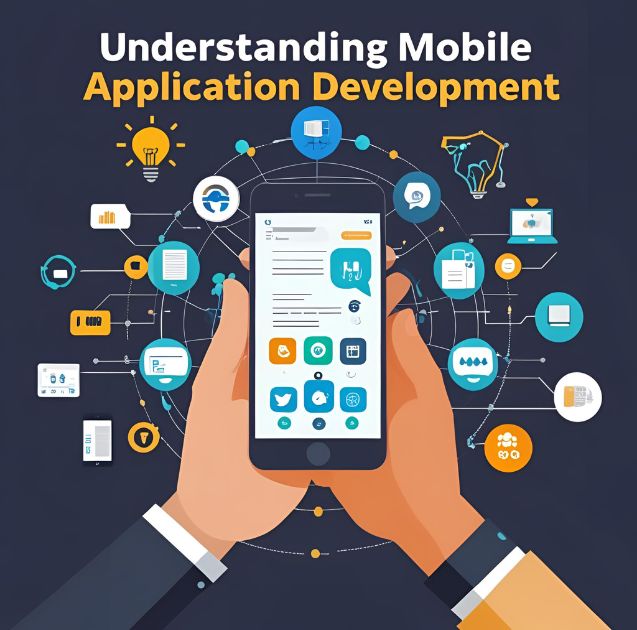
Mobile application development focuses on creating software specifically designed for mobile devices like smartphones and tablets. These applications are typically downloaded from app stores and installed directly on the user’s device.
Native Mobile Development
Native mobile apps are built using platform-specific programming languages and tools. iOS apps use Swift or Objective-C, while Android apps rely on Java or Kotlin. This approach provides the best performance and full access to device features like cameras, GPS, and push notifications.
Cross-Platform Mobile Development
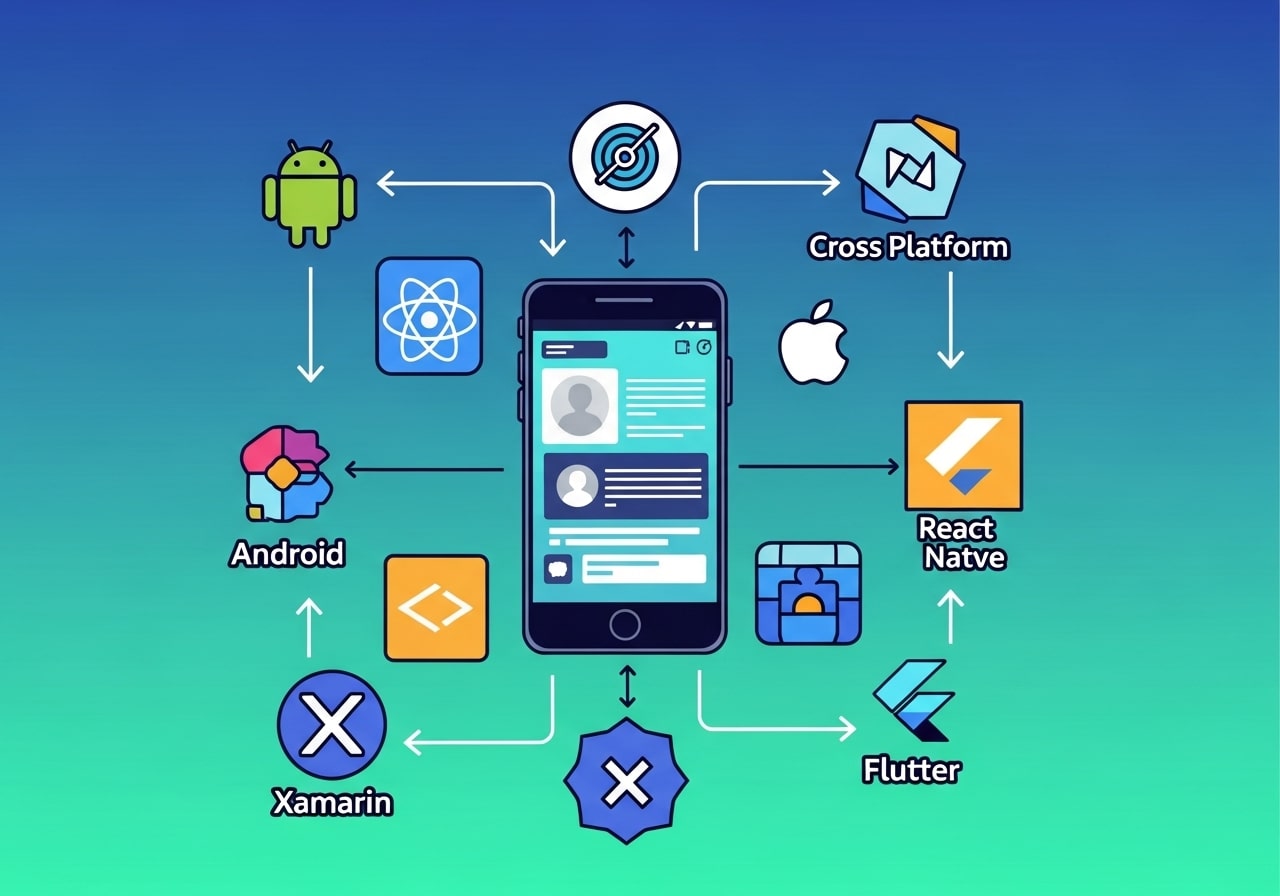
Cross-platform frameworks like React Native, Flutter, and Xamarin allow developers to write code once and deploy it across multiple platforms. While this approach reduces development time and costs, it may involve some performance trade-offs compared to native development.
Progressive Web Apps (PWAs)
PWAs bridge the gap between web and mobile applications by offering app-like experiences through web browsers. They can be installed on devices and work offline, providing many mobile app benefits without requiring app store distribution.
Security Considerations in Mobile vs Web Applications
Security plays a critical role in both mobile and web application development, but the risks and protection strategies differ significantly. Mobile applications must safeguard user data stored directly on devices, including sensitive information such as login credentials, payment details, and location data. Developers need to implement encryption, secure authentication methods, and protection against reverse engineering or malware attacks.
Web applications, on the other hand, are more exposed to threats like SQL injection, cross-site scripting (XSS), and distributed denial-of-service (DDoS) attacks. Because web apps rely heavily on servers and browsers, security measures such as HTTPS, firewalls, secure APIs, and regular vulnerability testing are essential. Choosing the right development approach requires understanding how security risks align with your application’s data sensitivity and compliance requirements.
Scalability and Performance Growth Over Time
Scalability determines how well your application can handle growth in users, data, and functionality. Web applications are generally easier to scale because they run on centralized servers that can be upgraded using cloud infrastructure. Technologies like load balancing, containerization, and serverless computing make it easier to manage increasing demand.
Mobile applications also scale well, but updates and performance improvements must be distributed through app stores, which can slow down iteration. As your user base grows, backend services supporting mobile apps must also scale efficiently. Planning for scalability early ensures that your application remains stable, responsive, and cost-effective as your business expands.
Monetization Models and Revenue Opportunities
Mobile and web applications offer different monetization opportunities that can influence your development decision. Mobile apps commonly generate revenue through in-app purchases, subscriptions, freemium models, and app store ads. App store ecosystems simplify payment processing but often take a percentage of earnings as commission.
Web applications offer more flexibility in monetization, including direct subscriptions, advertising networks, affiliate marketing, and custom payment integrations. Businesses retain greater control over pricing and revenue streams. Choosing the right platform depends on how you plan to generate income and how much control you want over customer transactions.
User Retention and Engagement Strategies
User retention strategies vary between mobile and web applications. Mobile apps excel at long-term engagement through push notifications, background updates, and deep device integration. These features allow businesses to re-engage users regularly and encourage habitual usage.
Web applications rely more on email notifications, browser alerts, and content updates to retain users. While engagement tools are improving, web apps typically require stronger value propositions to bring users back. Understanding how your audience interacts with digital products helps you choose the platform that best supports sustained engagement.
Development Team Skills and Technology Stack
The skills required for mobile and web development differ significantly and can affect hiring and project timelines. Mobile development often requires specialized knowledge of iOS and Android platforms, along with platform-specific testing and deployment processes.
Web development teams usually work with a broader range of technologies but benefit from shared standards and tools. A single team can often manage both frontend and backend development. Evaluating your team’s existing expertise and long-term hiring capabilities is essential when deciding which development path to pursue.
Exploring Web Application Development
Web application development creates software that runs in web browsers and is accessed through URLs. These applications don’t require installation and work across various devices and operating systems.
Frontend Web Development
The frontend handles the user interface and user experience, typically built with HTML, CSS, and JavaScript. Modern frameworks like React, Vue.js, and Angular enhance functionality and streamline development processes.
Backend Web Development
Backend development manages server-side logic, databases, and APIs. Popular technologies include Node.js, Python, PHP, and Ruby on Rails, each offering different strengths for various project requirements.
Responsive Web Design
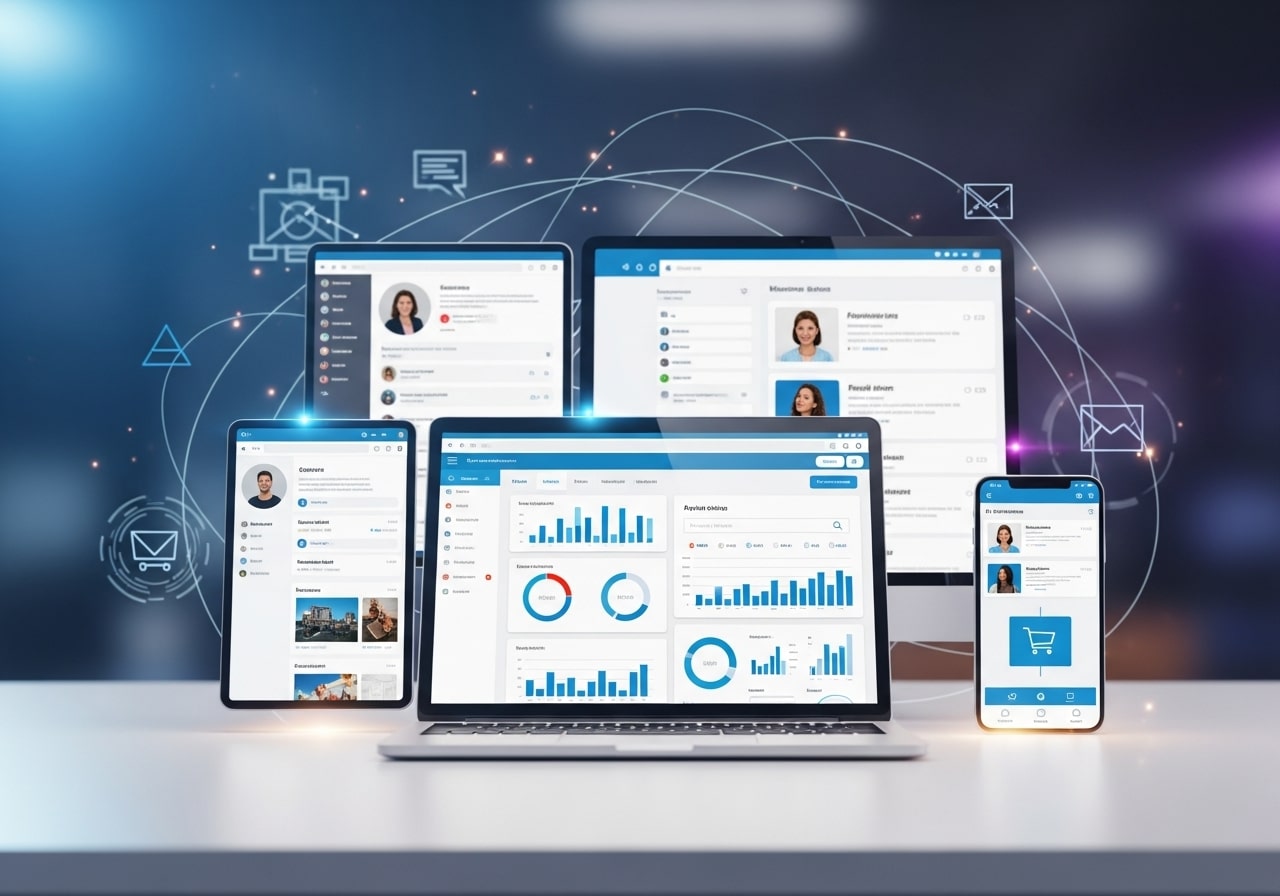
Modern web applications must adapt to different screen sizes and devices. Responsive design ensures optimal user experiences across desktops, tablets, and smartphones without requiring separate applications.
Key Differences Between Mobile and Web Applications
Performance and Speed
Mobile applications generally offer superior performance because they run directly on the device’s operating system. Web applications depend on browser performance and internet connectivity, which can introduce latency and slower load times.
Native mobile apps access device hardware directly, resulting in smoother animations, faster response times, and better overall user experience. Web applications must work through browser layers, which can impact performance.
Development Costs and Time
Web application development often requires less initial investment because you’re building one application that works across all platforms. Mobile development may require separate native apps for iOS and Android, effectively doubling development efforts.
However, cross-platform mobile development tools can reduce these costs while still providing app store presence. The choice depends on your specific requirements for performance, features, and user experience.
User Experience and Interface
Mobile applications provide more intuitive user experiences by following platform-specific design guidelines. Users feel familiar with navigation patterns, gestures, and interface elements that match their device’s native behavior.
Web applications offer consistent experiences across different devices but may not feel as natural as native mobile apps. However, modern web technologies enable highly interactive and engaging user interfaces that rival mobile applications.
Distribution and Accessibility
Web applications have immediate global reach through URLs and search engines. Users can access them instantly without downloads or installations, reducing friction in user acquisition.
Mobile applications require app store approval processes, which can delay launches but provide credibility and discoverability within app ecosystems. App stores also handle payment processing and updates automatically.
Factors to Consider When Choosing Your Development Path
Target Audience and Usage Patterns
Analyze how your target audience prefers to interact with digital products. If they primarily use mobile devices and expect app-like experiences, mobile development might be preferable. For audiences that frequently switch between devices, web applications offer better continuity.
Consider the context in which users will access your application. Mobile apps excel for on-the-go usage, location-based services, and frequent daily interactions. Web applications work better for complex tasks, data analysis, and occasional usage patterns.
Required Features and Functionality
Evaluate the features essential to your application’s success. If you need extensive device integration, push notifications, or offline functionality, mobile development provides better options.
Web applications excel for content-heavy applications, complex data visualization, and scenarios requiring frequent updates without user intervention.
Budget and Timeline Constraints
Consider your available resources and project timeline. Web application development typically offers faster time-to-market and lower initial costs, making it attractive for startups and MVP development.
Mobile development may require larger upfront investments, but can provide better long-term user engagement and monetization opportunities through app stores.
Long-term Maintenance and Updates
Web applications allow immediate updates that reach all users simultaneously. Mobile applications require update submissions through app stores, and users must manually install updates.
Consider your team’s technical expertise and ability to maintain different codebases. Web applications may require less specialized knowledge, while mobile development demands platform-specific skills.
Making the Right Choice for Your Project
The decision between mobile and web application development isn’t always binary. Many successful businesses adopt hybrid approaches, developing web applications first for rapid market validation, then creating mobile applications based on user feedback and demand.
Consider starting with a Progressive Web App (PWA) to test your concept with app-like features while maintaining web development simplicity. This approach allows you to gather user insights before committing to native mobile development.
Evaluate your competition and industry standards. If your competitors primarily use mobile apps and users expect this format, mobile development might be necessary for market competitiveness.
Planning Your Development Strategy
Success in either mobile or web application development requires careful planning, clear objectives, and understanding your users’ needs. Consider conducting user research, creating detailed specifications, and choosing experienced development partners who understand your chosen platform’s nuances.
Whether you choose mobile or web application development, focus on creating valuable user experiences that solve real problems. The technology should serve your business goals and user needs rather than dictating them.
Start by defining your minimum viable product (MVP) features, then expand based on user feedback and market response. This approach reduces risk while allowing you to learn and adapt your strategy based on real-world usage patterns.
Future Trends and Technology Evolution
Technology trends play an important role in long-term project planning. Mobile development continues to evolve with advancements in augmented reality (AR), wearable devices, and AI-driven personalization. These innovations can create immersive and highly customized user experiences.
Web application development is advancing rapidly through technologies like WebAssembly, AI-powered interfaces, and enhanced Progressive Web Apps. The gap between web and mobile capabilities continues to narrow. Choosing a development approach that aligns with future trends ensures your application remains competitive and adaptable in a changing digital landscape.
FAQ: Mobile Application Development vs Web Application Development
1. What is the main difference between mobile and web application development?
Mobile applications are built specifically for mobile devices and installed via app stores, while web applications run in browsers and are accessed through URLs without installation.
2. Which is better for startups: mobile apps or web apps?
Web applications are often better for startups due to lower development costs, faster launch times, and easier updates. Many startups later expand into mobile apps once demand is validated.
3. Are mobile apps faster than web applications?
Yes, native mobile apps generally offer better performance because they run directly on the device and have full access to hardware features, unlike web apps that rely on browsers and internet speed.
4. Can one application work on both mobile and web platforms?
Yes. Cross-platform frameworks and Progressive Web Apps (PWAs) allow applications to function across multiple platforms, though they may have limitations compared to native mobile apps.
5. Do web applications require internet access?
Most web applications require internet access, but PWAs can offer limited offline functionality using cached data and service workers.
6. Which option is more cost-effective long term?
Web applications typically have lower maintenance costs due to a single codebase. Mobile apps may incur higher long-term costs because of platform-specific updates and app store requirements.
7. Are mobile apps necessary for user engagement?
Mobile apps can improve engagement through push notifications and native interactions, but well-designed web apps can also achieve high engagement depending on the use case.
8. How do updates differ between mobile and web applications?
Web app updates are instant and available to all users immediately. Mobile app updates must be approved by app stores and manually installed by users.
9. Which option is better for SEO and discoverability?
Web applications have better SEO advantages because they can be indexed by search engines, making them easier to discover organically than mobile apps.
10. Can a business use both mobile and web applications?
Absolutely. Many businesses use both, offering a web app for accessibility and a mobile app for enhanced user experience and engagement.