Building a successful online store requires more than just selecting products and setting up payment methods. Effective Shopify web development combines technical expertise with strategic thinking to create stores that not only look professional but also convert visitors into loyal customers.
Understanding Shopify Web Development Fundamentals
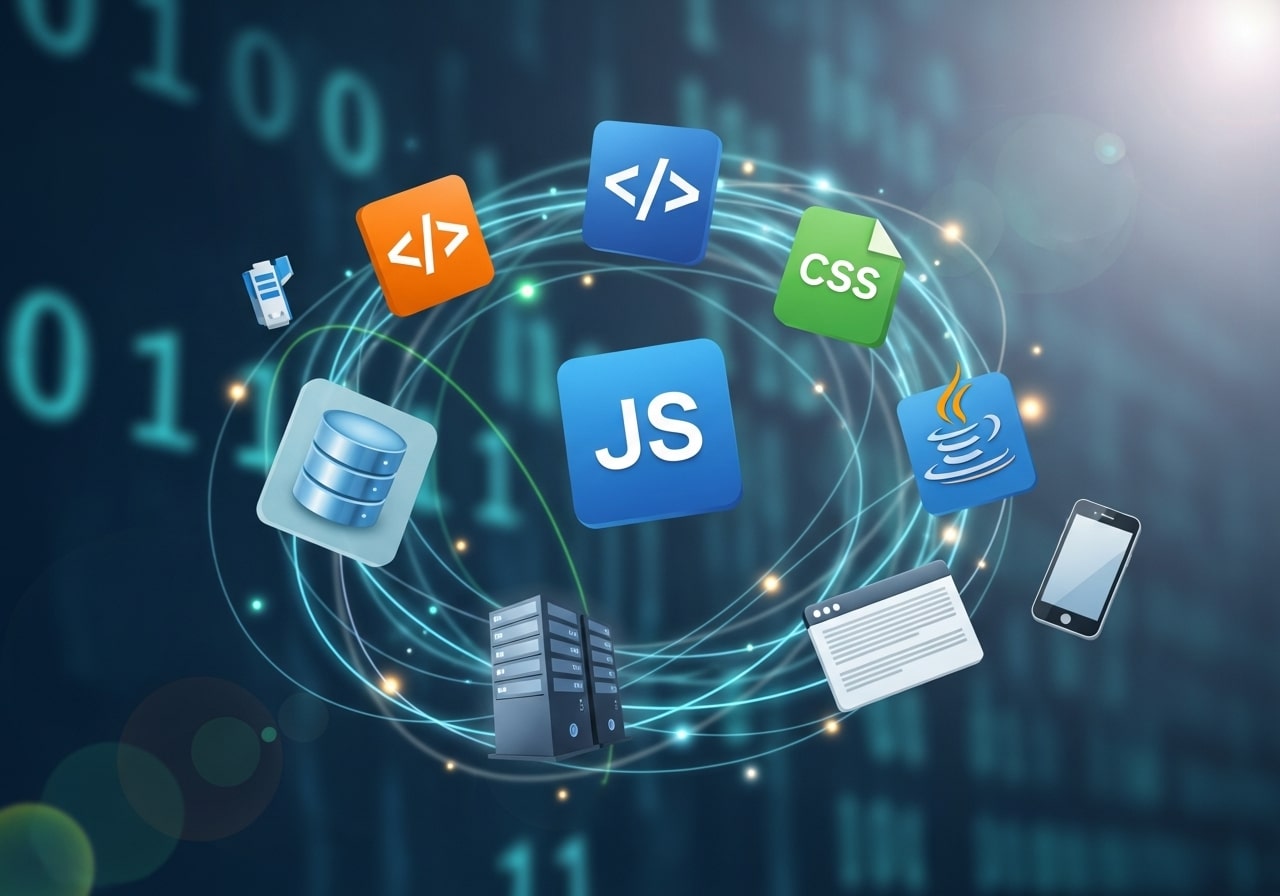
Shopify web development encompasses the technical processes involved in creating, customizing, and optimizing e-commerce stores on the Shopify platform. Unlike traditional web development, Shopify development works within a specific ecosystem that provides built-in e-commerce functionality while allowing for extensive customization.
The platform uses Liquid, its proprietary templating language, which enables developers to create dynamic content and customize store layouts. This templating system works alongside HTML, CSS, and JavaScript to deliver responsive, feature-rich online stores.
Modern Shopify development focuses on three core areas: frontend user experience, backend functionality, and third-party integrations. Each component plays a crucial role in creating stores that perform well across all devices and provide seamless shopping experiences.
Essential Features for Shopify Store Development
Mobile-First Design
With mobile commerce accounting for a significant portion of online sales, responsive design isn’t optional. Effective Shopify web development prioritizes mobile optimization from the ground up, ensuring your store functions flawlessly on smartphones and tablets.
Mobile-first development means designing for smaller screens initially, then scaling up for larger devices. This approach typically results in faster loading times and better user experiences across all platforms.
Performance Optimization
Page loading speed directly impacts conversion rates and search engine rankings. Professional Shopify development includes image optimization, code minification, and strategic use of apps to maintain optimal site performance.
Consider implementing lazy loading for images, optimizing CSS and JavaScript files, and regularly auditing your store’s performance using tools like Google PageSpeed Insights.
SEO-Ready Architecture
Search engine optimization should be built into your store’s foundation rather than added as an afterthought. This includes proper URL structures, meta tag implementation, and schema markup for product pages.
Technical SEO elements like XML sitemaps, robots.txt files, and canonical URLs help search engines understand and index your store effectively.
Conversion Rate Optimization (CRO) for Shopify Stores
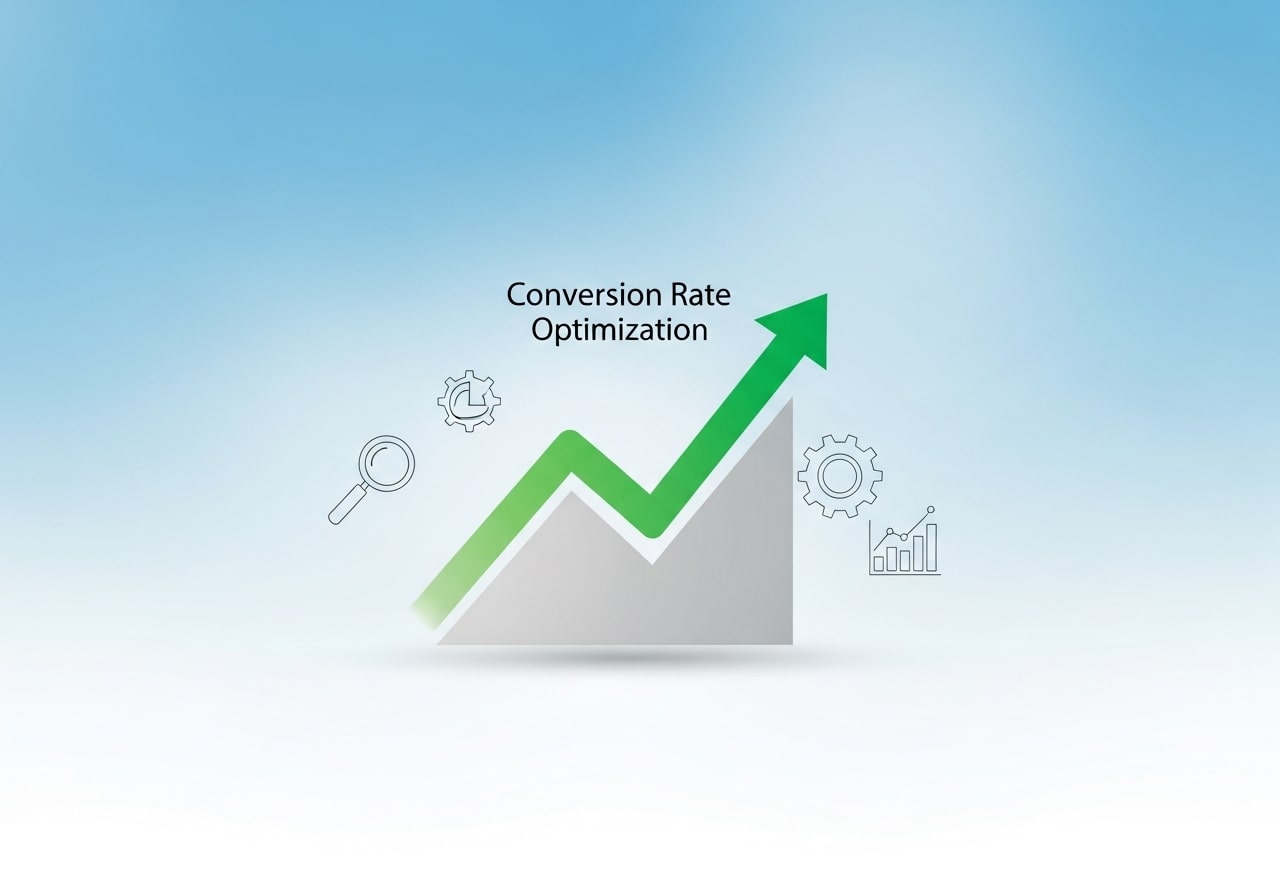
Conversion Rate Optimization focuses on turning visitors into paying customers through strategic design and functionality improvements. In Shopify web development, CRO includes optimizing product pages, simplifying navigation, improving checkout flow, and placing clear call-to-action buttons. Small changes—such as better product images, persuasive copy, trust badges, and faster load times—can significantly boost sales. Developers often use heatmaps, user behavior analytics, and A/B testing tools to identify friction points. A CRO-focused Shopify store not only attracts traffic but ensures that visitors complete purchases, increasing revenue without additional advertising costs.
Shopify Checkout Customization
The checkout process is one of the most critical parts of any Shopify store. Effective Shopify web development optimizes checkout to reduce cart abandonment and improve customer trust. This includes minimizing form fields, enabling multiple payment options, adding progress indicators, and ensuring mobile-friendly checkout flows. For Shopify Plus users, checkout customization allows branding adjustments and custom scripts to enhance user experience. A smooth, fast, and secure checkout increases conversion rates and customer satisfaction, making it easier for shoppers to complete their purchases without frustration or hesitation.
Security and Data Protection in Shopify Development

Security is a fundamental aspect of Shopify web development. Shopify provides built-in security features such as SSL certificates, PCI compliance, and secure payment gateways. However, developers must also follow best practices like using trusted apps, keeping themes updated, and limiting third-party access. Proper data protection builds customer trust and safeguards sensitive information such as payment details and personal data. A secure Shopify store reduces the risk of breaches, prevents downtime, and ensures compliance with data protection regulations, which is essential for maintaining credibility and long-term business success.
Scaling Shopify Stores for High Traffic
As your business grows, your Shopify store must be able to handle increased traffic, product catalogs, and transactions. Scalable Shopify web development focuses on performance optimization, efficient app usage, and clean code architecture. Developers prepare stores for growth by optimizing databases, reducing unnecessary scripts, and using Shopify’s built-in infrastructure effectively. For high-growth brands, Shopify Plus and headless commerce solutions offer enhanced scalability. Proper scaling ensures your store remains fast, reliable, and responsive during sales events, promotions, or traffic spikes without affecting user experience.
Ongoing Maintenance and Store Optimization
Shopify web development doesn’t end after launch. Continuous maintenance is essential to keep your store secure, fast, and competitive. This includes updating themes and apps, fixing bugs, improving performance, monitoring analytics, and adapting to platform updates. Regular optimization helps identify underperforming pages, improve SEO rankings, and enhance customer experience over time. By consistently refining design, functionality, and content, businesses can adapt to changing customer behavior and market trends. Ongoing maintenance ensures long-term stability and helps your Shopify store achieve sustained growth.
User Experience (UX) Design for Shopify Stores
User experience design plays a crucial role in Shopify web development by ensuring visitors can navigate the store easily and intuitively. A strong UX focuses on clear menus, logical product categorization, readable typography, and smooth interactions. Shopify developers design layouts that guide users from homepage to checkout without confusion. Good UX reduces bounce rates, increases session duration, and builds customer trust. By prioritizing accessibility, visual hierarchy, and consistency, a well-designed Shopify store creates a seamless shopping journey that encourages users to explore products and complete purchases confidently.
Shopify App Selection and Optimization
Shopify’s app ecosystem offers thousands of tools to enhance store functionality, but choosing the right apps is critical. Poor app selection can slow down site performance and create conflicts. Effective Shopify web development involves carefully evaluating apps based on performance, security, and compatibility. Developers optimize app usage by removing unnecessary tools and replacing multiple apps with single, efficient solutions. Proper app management ensures faster load times, smoother user experiences, and easier store maintenance, allowing businesses to extend functionality without sacrificing performance or stability.
Custom Theme Development vs. Template Modification
When to Choose Custom Development
Custom Shopify theme development offers unlimited flexibility and unique branding opportunities. This approach works best for businesses with specific design requirements, complex functionality needs, or established brand guidelines that don’t align with existing themes.
Custom development also ensures your store stands out from competitors who might be using similar templates. However, it requires more time and budget investment compared to modifying existing themes.
Optimizing Existing Themes
For many businesses, customizing pre-built themes provides an excellent balance of functionality and cost-effectiveness. Quality themes from the Shopify Theme Store offer solid foundations that can be modified to match your brand requirements.
When working with existing themes, focus on customizing colors, fonts, layout elements, and adding necessary functionality through careful code modifications or compatible apps.
Integrating Shopify Email Marketing
Building Customer Relationships
Email marketing remains one of the most effective channels for e-commerce businesses. Shopify web development should include seamless integration with email marketing platforms to capture leads and nurture customer relationships.
Shopify Email Marketing tools allow you to create automated campaigns, segment customers based on purchasing behavior, and design branded email templates that match your store’s aesthetic.
Automated Email Campaigns
Professional Shopify development includes setting up automated email sequences for abandoned cart recovery, welcome series for new subscribers, and post-purchase follow-ups. These automated campaigns work around the clock to recover potentially lost sales and encourage repeat purchases.
Consider implementing email capture forms strategically throughout your store, such as exit-intent pop-ups, newsletter signup incentives, and post-purchase email collection.
Personalization and Segmentation
Advanced Shopify email marketing leverages customer data to create personalized experiences. Segment your email list based on purchase history, geographic location, or engagement levels to send more relevant messages that drive higher conversion rates.
Dynamic content in emails can showcase products similar to previous purchases or highlight items left in shopping carts, creating more engaging and effective email campaigns.
Advanced Shopify Development Techniques
Custom App Development
Some businesses require functionality that existing apps can’t provide. Custom Shopify app development allows you to create bespoke solutions tailored to your specific business processes.
Custom apps can handle unique inventory management needs, complex pricing structures, or specialized customer account features that enhance the user experience.
API Integration
Shopify’s robust API system enables integration with external services like accounting software, inventory management systems, and marketing platforms. Professional web development ensures these integrations work seamlessly without compromising store performance.
API integrations can automate many business processes, reducing manual work and improving data accuracy across your business systems.
Headless Commerce Implementation
Headless commerce separates the frontend presentation layer from the backend e-commerce functionality, offering greater flexibility in how customers interact with your store. This approach works well for businesses needing custom mobile apps or unique user interfaces.
While headless development requires more technical expertise, it provides unlimited customization possibilities and can improve site performance through optimized frontend technologies.
Testing and Quality Assurance
Cross-Browser Compatibility
Professional Shopify web development includes thorough testing across different browsers and devices. This ensures all customers have consistent experiences regardless of their technology preferences.
Test your store on popular browsers, including Chrome, Firefox, Safari, and Edge, paying special attention to checkout processes and mobile functionality.
Performance Monitoring
Implement ongoing monitoring to track site performance, identify potential issues, and ensure your store continues operating smoothly as you add new features or content.
Regular performance audits help maintain optimal loading speeds and user experiences as your store grows and evolves.
Building Your E-commerce Success Story
Effective Shopify web development combines technical expertise with strategic business thinking. By focusing on user experience, performance optimization, and integrated marketing tools like email campaigns, you create a foundation for sustainable e-commerce growth.
Success in e-commerce requires ongoing optimization and adaptation. Start with solid development fundamentals, then continuously test and improve your store based on customer feedback and performance data. Consider partnering with experienced Shopify developers who understand both the technical aspects and business implications of their development decisions.
Remember that great web development is an investment in your business’s future. Quality development work pays dividends through improved conversion rates, better search engine rankings, and enhanced customer experiences that drive long-term success.
Frequently Asked Questions (FAQ) – Shopify Web Development
1. What is Shopify web development?
Shopify web development involves designing, customizing, and optimizing online stores using the Shopify platform. It includes theme development, app integration, performance optimization, and ensuring a smooth shopping experience for customers.
2. Do I need a developer to build a Shopify store?
Not always. Shopify offers ready-made themes suitable for beginners. However, hiring a developer is recommended for custom designs, advanced functionality, performance optimization, or unique business requirements.
3. What technologies are used in Shopify development?
Shopify development uses Liquid (Shopify’s templating language), HTML, CSS, JavaScript, and sometimes APIs for integrations with third-party tools and services.
4. How long does Shopify web development take?
Simple theme customizations can take 2–4 weeks. Custom theme development or complex feature implementation may take 8–12 weeks or longer, depending on project scope.
5. Is Shopify web development mobile-friendly by default?
Yes. Most Shopify themes are responsive, but professional development ensures mobile-first optimization for faster load times, better usability, and higher conversion rates.
6. Can I customize a Shopify theme after launch?
Yes. Shopify allows ongoing customization after launch, including layout changes, feature additions, app integrations, and performance improvements.
7. How important is SEO in Shopify web development?
SEO is critical. Proper Shopify development includes optimized URLs, meta tags, site speed, mobile optimization, and structured data to improve search engine rankings.
8. Can Shopify be integrated with email marketing tools?
Yes. Shopify integrates with platforms like Klaviyo, Mailchimp, and Shopify Email, allowing automated campaigns, customer segmentation, and personalized messaging.
9. What’s the difference between Shopify and Shopify Plus development?
Shopify Plus is designed for high-volume businesses and offers advanced features, higher API limits, better automation, and more customization options compared to standard Shopify plans.
10. Is Shopify suitable for long-term business growth?
Yes. Shopify scales well with business growth, supporting increasing traffic, product expansion, advanced integrations, and global selling when developed and optimized correctly.