Choosing the right web designing software is an important step when creating a website for a business, personal brand, online store, or professional portfolio. The right platform can make website creation easier, improve the overall user experience, and help you build a responsive website without requiring advanced coding knowledge. Whether you are a beginner or an experienced designer, modern website design tools offer everything from drag-and-drop editors to advanced UI/UX design features. In this guide, we will explore the best web design software, professional design platforms, free website creation tools, and beginner-friendly solutions. You will also learn how to select the right software based on your skills, budget, and website requirements.
Best Web Design Software
The best web designing software helps users create attractive, functional, and user-friendly websites. These platforms provide different features, including customizable templates, visual editing tools, hosting integrations, content management systems, and responsive design options. The ideal choice depends on the type of website you want to build and the level of customization you need. Some popular platforms include WordPress, Wix, Squarespace, Webflow, and Adobe Dreamweaver. WordPress is widely used because of its flexibility, extensive themes, and plugins. Wix is suitable for users who prefer a visual website-building experience, while Squarespace offers professionally designed templates for portfolios and business websites.
Webflow is another powerful option that combines visual design with advanced website development capabilities. It gives designers more control over layouts, animations, and responsive elements. Adobe Dreamweaver, on the other hand, is useful for people who want to work with HTML, CSS, and other coding languages. When comparing web designing software, consider ease of use, customization, pricing, hosting options, and available support. A platform that offers the right balance of flexibility and simplicity can save time and help you achieve better results.
Website Design Tools
Website design tools help designers plan, create, edit, and improve different website elements. These tools are not limited to building complete websites. They can also help with creating page layouts, selecting color combinations, designing graphics, developing prototypes, and improving navigation. Figma is one of the most popular tools for website interface design and collaboration. It allows multiple team members to work on the same design project, share feedback, and create interactive prototypes. Canva is another accessible option for creating website graphics, banners, illustrations, and promotional visuals.
Adobe Photoshop and Illustrator are useful for preparing custom images, icons, logos, and other visual elements. These applications help designers maintain consistent branding throughout a website. Selecting suitable web designing software alongside dedicated design tools creates a more organized workflow. For example, a designer can develop the website layout in Figma, prepare graphics in Photoshop, and then implement the final design using a website development platform.
Professional Web Design Software
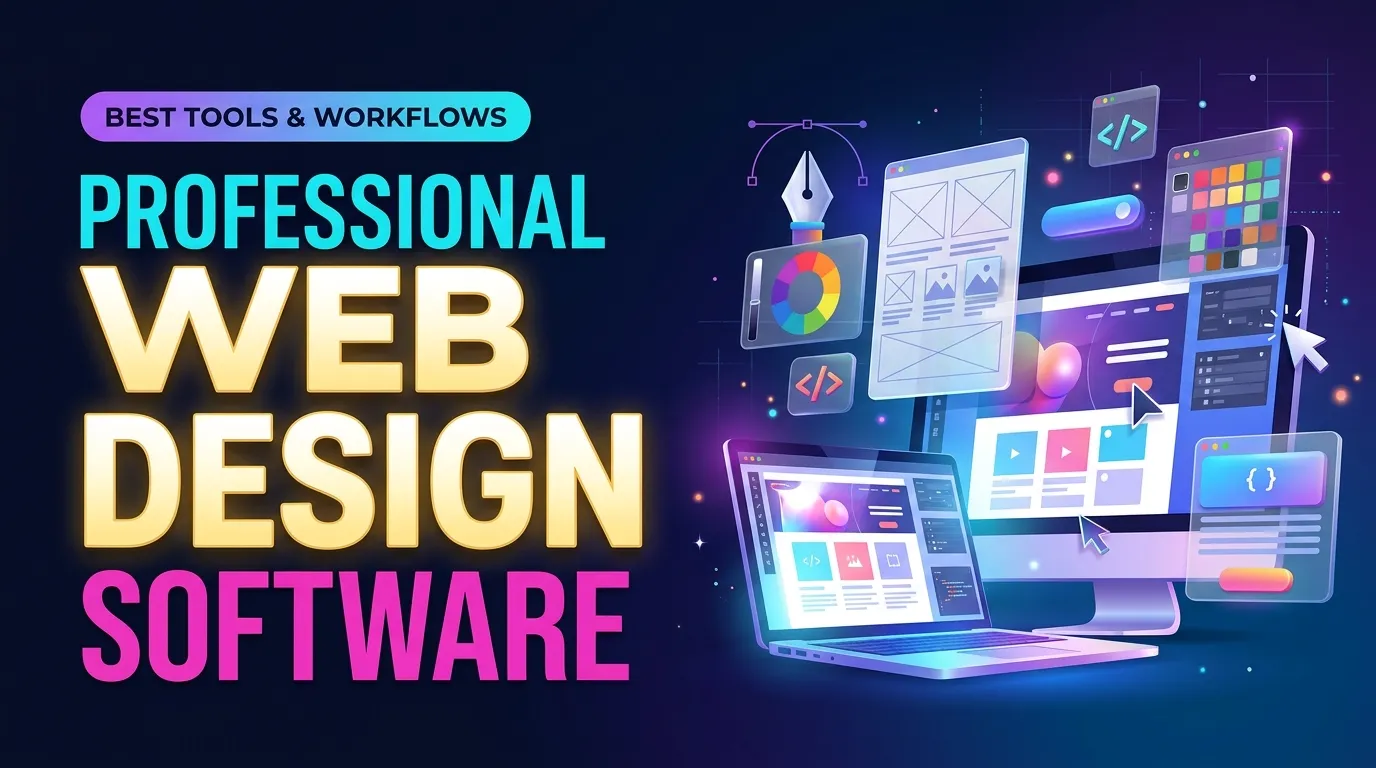 Professional web design software is designed for users who need greater control over website layouts, functionality, branding, and performance. Businesses, agencies, freelancers, and experienced designers often require advanced features to create customized websites that meet specific client requirements. Webflow, Adobe Dreamweaver, WordPress, and Figma are useful options for professional projects. Webflow provides visual control over website structure, animations, and responsive layouts. WordPress supports complex websites through its themes, plugins, and customization capabilities. Dreamweaver is particularly useful for developers who prefer working directly with website code.
Professional projects also require attention to website speed, accessibility, security, and search engine optimization. A visually impressive website will not deliver good results if visitors struggle to navigate it or if pages take too long to load. The right web designing software should support both creative freedom and technical requirements. Before selecting a platform, consider whether it can handle your expected traffic, content needs, integrations, and future expansion.
Free Website Designing Software
Free website designing software is an excellent starting point for beginners, students, startups, and small business owners who want to create a website without making a large financial investment. WordPress offers a free, open-source content management system that users can install on suitable hosting. Its extensive theme and plugin ecosystem makes it possible to build blogs, business websites, portfolios, and many other types of websites. However, domain registration, hosting, and some premium features may require payment.
Wix and Canva also offer free options with certain limitations. Their visual editing features make it easier to experiment with website layouts and create simple online projects. However, free plans may include platform branding, limited storage, or restrictions on custom domains. Google Sites is another straightforward option for creating basic websites, internal business pages, and informational projects. It does not require advanced technical knowledge, making it accessible to people with limited design experience. When evaluating free web designing software, look beyond the initial price. Check whether the platform provides sufficient customization, mobile-friendly templates, storage, security, and upgrade options. A free platform can be a good starting point, but growing businesses may eventually need additional features.
Web Design Tools for Beginners
Beginners often need a platform that makes website creation simple without requiring programming experience. Fortunately, modern web designing software includes visual editors, ready-made templates, and guided setup processes that make it easier to create a professional-looking website. Wix is a beginner-friendly platform because users can select a template, customize its content, and arrange different elements using a visual editor. Squarespace is another good choice for people who want attractive layouts and professionally designed templates.
WordPress can also be suitable for beginners, particularly when using an intuitive theme and a page builder. However, users may need some time to understand its dashboard, plugins, hosting, and customization options. Before choosing a platform, beginners should identify the purpose of their website. A personal blog may require simple publishing features, while an online business website may need contact forms, service pages, booking integrations, and analytics. It is also worth exploring how artificial intelligence is changing the website creation process. AI-powered design platforms can generate layouts, suggest content structures, and help users develop websites more quickly. You can learn more about this technology in our guide to AI Web Design.
Responsive Web Design Software
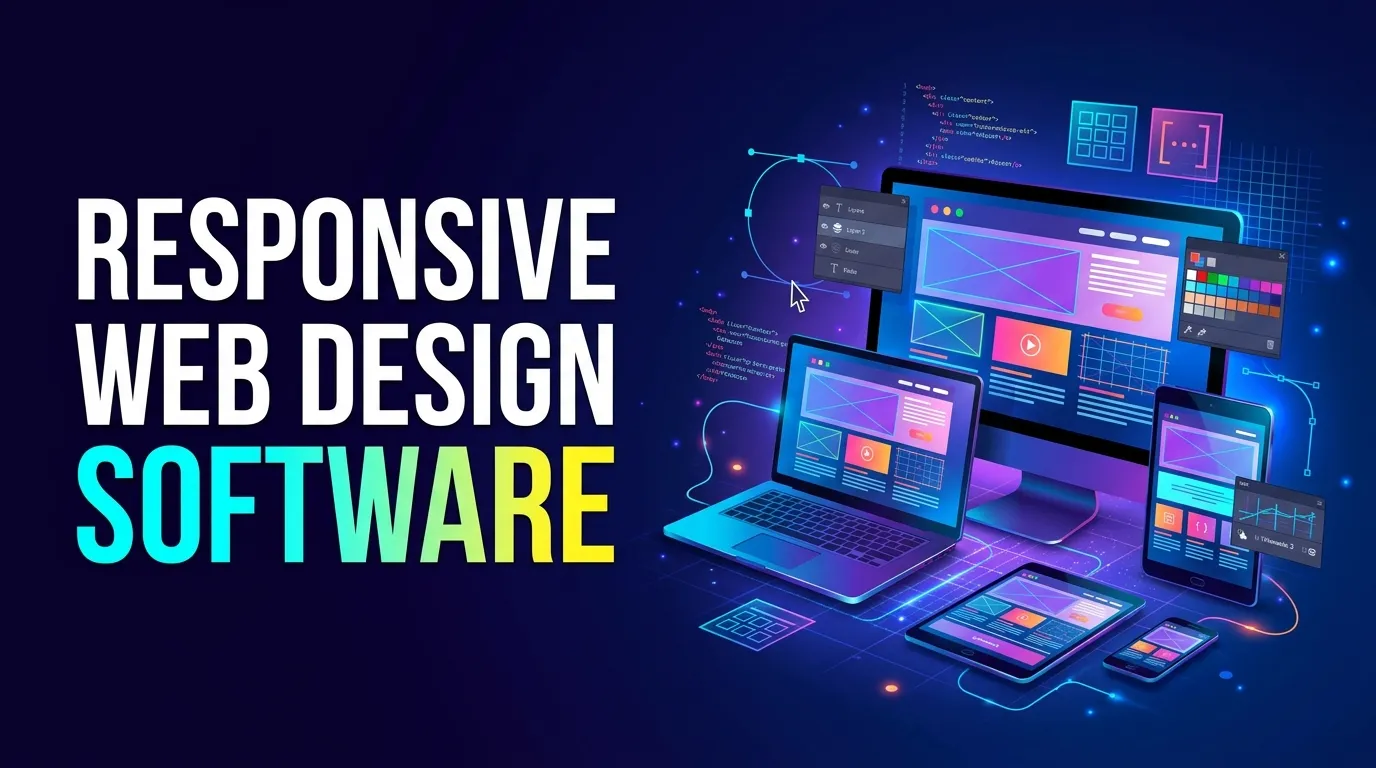 Responsive web design ensures that a website looks and functions properly across different screen sizes, including smartphones, tablets, laptops, and desktop computers. Since many people access websites through mobile devices, responsive design is essential for delivering a consistent browsing experience. Modern web designing software often includes responsive editing features that allow designers to adjust layouts for different devices. Platforms such as Webflow, WordPress, and Wix provide tools for creating flexible page structures and mobile-friendly designs.
A responsive website should have readable text, appropriately sized images, accessible navigation, and buttons that are easy to tap on smaller screens. Designers should also check how menus, forms, and other interactive elements behave on mobile devices. Responsive design is not simply about making a desktop website smaller. It involves organizing content in a way that makes sense for every screen size. For example, a multi-column desktop layout may need to become a single-column layout on a smartphone. When choosing web designing software, make sure it allows you to preview and customize your website across multiple devices. Testing the final design on real smartphones and tablets can help identify layout issues before the website goes live.
Drag and Drop Website Builder
A drag-and-drop website builder allows users to create website pages by moving elements such as text boxes, images, buttons, menus, and videos into their preferred positions. This approach reduces the need for coding and makes website creation more accessible. Wix, Squarespace, and several WordPress page builders provide visual editing experiences. Users can start with an existing template and customize its appearance by changing colors, fonts, images, and page sections.
These platforms are particularly useful for small businesses, freelancers, consultants, and individuals who want to launch a website quickly. They can create landing pages, service pages, portfolios, and product showcases without developing everything from scratch. However, not all drag-and-drop builders offer the same level of flexibility. Some platforms restrict advanced customization or make it difficult to move a website to another hosting provider. Others provide extensive design controls but may require more time to learn. Before selecting web designing software with drag-and-drop functionality, consider its editing flexibility, available templates, mobile responsiveness, and integration options. The best solution should make editing convenient while allowing your website to grow.
Website Development Software
Website development software helps users build, customize, test, and maintain websites. Unlike tools that focus mainly on visual design, development platforms also support the technical processes required to make a website function correctly. Visual Studio Code is a popular code editor used by web developers. It supports HTML, CSS, JavaScript, and many other programming languages through extensions. Developers can use it to write code, manage projects, and identify errors.
Adobe Dreamweaver is another option that combines coding features with visual editing capabilities. WordPress is widely used for content-driven websites, while Webflow allows designers to build websites visually and manage their content through a built-in content management system. The choice of development environment depends on the project’s complexity. A simple business website may not require extensive coding, whereas a custom web application may need a dedicated development environment, programming frameworks, databases, and version control. Good web designing software should fit into the overall development process rather than simply focusing on appearance. Developers should also consider website security, loading speed, accessibility, browser compatibility, and long-term maintenance.
UI/UX Design Tools
UI and UX design are important parts of creating a successful website. UI, or User Interface design, focuses on the visual elements users interact with, such as buttons, navigation menus, typography, forms, and icons. UX, or User Experience design, focuses on how easily users can navigate a website and accomplish their goals. Figma is a widely used UI/UX design platform that allows designers to create wireframes, prototypes, and detailed website interfaces. Its collaboration features make it useful for teams working on the same project.
Adobe XD has also been used for interface design and prototyping, although its availability and development status should be considered when selecting a long-term design platform. Other useful tools include Sketch for interface design and FigJam for brainstorming and planning user journeys. An effective UI/UX process usually begins with understanding the target audience. Designers identify what visitors need, organize the website structure, create wireframes, and develop prototypes before moving to the final design.
Using web designing software alongside UI/UX tools can help maintain consistency between the initial design and the finished website. It also allows designers to identify navigation problems and usability issues before launching the project. A well-designed user experience can improve engagement, encourage visitors to explore more pages, and make it easier for potential customers to contact a business or purchase its products.
Best Software for Creating Websites
 The best software for creating websites depends on your goals, technical knowledge, budget, and required features. There is no single platform that works perfectly for every project. A beginner creating a personal portfolio may need something different from an agency developing a large business website. WordPress is a strong choice for blogs, business websites, and content-focused projects because of its flexibility and extensive customization options. Wix is suitable for beginners who want a visual website builder, while Squarespace offers polished templates for creative professionals and small businesses.
Webflow is worth considering for designers who need more control over website layouts, animations, and responsive behavior. Shopify is a specialized option for businesses planning to build and manage online stores. Meanwhile, Visual Studio Code is a useful development environment for people who want to build websites through coding. When comparing web designing software, evaluate the total cost, ease of use, hosting arrangements, available integrations, and future scalability. Also consider whether the platform allows you to manage content easily and optimize pages for search engines.
A successful website requires more than an attractive design. It should communicate your brand message, provide useful information, load efficiently, and make it easy for visitors to take action. For businesses, website design should also support broader marketing activities. Building customer trust, maintaining consistent branding, and communicating clearly can make a significant difference. Read our article about Brand Trust: The Foundation of Long-Term Business to understand why credibility matters for sustainable business growth.
Website owners should also think about how their website supports customer communication. For small businesses, SMS campaigns can complement website contact forms, promotions, and customer follow-ups. Our guide to SMS Marketing for Small Businesses explains how businesses can use text messaging to build stronger customer relationships. Similarly, websites can become valuable platforms for generating webinar registrations and sharing educational content. If your business uses webinars to attract potential customers, explore our guide to Webinar Content Planning for useful ideas on organizing engaging sessions.
Video is another important element of modern website marketing. Product demonstrations, tutorials, and educational videos can help visitors understand your services. To improve the visibility of this content in search engines, read our Video SEO Guide: Boost Rankings with Smart Strategies. Ultimately, the right web designing software should help you create a website that supports your business objectives today while providing enough flexibility for future growth.
Conclusion
Choosing the right website creation platform can make a significant difference in the quality, functionality, and performance of your website. From beginner-friendly drag-and-drop builders to professional development environments, there are many options available for different skills and budgets. Before making a decision, identify your website’s purpose, compare essential features, and consider long-term requirements such as responsiveness, security, customization, and scalability. The right platform will make the design process more efficient and help you deliver a better experience to your visitors. Whether you are building your first personal website or managing professional client projects, investing time in selecting the right tools is an important step toward creating a successful online presence.
FAQ
1. What is the best software for web design?
The best option depends on your requirements. WordPress is popular for flexible websites, Wix is suitable for beginners, Webflow offers advanced visual design capabilities, and Figma is useful for designing website interfaces and prototypes.
2. Can I design a website without coding?
Yes. Many modern website builders allow users to create websites without writing code. Platforms such as Wix, Squarespace, and visual WordPress page builders provide templates and drag-and-drop editing features.
3. What is the best free website designing software?
WordPress, Wix, Google Sites, and Canva offer free options for different website creation needs. However, free plans may have limitations involving branding, hosting, storage, or customization.
4. Which website design software is best for beginners?
Wix and Squarespace are good starting points for beginners because they provide visual editors and ready-made templates. WordPress is another option for people who want more flexibility and are willing to learn its features.
5. What is responsive web design?
Responsive web design is an approach that allows a website to adapt to different screen sizes and devices. It helps ensure that website content, images, navigation, and interactive elements remain usable on smartphones, tablets, and computers.
6. What is the difference between UI and UX design?
UI design focuses on the visual appearance and interactive elements of a website, while UX design focuses on the overall user experience. Both work together to create websites that look attractive and are easy to use.
7. Is WordPress good for professional website design?
Yes. WordPress is widely used for professional websites because it supports themes, plugins, custom development, content management, and various business integrations. It can be used for blogs, corporate websites, portfolios, and online stores.
8. What software do professional web designers use?
Professional designers commonly use Figma, Webflow, Adobe Photoshop, Illustrator, WordPress, and Visual Studio Code. The choice depends on whether the project involves interface design, visual website development, graphics, or custom coding.
9. Are drag-and-drop website builders good for business websites?
Yes. Drag-and-drop website builders can be effective for business websites because they make it easier to create and update pages. However, businesses should check customization options, mobile responsiveness, SEO features, security, and scalability before selecting a platform.
10. How do I choose the right website design software?
Start by identifying your website’s purpose, budget, technical skills, and required features. Compare different platforms based on ease of use, customization, responsive design, hosting, integrations, and long-term costs. Choose a solution that meets your current needs and can support future growth.