
Creating engaging user experiences is essential for businesses aiming to stand out and connect meaningfully with their audience. A well-designed website should be visually appealing, intuitive, and easy to navigate, guiding users smoothly toward their goals such as finding information, making a purchase, or subscribing to a service. As online competition grows, mastering engaging UX becomes a key factor in improving conversions and brand loyalty.
Understanding user needs through research, applying strong visual hierarchy, and using responsive, performance-focused design are core principles of a successful website. By adopting a user-centric approach, design teams can align every stage of development with real audience expectations, improving usability and trust.
In this Web Design Blueprint, we will explore practical strategies for building engaging user experiences that drive results. You’ll learn how to turn insights into user journeys, refine designs through iteration, and create websites that are intuitive, accessible, and high-performing.
Understanding User-Centric Design
At the heart of engaging user experiences lies user-centric design, which prioritizes the needs, motivations, and behaviors of real users over personal preferences or fleeting trends. This philosophy begins with empathy—walking in your users’ shoes to comprehend their goals and pain points. By centering design decisions around genuine insights, you create interfaces that feel intuitive and trustworthy, reducing hesitation and guiding users toward desired actions.
Key principles of this approach include clarity, consistency, and feedback. Clarity ensures that every element communicates its purpose effectively, whether through concise labels or recognizable icons. Consistency across typography, color schemes, and component styles fosters familiarity and minimizes cognitive load. Providing timely feedback—such as confirmation messages or loading indicators—reassures users that the system is responsive to their interactions, reinforcing confidence in the process.
For instance, research from the World Wide Web Consortium (W3C WCAG guidelines) emphasizes the importance of accessible design, as inclusivity broadens your audience and adheres to global standards. By embedding accessibility into your user-centric design, you ensure that engaging user experiences extend to individuals with diverse abilities, creating equitable and rewarding interactions for all visitors.
A strong UX foundation is also supported by understanding how structure and functionality work together through web development essentials from design to code, helping teams align design thinking with implementation.
Conducting Comprehensive User Research

Effective user research forms the foundation of any project aimed at delivering engaging user experiences. Begin by defining clear objectives: Do you want to improve conversion rates, decrease cart abandonment, or elevate brand loyalty? Articulating specific goals guides your choice of research methods and ensures that the insights you gather are directly applicable to your design challenges.
Quantitative techniques such as web analytics, heatmaps, and survey tools reveal how users currently interact with your site. Platforms like Google Analytics can highlight high-exit pages, while heatmaps from services such as Hotjar show where visitors click, scroll, or pause. Complement these data points with qualitative methods: one-on-one interviews and moderated usability tests uncover the motivations behind user behaviors. For example, an interview might reveal that users abandoned a checkout form due to confusing field labels—a discovery that analytics alone might not surface.
Once gathered, synthesize your data to identify recurring patterns and critical friction points. Creating affinity diagrams or thematic maps helps teams visualize connections between insights and translate them into actionable recommendations. Reference academic research from leading institutions like Stanford’s HCI group to validate emerging patterns or explore advanced methodologies. By anchoring your strategies in robust research, you pave the way for designs that resonate authentically with your target audience and foster engaging user experiences.
To connect research with real implementation, developers often rely on structured frameworks explained in web application development a complete guide, which helps translate insights into functional systems.
Developing Personas and Mapping User Journeys
Personas and user journey maps are invaluable tools for embedding empathy and clarity into your design process. Personas are semi-fictional profiles that encapsulate the demographic traits, goals, frustrations, and behavior patterns of your core audience segments. When stakeholders reference personas, conversations shift from abstract debates to focused discussions about real user needs.
To develop personas, analyze your research data to uncover distinct user clusters. Assign each persona a name, background, and photo to humanize them, and detail their primary objectives and challenges. For instance, “Marketing Mary” may represent a user seeking quick insights through blog posts, while “Shopper Sam” might prioritize streamlined checkout flows. These vivid profiles guide content strategy, feature prioritization, and design decisions by keeping your team aligned on whom you are designing for.
User journey mapping extends personas by outlining step-by-step experiences from initial discovery to goal completion. Document every touchpoint—social media ads, landing pages, search results, product pages, and support interactions. At each stage, note user emotions, potential barriers, and opportunities to enhance engagement. A comprehensive journey map highlights moments where microinteractions, contextual help, or personalized messaging can remove friction and surprise visitors with thoughtful details. This holistic perspective ensures that you deliver cohesive, delightful experiences that meet user expectations at every turn.
From Wireframes to Interactive Prototypes

Translating research into layouts starts with wireframing. Low-fidelity wireframes act as simple blueprints that define structure, navigation, and content placement without visual styling. Tools like Figma, Sketch, or Adobe XD help quickly test different layout ideas.
After finalizing structure, move to interactive prototypes. Linking screens and adding basic interactions helps simulate user flow and collect early feedback. User testing at this stage reveals usability issues like unclear labels or confusing navigation before development begins.
Prototypes also improve collaboration and stakeholder approval by providing a realistic preview of the product. Teams can comment directly, suggest changes, and refine designs iteratively, ensuring the final experience is aligned with user needs.
Modern web applications often rely on structured development approaches similar to those explained in how to develop a web app, ensuring that design decisions are technically scalable.
Visual and Interaction Design Best Practices
Visual design combines aesthetics with usability to strengthen brand identity. Start with a clear style guide that defines colors, typography, and spacing for consistency and better readability.
Use reusable UI components like buttons, forms, and cards to maintain design consistency and speed up development. Add microinteractions such as hover effects, animations, or loading indicators to improve feedback and enhance user experience.
Finally, optimize performance by compressing images, using modern formats, enabling lazy loading, and minimizing code. A fast, smooth interface improves engagement, usability, and overall user satisfaction.
Information Architecture and Content Structuring
A strong user experience begins with a well-planned information architecture (IA). This defines how content is organized, labeled, and structured across your website. When users can quickly find what they are looking for, frustration decreases and engagement increases.
Start by grouping related content into clear categories and subcategories. Use card sorting techniques or user testing to validate how real users expect information to be arranged. Navigation menus should remain simple, predictable, and consistent across all pages.
A well-designed IA improves usability, reduces bounce rates, and ensures users can move through your website logically without confusion.
Mobile-First and Responsive Design Strategy
With the majority of users accessing websites through mobile devices, adopting a mobile-first approach is essential. This means designing for smaller screens first and then scaling up for larger devices.
Focus on essential content, simplified navigation, and touch-friendly elements such as buttons and forms. Ensure text is readable without zooming and layouts adjust fluidly across devices.
Responsive design frameworks like CSS Grid and Flexbox help maintain consistency across screen sizes. A mobile-optimized experience improves accessibility, engagement, and search engine performance.
Accessibility and Inclusive Design Practices
Accessibility ensures that everyone, including users with disabilities, can effectively interact with your website. Inclusive design improves usability for all users, not just a specific group.
Follow WCAG guidelines by providing alt text for images, ensuring sufficient color contrast, and enabling keyboard navigation. Use semantic HTML to support screen readers and assistive technologies.
Accessible design not only broadens your audience but also builds trust and enhances brand reputation by showing commitment to inclusivity.
Conversion Rate Optimization (CRO) in UX Design
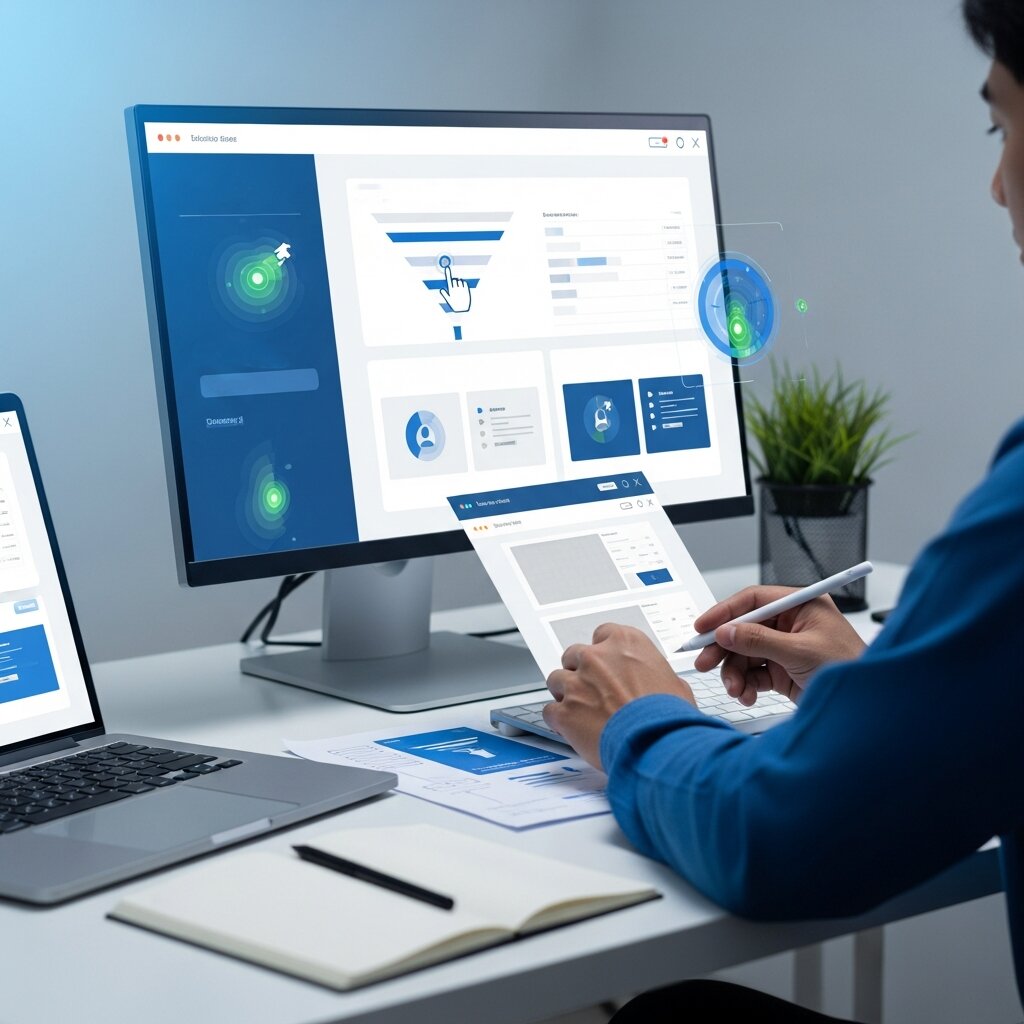
Conversion Rate Optimization focuses on turning visitors into customers or leads. It is a key part of designing engaging user experiences that deliver business results.
Use A/B testing to compare different layouts, call-to-action buttons, and page structures. Analyze user behavior through heatmaps and session recordings to identify drop-off points.
Small improvements—such as clearer CTAs, reduced form fields, or better visual hierarchy—can significantly increase conversions without redesigning the entire website.
Emotional Design and User Engagement
Emotional design plays a key role in creating engaging user experiences that connect with users on a deeper psychological level. When visitors feel emotionally connected to a website, they are more likely to trust the brand, stay longer, and take meaningful actions such as signing up or making a purchase.
To build emotional engagement, use storytelling, relatable messaging, and visually meaningful content. Microinteractions like hover effects, loading animations, and subtle feedback also enhance user satisfaction by making the interface feel alive and responsive. Colors, typography, and imagery should be carefully chosen to influence mood and reinforce brand personality.
In effective Web Design Blueprint practices, emotional design is not just about aesthetics—it directly impacts user behavior. A positive emotional experience increases satisfaction, strengthens brand loyalty, and encourages repeat visits, making your website more memorable and impactful.
Performance Optimization and Speed Enhancement
Website performance is a critical factor in delivering engaging user experiences. Even the best-designed interfaces lose effectiveness if pages load slowly or interactions feel delayed. Poor performance often leads to higher bounce rates and reduced user engagement.
To optimize performance, compress images, enable browser caching, and minimize heavy scripts that slow down page rendering. Using modern lightweight frameworks and reducing unnecessary third-party plugins can significantly improve speed and responsiveness.
Tools like Google PageSpeed Insights help identify performance bottlenecks and provide actionable recommendations. In any strong Web Design Blueprint, performance optimization is essential because faster websites not only improve user experience but also enhance SEO rankings and overall user retention.
UX Testing and Continuous Feedback Loops
UX testing is an ongoing process that ensures your website continues to deliver engaging user experiences even after launch. User expectations evolve, so regular testing and updates are necessary to maintain usability and relevance.
Conduct usability tests, gather user feedback through surveys, and analyze behavioral data such as click patterns and session recordings. These insights help identify friction points and areas where users struggle, allowing you to make data-driven improvements.
Building a continuous feedback loop is a core part of a modern Web Design Blueprint. It ensures your design evolves based on real user behavior, helping you refine interfaces, improve satisfaction, and create a consistently high-performing digital experience over time.
FAQ
How do I start gathering user research?
Begin by defining your research goals—such as improving conversions or reducing abandonment—and then choose methods that align with those objectives. Use quantitative tools like web analytics and heatmaps alongside qualitative interviews and usability tests to gather comprehensive insights.
What are key elements of an effective persona?
An effective persona includes demographic details, goals, frustrations, and behavior patterns. Assigning a name, photo, and background story helps teams empathize with users and anchor design decisions to real needs.
How often should I iterate on my designs?
Iterate regularly based on user feedback and performance data. Conduct usability tests early with prototypes, and refine wireframes and visuals in cycles to catch issues before development and ensure the final product meets user expectations.
What is a Web Design Blueprint?
A Web Design Blueprint is a structured approach to planning and building websites that focuses on user needs, usability, and performance.
Why are engaging user experiences important in web design?
They help improve user satisfaction, increase engagement, and boost conversions by making websites easy and enjoyable to use.
What is user-centric design?
User-centric design focuses on understanding user needs, behaviors, and goals to create more intuitive and effective interfaces.
How does user research improve web design?
User research helps identify pain points, user behavior patterns, and expectations, allowing designers to make informed decisions.
What are personas in UX design?
Personas are fictional profiles that represent different user types, helping teams design with real user needs in mind.
What is a user journey map?
A user journey map outlines the steps a user takes to complete a task on a website, highlighting emotions and potential friction points.
Why are wireframes important?
Wireframes provide a simple layout structure of a website, helping teams plan content and navigation before adding visual design.
What is the purpose of interactive prototypes?
Interactive prototypes simulate real user interactions, allowing early testing and feedback before development begins.
How does visual design impact user experience?
Visual design improves readability, brand consistency, and usability through colors, typography, spacing, and layout.
Why is performance optimization important in UX?
Fast-loading websites improve user satisfaction, reduce bounce rates, and increase engagement and conversions.
How can designers improve user experience continuously?
By collecting user feedback, analyzing data, and iterating designs regularly to improve usability and performance over time.
Conclusion
Designing engaging user experiences requires a comprehensive approach that combines empathy-driven research, strategic planning, and meticulous execution. By placing users at the center of every decision—from developing personas and mapping journeys to crafting wireframes, prototypes, and polished visuals—you build websites that resonate on both emotional and functional levels.
Accessibility, performance, and iterative testing are key pillars of this framework. Leveraging guidelines from authoritative sources such as the W3C and insights from academic institutions like Stanford ensures your designs meet global standards and evolve based on real user feedback. In today’s fast-paced digital environment, continuous iteration fueled by data keeps your experiences relevant and compelling.
Embrace this blueprint to create intuitive, inclusive, and high-performing websites that delight visitors and achieve measurable outcomes. By staying curious, collaborating across disciplines, and adapting to emerging trends, you’ll master the art of building engaging user experiences that stand the test of time.