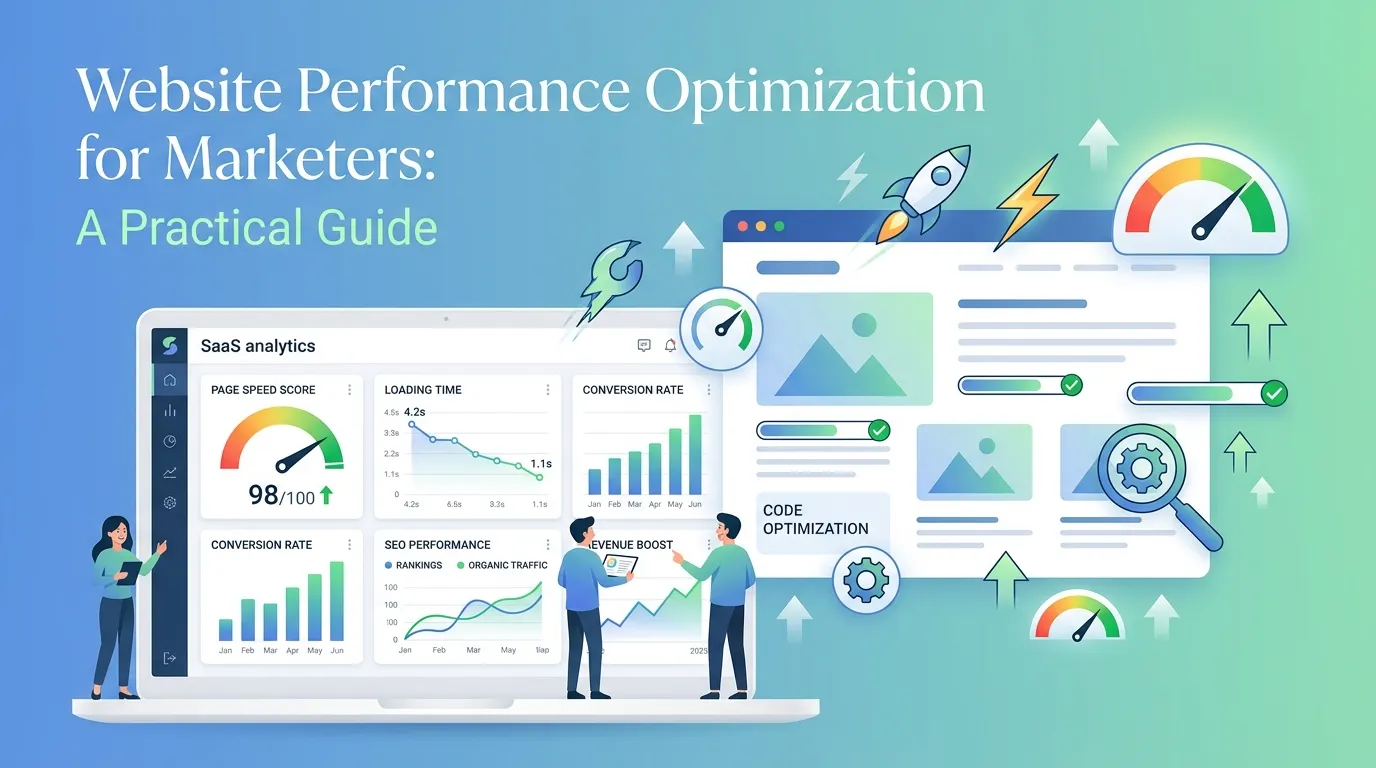
Website performance optimization for marketers means improving how fast and smoothly your site loads to boost conversions, SEO rankings, and ROI. The biggest wins come from compressing images, optimizing Core Web Vitals, reducing server response times, and improving mobile speed—each directly affecting how many visitors stay, engage, and convert.
A slow website can quietly drain your marketing budget. You can invest in ads, copy, and landing pages, but if your site takes five seconds to load, much of that effort is lost. Studies from Google show that as page load time goes from one to three seconds, bounce probability increases by 32%, and at five seconds it can jump to 90%.
For marketers, speed is not just a technical issue—it’s a conversion lever, an SEO ranking factor, and a key driver of campaign ROI. The good news is that many high-impact fixes don’t require deep technical skills. This guide breaks down practical website performance optimization techniques marketers can easily apply, including Core Web Vitals, speed impact on conversions, and the most effective improvements for better results.
Why Website Speed Matters for Marketing Results

Speed shapes nearly every metric marketers care about. When a page loads quickly, visitors stay longer, view more content, and complete more actions. When it lags, they leave—often before your hero image even appears.
Understanding the structure behind websites is also useful here. Even basic knowledge of HTML fundamentals and how pages are rendered helps marketers identify performance bottlenecks more easily.
The connection between speed and revenue is well documented. According to Deloitte’s “Milliseconds Make Millions” study, a 0.1-second improvement in mobile site speed increased retail conversion rates by 8.4% and average order value by 9.2%. Walmart found that for every one-second improvement in load time, conversions rose by 2%.
Search engines reward speed too. Google uses page experience signals, including loading performance, as a ranking factor. A faster site can climb higher in search results, earning more organic traffic without any extra ad spend.
The takeaway is simple: faster pages mean lower bounce rates, higher engagement, better rankings, and more conversions. Every second you shave off load time strengthens the entire marketing funnel.
How Does Page Speed Affect Conversion Rates?
Page speed and conversion rates are tightly linked. Visitors expect pages to load almost instantly, and patience runs thin when they don’t. Each additional second of wait time chips away at trust and intent.
Consider what happens on a typical landing page. A visitor clicks your ad, lands on a slow-loading page, and watches a blank screen or a half-rendered layout. Frustration builds. Before your call-to-action button even appears, they’ve hit the back button—and you’ve paid for a click that delivered nothing.
To improve website loading speed for conversions, focus on the moments that matter most:
- First impressions: Aim for your main content to appear within 2.5 seconds. This is the window where most visitors decide whether to stay.
- Interaction readiness: Make sure buttons, forms, and links respond quickly. A page that looks loaded but won’t accept clicks feels broken.
- Checkout and form flows: Slow steps in a conversion funnel cause abandonment. Streamline scripts and minimize delays at each stage.
When you treat speed as part of the conversion experience—not just a backend metric—you remove friction at exactly the points where customers decide to act.
What Are Core Web Vitals and Why Do They Matter for Marketing Websites?
Core Web Vitals are a set of metrics Google uses to measure real-world user experience. They focus on three areas: loading, interactivity, and visual stability. Understanding them helps marketers speak the same language as developers and prioritize the right fixes.
The three Core Web Vitals are:
- Largest Contentful Paint (LCP): Measures loading performance. It tracks how long it takes for the largest visible element—often a hero image or headline—to load. A good LCP is 2.5 seconds or less.
- Interaction to Next Paint (INP): Measures responsiveness. It captures how quickly the page reacts when a user clicks, taps, or types. A good INP is 200 milliseconds or less.
- Cumulative Layout Shift (CLS): Measures visual stability. It tracks how much page elements jump around as the page loads. A good CLS score is 0.1 or less.
Core Web Vitals optimization for marketing websites matters because these scores directly influence search rankings and user trust. A page where buttons shift just as someone tries to click—causing accidental taps—creates frustration that no amount of clever copy can fix.
You can check your scores for free using Google PageSpeed Insights or the Core Web Vitals report in Google Search Console. Both tools highlight specific issues and suggest improvements.
Website Speed Optimization Techniques That Deliver the Biggest Wins
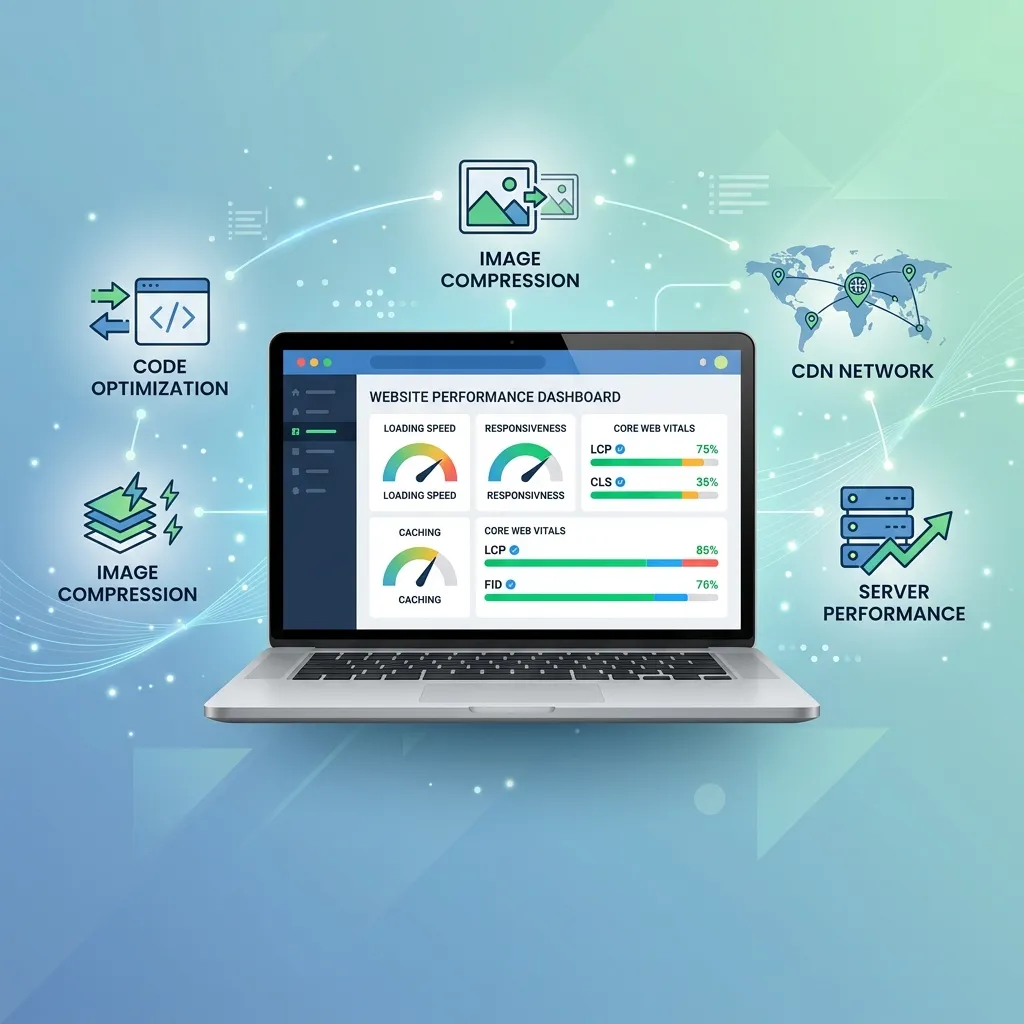
Not all optimizations are created equal. Some require deep technical work, while others deliver major gains with minimal effort. Here are the techniques that consistently produce strong results.
A deeper understanding of web development essentials from design to code helps marketers prioritize which fixes matter most.
Compress and Optimize Images
Images are usually the heaviest elements on a page. Large, uncompressed files slow everything down. Compress images before uploading, use modern formats like WebP, and serve appropriately sized versions for different devices. This single change often cuts load times dramatically.
Enable Browser Caching
Caching stores parts of your site on a visitor’s device so returning users don’t download everything again. Setting proper cache rules makes repeat visits noticeably faster and reduces server strain.
Minify CSS, JavaScript, and HTML
Minification removes unnecessary characters—spaces, line breaks, comments—from your code. Smaller files transfer faster. Many content management systems offer plugins that handle this automatically.
Use a Content Delivery Network (CDN)
A CDN stores copies of your site on servers around the world. Visitors load your site from the nearest server, cutting the distance data travels and speeding up delivery, especially for global audiences.
Reduce Server Response Time
A slow server delays everything else. Choose quality hosting, upgrade your plan if traffic demands it, and consider caching at the server level. Aim for a server response time under 200 milliseconds.
Eliminate Render-Blocking Resources
Some scripts and stylesheets block the page from displaying until they finish loading. Defer non-essential JavaScript and load critical CSS first so visitors see content sooner.
How to Reduce Page Load Time for a Better User Experience
Reducing page load time is about removing every unnecessary delay between a click and a fully usable page. Start by measuring your current performance, then tackle the biggest bottlenecks first.
Run your site through Google PageSpeed Insights to get a prioritized list of issues. The tool separates problems by impact, so you know what to fix first. Typically, the order of priority looks like this:
- Optimize and compress your largest images.
- Remove or defer render-blocking scripts.
- Enable caching and compression.
- Clean up unused code and plugins.
- Upgrade hosting if your server is the bottleneck.
A faster site doesn’t just please search engines—it respects your visitors’ time. Every saved second reduces frustration and keeps people moving toward the action you want them to take.
Mobile Website Performance Optimization Strategies
More than half of all web traffic now comes from mobile devices, yet mobile pages often load slower than their desktop counterparts. Mobile users face smaller bandwidth, weaker connections, and less powerful hardware, which makes mobile website performance optimization essential.
To improve mobile speed, focus on these strategies:
- Adopt responsive design: Ensure your layout adapts smoothly to any screen size without forcing users to pinch or zoom.
- Prioritize above-the-fold content: Load the visible portion of the page first so users see something useful immediately.
- Limit heavy scripts: Third-party tags, chat widgets, and tracking pixels can pile up and slow mobile pages. Audit them regularly and remove what you don’t need.
- Use accelerated mobile pages where appropriate: For content-heavy pages, lightweight frameworks can deliver near-instant loads.
Since Google uses mobile-first indexing, your mobile performance directly shapes your search rankings. A fast mobile experience is no longer optional—it’s the baseline.
Landing Page Speed Optimization Best Practices
Landing pages carry your campaigns, so their speed has an outsized impact on ROI. A slow landing page wastes ad spend and undercuts even the strongest offer. Applying landing page speed optimization best practices protects the investment behind every campaign.
Marketers who also understand how to market web development services tend to build more performance-focused campaigns because they align messaging with technical execution.
Keep these principles in mind when building high-converting landing pages:
- Strip out the nonessential: Landing pages should be focused. Remove widgets, sliders, and scripts that don’t support the conversion goal.
- Lazy-load below-the-fold images: Load images only as users scroll to them, so the initial view appears faster.
- Host video smartly: Embedded videos can drag down load times. Use lightweight players and load videos on demand rather than automatically.
- Test on real conditions: Check your landing page on slower mobile connections, not just fast office Wi-Fi, to see what real users experience.
A streamlined landing page loads fast, looks clean, and guides visitors straight to the action—exactly what you want when every click costs money.
Connecting Technical SEO and Website Speed for Higher ROI

Technical SEO and website speed work hand in hand. Search engines crawl faster sites more efficiently, index more pages, and reward the better user experience with higher rankings. For marketers, this means speed optimization is also an SEO performance strategy.
Strong technical SEO foundations include clean code, proper redirects, mobile-friendliness, and fast load times. When these elements align, your pages rank better and convert more visitors—a compounding effect that lifts ROI across the board.
Think of it this way: every speed improvement does double duty. It pleases search algorithms and human visitors at the same time. That dual benefit makes performance optimization one of the highest-leverage activities in a marketer’s toolkit.
Turning Speed Into a Marketing Advantage
Website performance optimization for marketers isn’t a one-time project—it’s an ongoing practice that pays compounding dividends. Faster pages convert more visitors, rank higher in search, and stretch every dollar of your ad budget further.
Start with the fundamentals: measure your current performance with Google PageSpeed Insights, fix your heaviest images, and address your Core Web Vitals scores. From there, work through caching, code minification, and mobile optimization. Each improvement builds on the last.
The brands that treat speed as a marketing priority—not just a technical chore—gain a real edge. Your visitors notice, your conversion rates climb, and your campaigns deliver more for less. Make speed part of your marketing strategy, and watch the results follow.
Frequently Asked Questions
What is a good page load time for a marketing website?
Aim for a load time of 2.5 seconds or less. Research shows bounce rates rise sharply after three seconds, and conversions drop with every additional second of delay. For landing pages tied to paid campaigns, faster is always better since every click carries a cost.
How do I check my website’s performance?
Use free tools like Google PageSpeed Insights, Google Search Console’s Core Web Vitals report, or GTmetrix. These tools measure load times, flag specific issues, and give prioritized recommendations you can act on without needing deep technical knowledge.
Which website speed fix gives the fastest results?
Compressing and optimizing images usually delivers the biggest improvement for the least effort. Images are often the heaviest page elements, so reducing their file size—using compression and modern formats like WebP—can cut load times significantly within minutes.
Does website speed really affect SEO rankings?
Yes. Google uses page experience signals, including Core Web Vitals and loading performance, as ranking factors. Faster sites tend to rank higher, get crawled more efficiently, and deliver the user experience search engines aim to reward.
How does page speed impact conversion rates?
Page speed directly affects conversions. According to Deloitte’s research, a 0.1-second improvement in mobile site speed increased retail conversion rates by 8.4%. Slow pages frustrate visitors, increase bounce rates, and cause abandonment at critical points like forms and checkout.
Why is mobile performance optimization important?
More than half of web traffic comes from mobile devices, and Google uses mobile-first indexing to rank pages. Mobile users often face slower connections and less powerful hardware, so optimizing for mobile ensures both better rankings and a smoother experience for most of your audience.
What is website performance optimization for marketers?
Website performance optimization for marketers is the process of improving site speed, usability, and technical performance to increase conversions, SEO rankings, and overall marketing ROI.
Why is website performance optimization for marketers important for conversions?
Website performance optimization for marketers is important because faster websites reduce bounce rates, improve user experience, and help turn more visitors into customers.
How does website performance optimization for marketers impact SEO?
Website performance optimization for marketers directly affects SEO because search engines prioritize fast-loading, mobile-friendly sites with strong Core Web Vitals scores.
What tools are used for website performance optimization for marketers?
Common tools include Google PageSpeed Insights, GTmetrix, Lighthouse, and Search Console, all used in website performance optimization for marketers to identify speed issues and fixes.
Can website performance optimization for marketers improve ROI?
Yes, website performance optimization for marketers improves ROI by increasing conversion rates, lowering bounce rates, and maximizing the performance of paid traffic campaigns.
What are the first steps in website performance optimization for marketers?
The first steps in website performance optimization for marketers include analyzing site speed, compressing images, and fixing Core Web Vitals issues.
How often should website performance optimization for marketers be done?
Website performance optimization for marketers should be an ongoing process, with regular audits every month or quarter to maintain speed and performance.
Does website performance optimization for marketers require coding skills?
Not always—many website performance optimization for marketers tasks like image compression, caching, and plugin optimization can be done without coding.
What role does mobile play in website performance optimization for marketers?
Mobile is critical in website performance optimization for marketers because most traffic comes from mobile users, and slow mobile pages significantly reduce conversions.
How does website performance optimization for marketers affect user experience?
Website performance optimization for marketers improves user experience by making pages load faster, reducing frustration, and ensuring smooth navigation across devices.