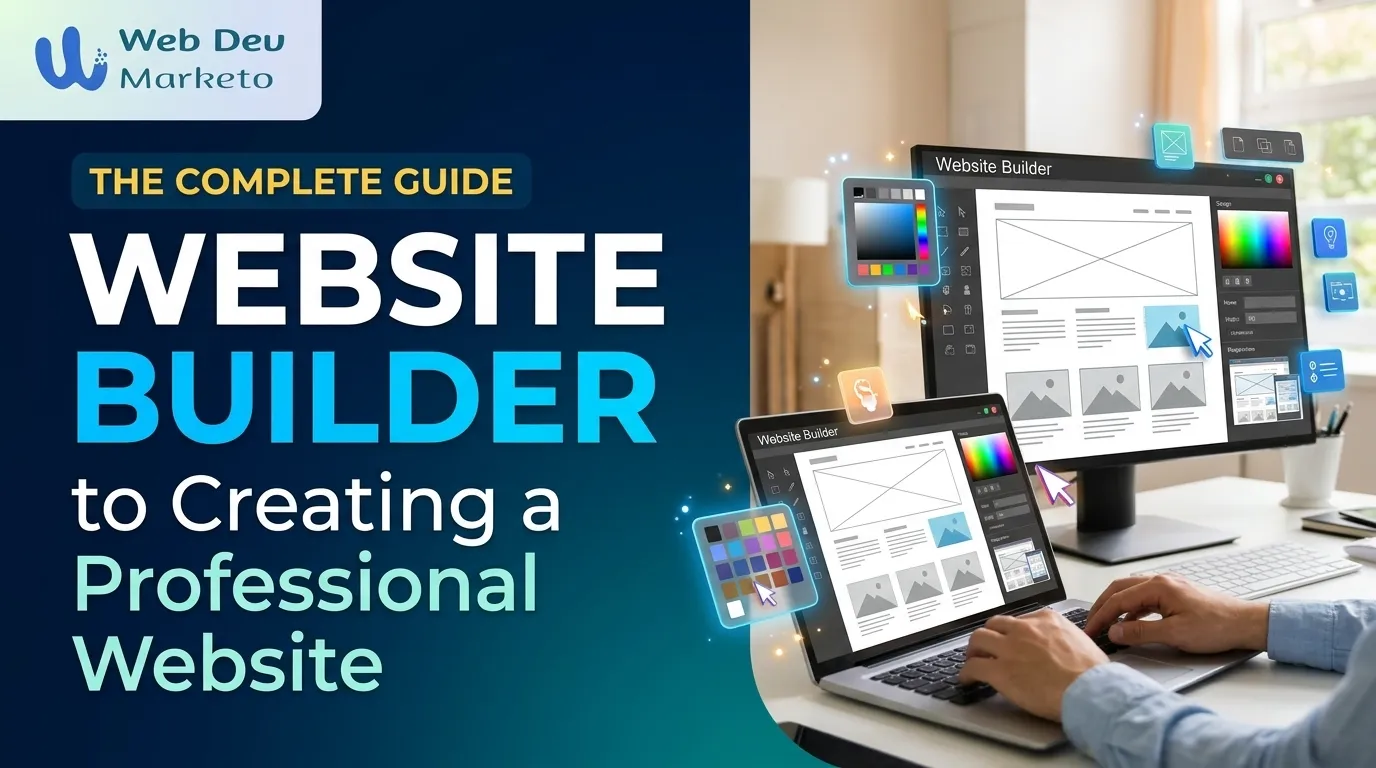
A professional website is essential for businesses, entrepreneurs, freelancers, and individuals who want to establish a strong online presence. Choosing the right website builder makes it easier to create, customize, and manage a website without requiring advanced coding or technical knowledge. Modern platforms provide user-friendly interfaces, customizable templates, responsive design features, and integrated business tools that simplify the entire website development process. Whether you want to launch a personal blog, an online store, or a professional business website, understanding the available tools and features will help you make the right decision.
In today’s digital world, having a professional website is one of the most effective ways to build credibility, reach potential customers, and grow a business. Whether you are running a small business, managing a personal brand, or starting an online store, a well-designed website can help you communicate your services and connect with your target audience. However, creating a website from scratch can seem complicated, particularly for people who have limited technical knowledge or experience with programming. This is where a website builder becomes valuable. It provides the tools and resources needed to design and publish a website without having to write complicated code. Instead of managing every technical aspect manually, users can work with ready-made templates, visual editors, and customizable design elements to create websites that match their goals.
Best Website Builder for Creating a Professional Online Presence
Finding the best website builder depends on your business objectives, design preferences, technical experience, and available budget. Different platforms offer different features, so it is important to understand what you need before selecting a solution. Some platforms are designed for beginners who want to launch a simple website, while others provide advanced customization options for businesses with more complex requirements.
A reliable platform should offer professional templates, flexible design controls, secure hosting options, and useful website management features. It should also allow users to update their website content without depending on developers for every small change. These capabilities make website management easier and help businesses maintain an updated online presence.
Popular platforms such as WordPress, Wix, Squarespace, and Shopify serve different purposes. WordPress provides extensive customization through themes and plugins, Wix offers an intuitive visual editing experience, Squarespace focuses on polished design, and Shopify is particularly useful for ecommerce businesses. Before making a decision, compare the available features, pricing structures, storage limitations, and scalability options. The right choice should support your current requirements while providing enough flexibility for future growth.
Easy Website Builder for Beginners
Creating a website should not require extensive technical knowledge. An easy website builder allows beginners to develop attractive and functional websites through simple interfaces and guided design processes. These platforms are particularly useful for individuals who want to establish an online presence without hiring professional developers.
Most beginner-friendly platforms provide ready-made templates for different industries, including restaurants, consulting services, education, photography, retail, and personal portfolios. Users can select a suitable template, replace the sample content with their own information, and customize the design according to their preferences. Another important advantage is the availability of built-in editing tools. Beginners can change text, upload images, adjust colors, create new pages, and organize website sections through a visual interface. Some platforms also provide artificial intelligence features that help generate initial layouts and content suggestions.
However, simplicity should not be the only consideration. Beginners should also look for reliable customer support, helpful tutorials, easy navigation, and straightforward website management features. These resources can make the learning process easier and reduce the chances of encountering technical difficulties. If you are planning a more advanced digital project, understanding the development process can also be useful. Our guide on how to develop a web app explains the essential stages involved in planning, designing, and developing web applications.
No-Code Website Development
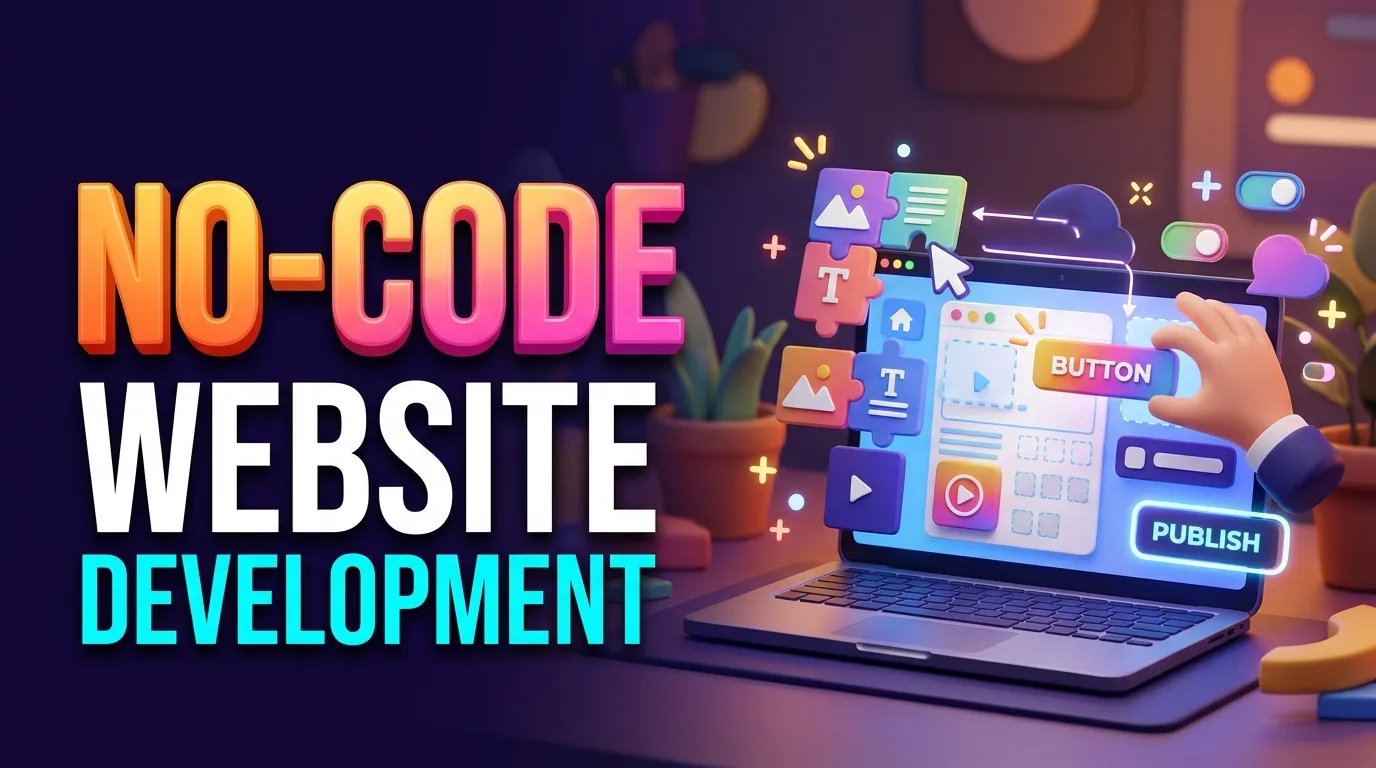 No-code website development has transformed how individuals and businesses approach website creation. Traditionally, developing a website required knowledge of programming languages such as HTML, CSS, JavaScript, and PHP. Although these technologies remain important for advanced development, no-code platforms allow users to create functional websites without manually writing code. A website builder with no-code capabilities provides visual editing tools, pre-designed components, customizable layouts, and integrated functionality. Users can create landing pages, contact forms, service pages, product galleries, and other website elements through simple editing controls.
No-code development is particularly beneficial for startups and small businesses because it reduces the time and resources required to launch a website. Instead of spending weeks coordinating with developers, business owners can build an initial website and start presenting their products or services online much sooner. Another advantage is flexibility. Many no-code platforms support third-party integrations, allowing businesses to connect their websites with email marketing tools, payment gateways, customer relationship management systems, and analytics platforms. However, no-code development may not be suitable for every project. Websites requiring complex custom functionality, specialized integrations, or advanced backend systems may still need professional development. Understanding these limitations helps businesses select the right approach for their long-term goals.
Drag and Drop Website Builder
A drag and drop website builder makes website creation more convenient by allowing users to arrange design elements visually. Instead of writing code or manually editing complicated website files, users can select components and position them where they want them to appear. These components may include headings, paragraphs, images, videos, buttons, forms, navigation menus, and promotional sections. Users can move, resize, and customize these elements to create layouts that match their brand identity.
One of the biggest advantages of this approach is the ability to see design changes while editing. This makes it easier to experiment with different layouts, improve page structure, and create a consistent visual experience. Drag-and-drop functionality is especially helpful for people who do not have a background in graphic design or web development. It allows them to create attractive pages while maintaining control over the overall appearance of their websites. However, users should pay attention to layout consistency and accessibility. A visually attractive website should also have readable text, clear navigation, appropriate spacing, and properly functioning links. Good design should make information easier to understand rather than simply adding decorative elements.
Professional Website Creation Tools
Professional website creation requires more than choosing an attractive template. Businesses need tools that support content management, search engine optimization, security, performance, analytics, and ongoing website maintenance. A professional website builder should provide sufficient design flexibility to create a website that reflects a company’s identity. Custom fonts, brand colors, image galleries, navigation structures, and reusable design components can help maintain consistency across different pages.
SEO functionality is another important consideration. Search-friendly page titles, meta descriptions, customizable URLs, image alt text, and mobile optimization can help search engines understand website content. Some platforms also offer integrations with analytics tools that help businesses measure traffic and visitor engagement. Security should not be overlooked. SSL certificates, regular software updates, secure hosting, and reliable backup options help protect website information and improve visitor confidence.
Professional website creation tools can also support business growth by providing ecommerce functionality, appointment scheduling, lead generation forms, and marketing integrations. Selecting a platform with these capabilities can reduce the need for multiple separate services. For businesses using webinars to educate potential customers and generate leads, a well-designed website can become an important part of the marketing process. You can explore webinar conversion strategies to understand how businesses can turn webinar visitors into valuable prospects.
Free Website Builder Online
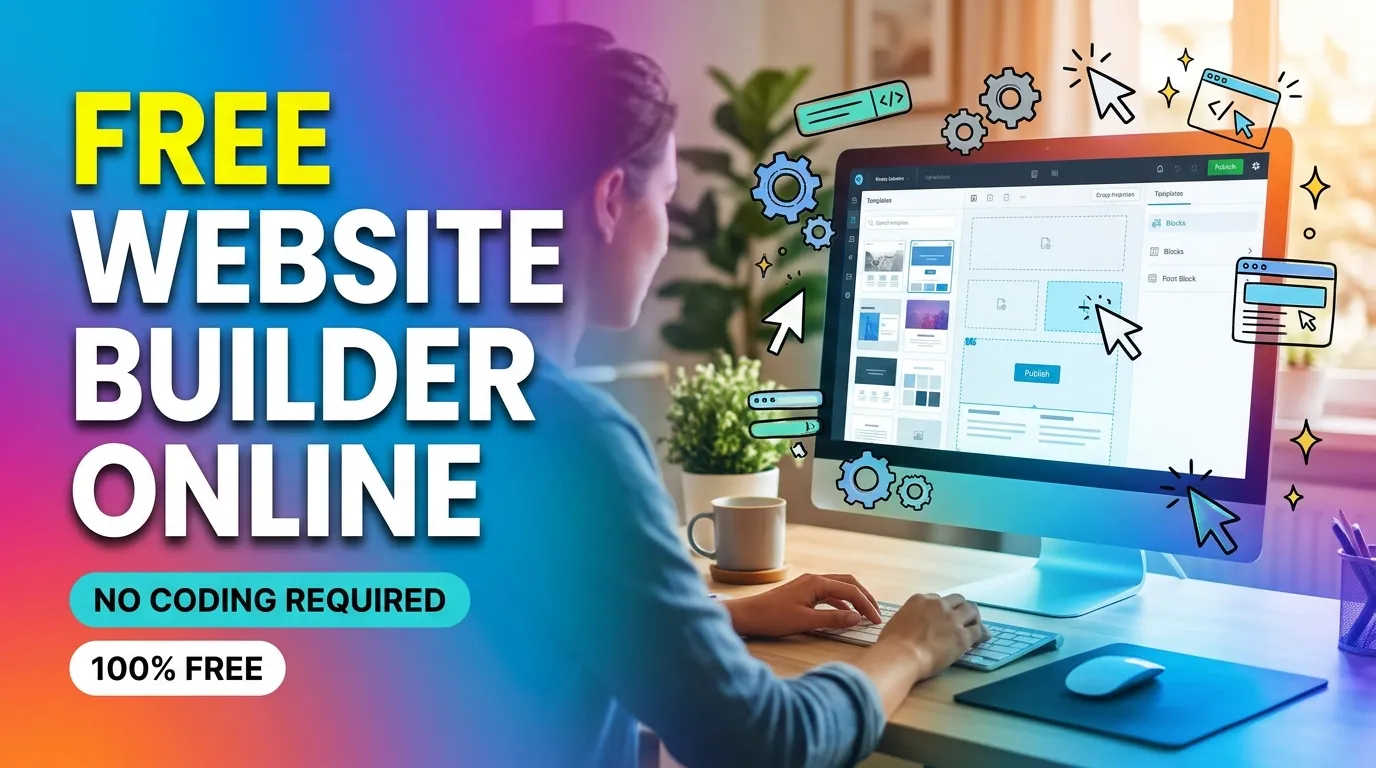 A free website builder online can be a practical starting point for individuals who want to create a website without making an initial financial investment. These platforms generally provide basic templates, visual editing tools, and limited hosting options that allow users to publish a simple website. Free plans are particularly useful for personal portfolios, hobby websites, student projects, and small informational websites. They provide an opportunity to understand the website creation process before committing to a paid subscription.
However, free plans often come with certain restrictions. These may include platform-branded subdomains, advertisements, limited storage, restricted customization, and fewer marketing features. Some platforms also limit the ability to connect a custom domain or access advanced analytics. For a professional business website, these restrictions may affect credibility and branding. Customers generally expect businesses to have a recognizable domain name and a consistent online experience. Before choosing a free platform, review its upgrade options and understand the limitations of its free package. A good starting platform should make it possible to expand your website when your requirements increase.
Responsive Website Design
Responsive website design ensures that a website displays correctly across different screen sizes and devices. Since people access websites through smartphones, tablets, laptops, and desktop computers, responsive design has become an essential part of modern website development. A responsive website automatically adjusts its layout according to the visitor’s screen size. Images resize appropriately, navigation menus adapt to smaller displays, and content sections reorganize to improve readability.
When selecting a website builder, check whether it provides mobile-responsive templates and tools for previewing website layouts on different devices. Some platforms also allow users to adjust spacing, font sizes, and element positioning for mobile screens. Responsive design also contributes to a better user experience. Visitors are more likely to stay on a website when its pages load properly, text is readable, and navigation works smoothly on their devices.
Performance is equally important. Large images, unnecessary scripts, and poorly optimized page elements can slow down loading times. Compressing images, minimizing unnecessary plugins, and choosing reliable hosting can improve website performance. Businesses should regularly test their websites across multiple devices and browsers. This helps identify layout problems and ensures visitors receive a consistent experience regardless of how they access the website.
Website Builder for Small Businesses
Small businesses need an affordable and manageable way to establish their online presence. A website can help customers discover services, understand product offerings, compare prices, and contact a business directly. A suitable website builder for small businesses should provide essential features without creating unnecessary technical complexity. These may include customizable service pages, contact forms, business information sections, customer testimonials, image galleries, and appointment booking options.
For businesses selling products online, ecommerce features such as product management, payment processing, inventory tracking, and order management are equally important. Local SEO is another valuable consideration. Small businesses can improve their online visibility by creating location-specific pages, using relevant search terms, providing accurate contact information, and publishing useful content for their target audience.
A professional website can also support other marketing activities. For example, businesses that organize educational webinars can publish registration pages, promote upcoming events, and provide follow-up resources through their websites. Reading about webinar marketing best practices can help businesses understand how to use webinars more effectively as part of their digital marketing strategy. The most important thing is to choose a platform that fits your business requirements and budget. You do not necessarily need an expensive website with dozens of advanced features. A simple, fast, informative, and well-organized website can be extremely effective.
Custom Website Design Platform
A custom website design platform provides greater flexibility for businesses that want their websites to stand out from competitors. While ready-made templates are convenient, they may not always support unique branding requirements or specialized design preferences. Custom design allows businesses to create distinctive page layouts, branded visual elements, personalized navigation systems, and tailored user experiences. This is particularly valuable for companies operating in competitive industries where brand identity plays an important role in customer decisions.
A website builder with advanced customization features may offer access to custom CSS, reusable design components, flexible layout controls, and third-party integrations. These options allow users to make more detailed adjustments without necessarily building every component from scratch. However, custom design should always serve a clear purpose. Adding unnecessary animations, complicated navigation, or excessive visual effects can negatively affect performance and usability.
Businesses should focus on creating a website that communicates their value clearly. Visitors should be able to understand what the company offers, why its services are useful, and how they can get in touch. A well-planned custom design balances branding, functionality, accessibility, and performance. When these elements work together, the website becomes a valuable business asset rather than simply an online presentation.
Affordable Website Building Software
 Budget is an important factor when selecting website building software, especially for startups, freelancers, and small businesses. Fortunately, many platforms provide affordable subscription options that include hosting, templates, editing tools, and essential website management features. However, comparing platforms based only on their monthly subscription prices can lead to unexpected expenses. Some services charge separately for domain registration, premium templates, additional storage, ecommerce functionality, or advanced integrations.
Before selecting a platform, calculate the total cost of ownership. Consider the initial setup cost, recurring subscription fees, domain renewal, hosting expenses, premium extensions, and any additional services you may need. Scalability should also influence your decision. A low-cost solution may be suitable for a new business, but it should also provide upgrade options when website traffic, product listings, or functionality requirements increase.
Businesses should also consider the potential return on investment. A professionally designed website can help generate leads, improve customer trust, and support online sales. Choosing an affordable platform that meets your actual requirements is often more valuable than paying for unnecessary premium features. Digital marketing can further increase the value of your website. For example, businesses investing in video content can use their websites to publish promotional videos, product demonstrations, and educational resources. Our guide on how to improve video marketing ROI explores ways to make video marketing more effective. Similarly, keeping up with social media viral trends can help businesses discover content opportunities and attract more visitors to their websites through social platforms.
Conclusion
Choosing the right website builder is an important step toward creating a successful online presence. The best platform should match your technical experience, business objectives, design preferences, and budget. Whether you need a simple personal website, a professional business platform, or a fully functional online store, modern website creation tools offer solutions for different requirements. Before making your final decision, compare customization options, mobile responsiveness, SEO capabilities, security, performance, pricing, and scalability. A platform that provides the right combination of these features can make website management easier and support your long-term growth. Remember that creating a website is only the beginning. Regular updates, valuable content, effective SEO, and a positive user experience are essential for maintaining a successful online presence. By selecting a suitable platform and following a thoughtful development strategy, you can build a website that attracts visitors, strengthens your brand, and supports your business goals.
FAQ
1. What is a website builder?
A website builder is an online platform or software that allows users to create, customize, and publish websites without needing extensive programming knowledge. It typically provides templates, visual editing tools, hosting options, and website management features.
2. Which website builder is best for beginners?
Wix, Squarespace, and WordPress.com are popular options for beginners, although they serve different needs. Wix offers an accessible visual editing experience, Squarespace provides professionally designed templates, and WordPress.com offers content management features with different levels of customization.
3. Can I build a professional website without coding?
Yes. Modern no-code platforms allow users to create professional websites using visual editors, ready-made templates, and customizable components. However, advanced functionality may sometimes require custom development or additional technical support.
4. Are free website builders worth using?
Free platforms can be useful for personal projects, portfolios, and testing website ideas. However, they may include advertisements, platform-branded domains, limited storage, and restricted features. Businesses with professional branding requirements may benefit from a paid plan.
5. How much does it cost to build a website?
Website development costs vary depending on the platform, domain, hosting, design requirements, and additional features. Basic websites can be created using affordable subscription plans, while custom websites and advanced ecommerce projects may require a larger investment.
6. Can I create an online store using a website builder?
Yes. Many platforms offer ecommerce functionality that allows businesses to display products, manage inventory, accept payments, and process orders. Shopify and certain WordPress solutions are popular options for online stores.
7. Is a website builder good for small businesses?
Yes. It can help small businesses establish an online presence without the expense and complexity of traditional website development. Businesses can create service pages, publish company information, generate leads, and connect with potential customers.
8. Do website builders provide mobile-responsive designs?
Most modern platforms provide responsive templates and mobile editing options. These features help websites adapt to smartphones, tablets, and desktop computers, creating a better browsing experience across different devices.
9. Can I improve my website’s Google ranking using a website builder?
Yes. Many platforms provide SEO features such as customizable page titles, meta descriptions, URL settings, image alt text, and mobile-friendly layouts. However, achieving strong search rankings also requires quality content, relevant keywords, good website performance, and an effective SEO strategy.
10. Can I change my website builder after creating my website?
Yes, but migrating to another platform may require transferring website content, images, domain settings, and other data. Some platforms offer migration tools, while others require manual work. It is important to plan carefully to avoid broken links, lost content, and search engine ranking issues.