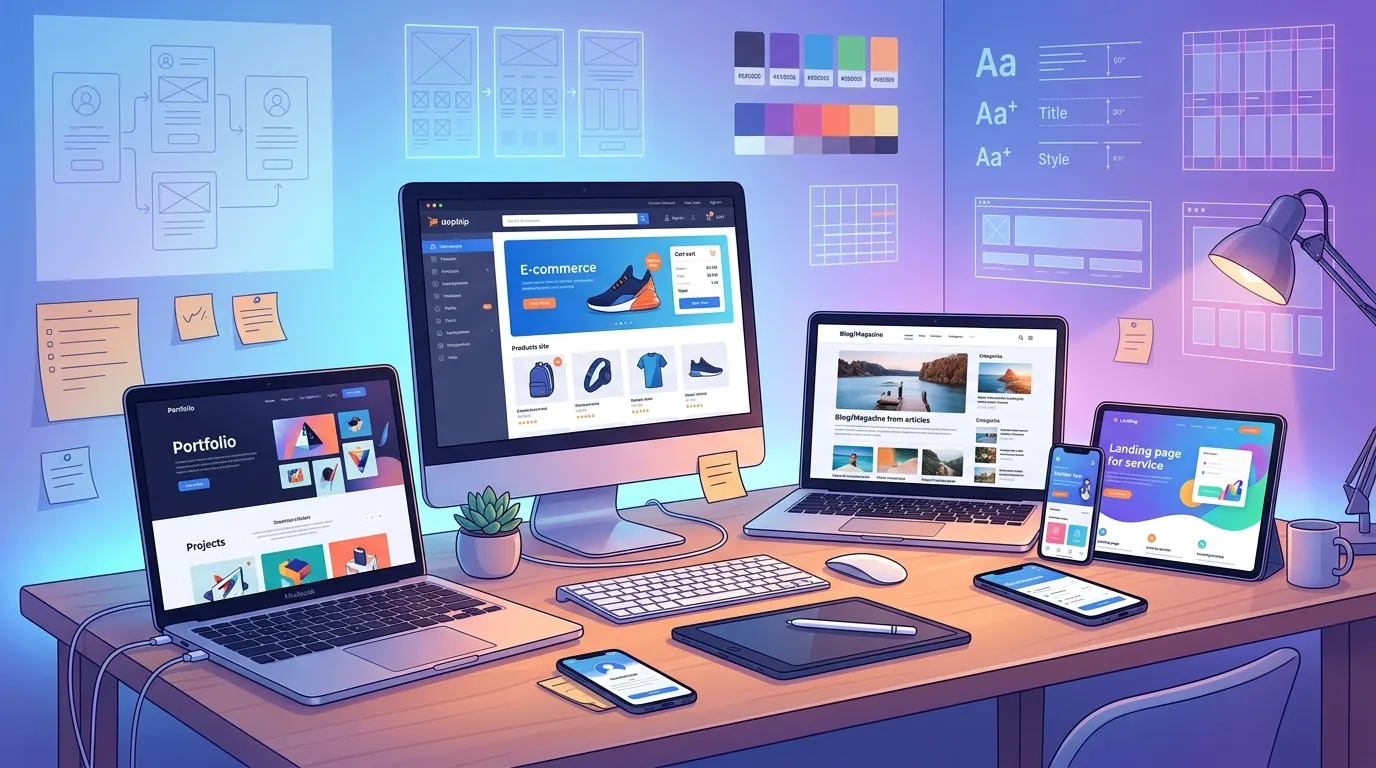
This guide on website design project ideas highlights practical projects for beginners, students, and advanced learners to improve their HTML, CSS, JavaScript, and UI/UX skills. From simple landing pages to interactive applications and modern portfolio designs, these project ideas help you build real-world experience, strengthen your portfolio, and become job-ready in web design and development.
The best website design project ideas depend on your current coding and design skills. Beginners can start with simple HTML and CSS landing pages, while intermediate learners can build responsive small business websites or basic JavaScript projects. Creating a personal portfolio is one of the most effective projects for showcasing skills and landing web design jobs.
Learning web design through tutorials only goes so far. Real improvement comes from building projects from scratch in tools like a code editor or Figma. This hands-on practice helps you solve real problems, fix errors, and understand how user interfaces actually work.
Many learners fall into “tutorial hell,” where they consume content but struggle to start building. Having clear website design project ideas removes that barrier by giving direction, structure, and goals.
A strong project portfolio also helps you stand out to employers and clients. A GitHub profile or live website showing different layouts and responsive designs demonstrates real ability better than certificates.
The following sections share practical website design project ideas for different skill levels and goals, from beginner layouts to advanced UI/UX practice projects.
What are some creative website design project ideas for beginners?
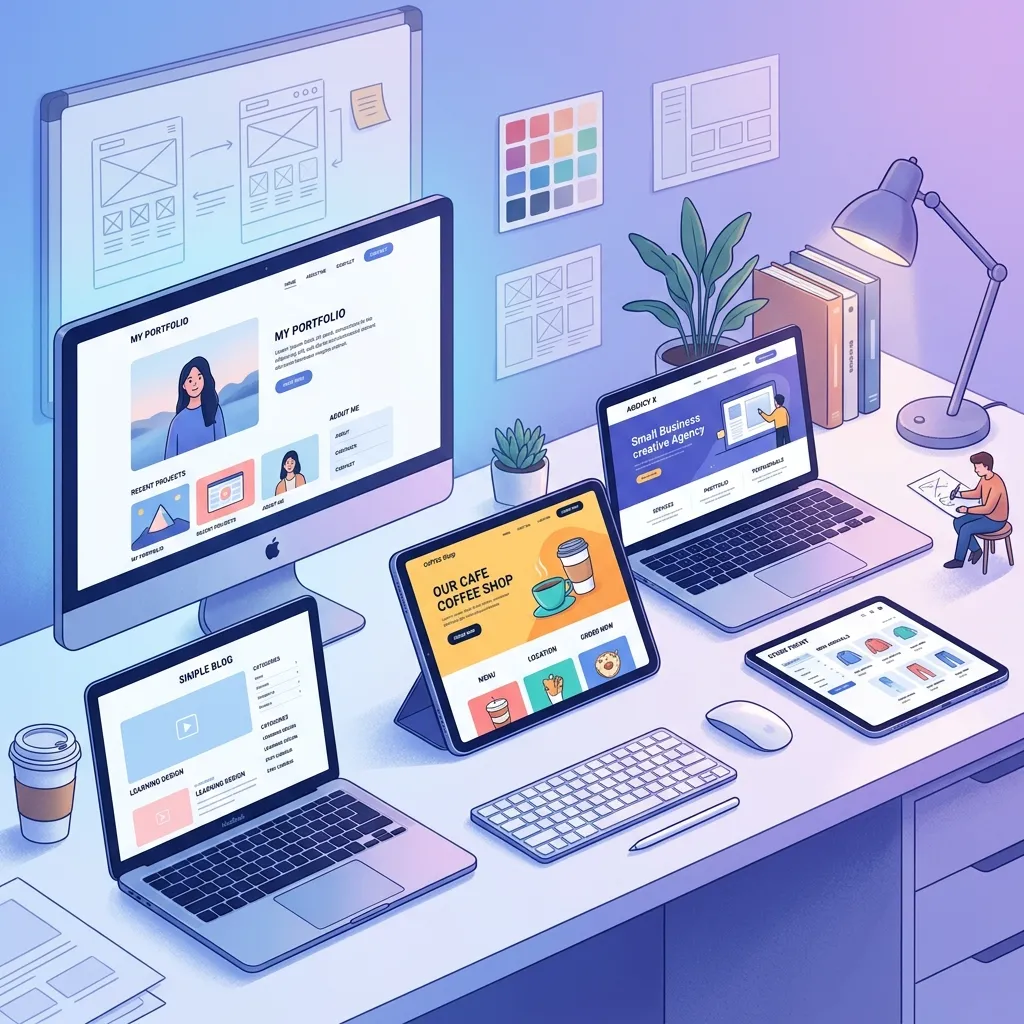
When you are just starting, you need projects that focus on foundational principles without overwhelming you with complex logic. Creative website design project ideas for beginners should emphasize basic layout, typography, and color theory.
1. A digital recipe card
Design a single-page website that displays your favorite recipe. Include an appealing hero image, an ingredients list using HTML bullet points, and step-by-step instructions. This project forces you to format text properly and practice aligning images with text blocks.
2. A personal blog homepage mock-up
Create a static homepage for a fictional blog. Include a navigation bar and article grid. This is a great way to strengthen your layout skills using modern styling principles covered in CSS styling and layout. Choose this project if you want to practice CSS Flexbox to align navigation links and article cards.
3. A tribute page for a historical figure
Tribute pages are classic beginner projects. Select a person you admire and build a one-page site detailing their life timeline. This requires structuring chronological data and experimenting with background colors and typography to match the mood of the subject.
Which web development project ideas are best for students?
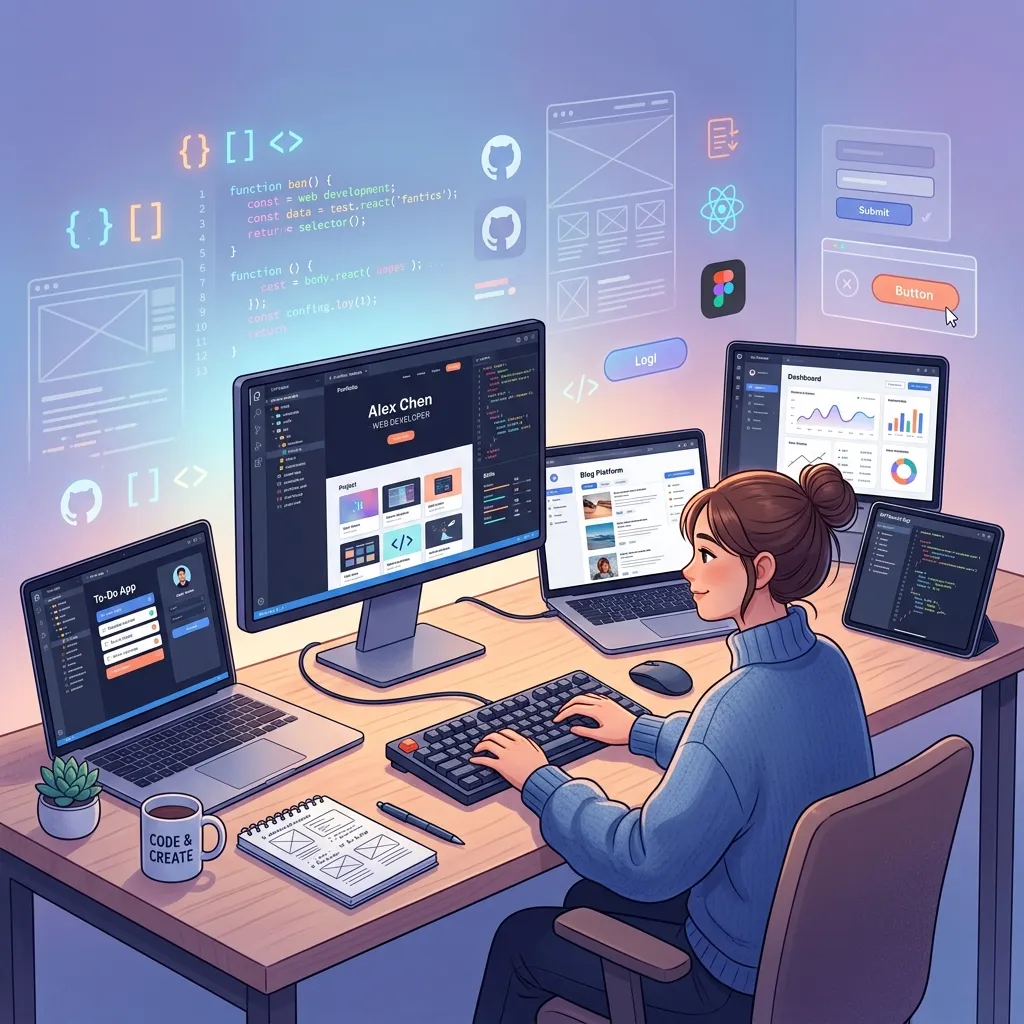
Students enrolled in bootcamps or university computer science programs need projects that demonstrate a slightly deeper understanding of web architecture and data handling.
4. A university club directory
Build a website that lists various student organizations. Include a search bar and filter buttons (even if they only work via basic CSS initially). This web development project idea helps students understand how to organize large amounts of information and design intuitive navigation systems.
5. A study room booking interface
Design the front end of a booking system where students can reserve library rooms. You will need to create a calendar layout, time slot selection buttons, and a confirmation modal. This teaches you how to design interactive forms and manage user inputs visually.
6. An interactive syllabus
Take a standard PDF syllabus and turn it into a dynamic web page. Create collapsible sections for each week’s assignments, link out to reading materials, and add a progress tracker. This project transforms a boring document into an engaging user experience.
How can you build responsive website design project examples?
In 2024, mobile traffic accounts for more than half of all global web traffic. Failing to build responsive sites makes your work irrelevant. These responsive website design project examples focus heavily on media queries and fluid layouts.
Modern websites must work seamlessly across all devices. If you want to master responsiveness in depth, explore responsive web design techniques guide.
7. A mobile-first news aggregator
Design a news site starting with the mobile view. Use a single-column layout for phones, stacking articles vertically. Then, use CSS media queries to expand the layout into two or three columns as the screen size increases.
8. A responsive photo gallery
Create a photography portfolio using CSS Grid. Program the grid to display one large image per row on mobile devices, transitioning to a masonry layout of overlapping images on desktop monitors. This is an excellent way to master fluid image scaling.
9. A restaurant menu with conditional formatting
Build a restaurant menu that changes format based on the device. On a desktop, display items in a classic two-column layout. On mobile, condense the categories into a horizontal scrolling tab menu to save vertical screen space. Choose this project if you want to understand mobile usability constraints.
What are the top portfolio website design project ideas?
Every web designer needs a portfolio. Building your own is arguably the most important project you will ever undertake, as it directly impacts your career trajectory.
10. The minimalist developer portfolio
Focus entirely on typography and white space. Strip away heavy images and flashy animations. Use a clean, sans-serif font to list your projects, skills, and contact information. This portfolio website design project idea highlights your ability to communicate clearly without relying on gimmicks.
11. The dark mode UX portfolio
Design a portfolio that defaults to a sleek dark mode. Use neon accent colors to draw attention to your call-to-action buttons (like “Download Resume”). Dark themes are highly popular in the tech industry and show you understand modern design trends.
12. The interactive storytelling portfolio
Instead of a standard grid of projects, create a narrative layout. As the user scrolls down the page, trigger subtle animations that reveal your background, your design philosophy, and your case studies. This requires a strong grasp of CSS animations and scroll-triggered events.
Which frontend web design project ideas use HTML and CSS?
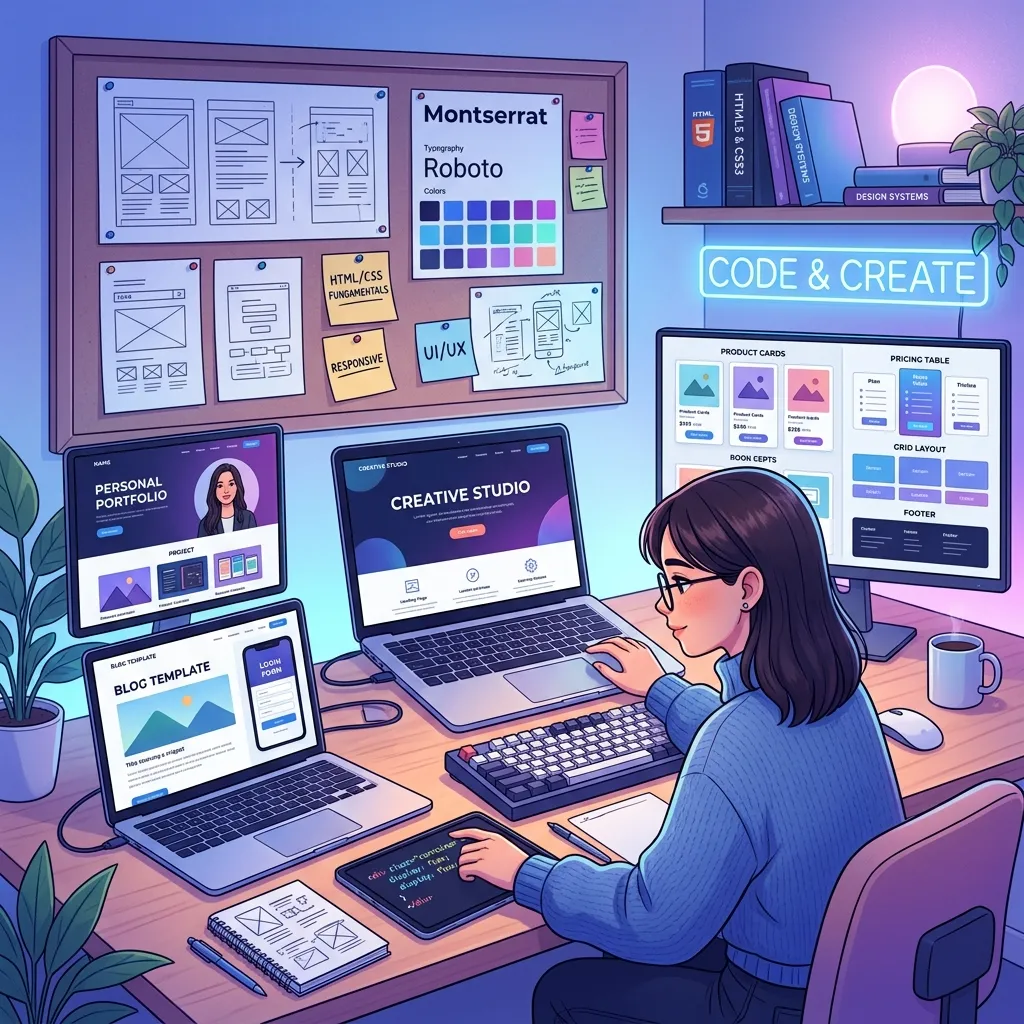
If you want to isolate your markup and styling skills before introducing programming logic, stick to pure HTML and CSS projects.
13. A SaaS pricing page
Pricing pages are notoriously difficult to design well. Create a page with three pricing tiers (e.g., Basic, Pro, Enterprise). Use CSS to highlight the “recommended” middle tier by making it slightly larger and giving it a distinct border color.
14. A CSS-only tooltips library
Build a webpage that demonstrates various tooltips (informational pop-ups) that appear when a user hovers over specific text. Accomplishing this without JavaScript forces you to deeply understand CSS pseudo-classes like :hover and ::after.
15. A classic landing page with a lead capture form
Design a landing page for a fictional e-book. Include an eye-catching headline, a list of benefits using custom SVG checkmarks, and an email signup form. This frontend web design project idea using HTML and CSS is highly relevant to freelance marketing work.
Where to find beginner-friendly website design practice projects?
Finding inspiration is sometimes harder than the coding itself. These beginner-friendly website design practice projects are easy to conceptualize and execute.
16. A local coffee shop site
Create a warm, inviting homepage for a neighborhood cafe. Include business hours, a location map placeholder, and a menu preview. Use earth tones to match the coffee theme.
17. A frequently asked questions (FAQ) accordion
Design an FAQ section where answers expand and collapse. While traditionally done with JavaScript, you can achieve this using the HTML <details> and <summary> tags combined with basic CSS styling.
18. A coming soon page
Build a “launching soon” placeholder page for a startup. Include a countdown timer (visually, if not functionally), a brief description of the company, and an email subscription box. It is a low-pressure project that requires minimal content.
What are some UI UX website design project ideas for inspiration?
User Interface (UI) and User Experience (UX) design focus on how a site looks and how it feels to operate. These projects prioritize empathy for the end-user.
19. A multi-step checkout process
Redesign an e-commerce checkout flow to reduce cart abandonment. Break the process into clear steps (Shipping, Billing, Review) and design a progress indicator so the user knows exactly where they are.
20. An accessibility-first government portal
Design a landing page for a local city service, prioritizing web accessibility (WCAG) guidelines. Ensure high color contrast, large readable text, and clear focus states for keyboard navigation. Choose this project if you want to demonstrate inclusive design practices.
21. A dashboard data visualization interface
Create a UI for an analytics dashboard. Design custom charts, graphs, and metric cards. Focus on visual hierarchy so the user instantly sees the most critical data points (like total revenue or active users) before looking at secondary information.
How to create small business website design project concepts?
Small businesses make up the bulk of a freelance web designer’s clientele. Practicing these concepts prepares you for paid client work.
22. A boutique fitness studio website
Design a site for a local yoga or pilates studio. Include an instructor biography section, a pricing table for class packages, and a visual class schedule. Use clean, airy aesthetics.
23. A landscaping company service page
Build a site for a blue-collar service business. Emphasize trust indicators like customer testimonials, before-and-after photo sliders, and a massive, highly visible “Request a Quote” button.
24. An indie bookstore e-commerce storefront
Design a product catalog for an independent bookstore. Create a grid of book covers with clear titles, authors, and prices. Include a sidebar for filtering by genre. This small business website design project concept bridges the gap between brochure sites and full e-commerce.
What are modern website layout design project ideas?
Modern web design frequently breaks out of rigid, boxy structures. These projects utilize advanced CSS capabilities.
25. A brutalist graphic design agency site
Brutalism in web design uses raw, unpolished aesthetics—think huge typography, overlapping elements, and high-contrast colors. Create an agency portfolio that intentionally breaks traditional grid rules to make a bold statement.
26. A split-screen landing page
Design a page divided exactly in half vertically. Use one side for a high-quality lifestyle image and the other side for your bold typography and call-to-action. This modern website layout design project idea works exceptionally well for fashion or luxury brands.
27. A horizontal scrolling timeline
Instead of the user scrolling down, design a webpage where scrolling moves the content sideways. This layout is perfect for storytelling, such as a company history page or an interactive documentary site.
Which HTML, CSS, and JavaScript website project ideas are best for practice?
Once you are comfortable with markup and styles, introducing JavaScript breathes life into your projects. These HTML CSS JavaScript website project ideas for practice add crucial interactivity.
28. A dynamic weather application
Build a simple dashboard that takes a user’s city input and displays the current weather. You will need HTML/CSS for the layout and JavaScript to fetch data from a public weather API (like OpenWeatherMap).
29. A functional to-do list
The quintessential JavaScript project. Create an interface where users can type a task, add it to a list, mark it as complete, and delete it. This teaches you how to manipulate the Document Object Model (DOM) using JavaScript.
30. A custom video player
Design a custom skin for an HTML5 video. Hide the default browser controls and use JavaScript to wire up your own play/pause buttons, volume slider, and progress bar.
31. An interactive quiz app
Build a multiple-choice quiz. Use JavaScript to store the questions, cycle through them when the user clicks an answer, calculate the final score, and display a custom results screen based on their performance.
32. A real-time character counter
Create a text area for social media drafting. Use JavaScript to count the keystrokes and display the remaining allowed characters, turning the text red when the user exceeds the limit.
33. A tip calculator
Design a utility app where a user inputs their bill amount and selects a tip percentage. Use JavaScript to calculate the total tip and the final bill amount.
34. A random quote generator
Build an application that displays a new inspirational quote every time the user clicks a button. Store an array of quotes in your JavaScript file or fetch them from an external API.
35. A memory card matching game
Create a grid of cards placed face down. Use JavaScript to handle the logic of flipping cards over, checking if they match, and keeping track of the user’s total moves.
Take the next step in your web design journey
Reading about website design project ideas is only the preparation phase. The real learning happens when you write your first line of code or lay out your first wireframe. Select one project from the list above that aligns with your current skill level, set a deadline for yourself, and start building. Document your process, push your code to a public repository, and do not be afraid to make mistakes—they are the most effective teachers in web development.
If you want to see how all these skills connect into a complete developer mindset, explore how everything fits together in web development from design to code.
Frequently Asked Questions (FAQ)
What is the easiest website to design for a beginner?
A single-page personal biography or a static recipe card is the easiest starting point. These projects require no JavaScript or complex server-side logic, allowing beginners to focus entirely on basic HTML document structure and fundamental CSS styling.
Do I need to know JavaScript to build a portfolio?
No, you do not need JavaScript to build a highly effective portfolio. A professional portfolio can be built using only HTML and CSS. Choose an HTML/CSS-only portfolio if demonstrating clean layout and responsive design matters more than showcasing complex interactive applications.
How long should a web design practice project take?
A basic practice project, like a landing page or an FAQ accordion, should take a beginner a few days to a week to complete. More complex applications involving APIs or multi-page layouts may take several weeks. Set strict scopes to avoid abandoning projects halfway through.
Can I put practice projects on my professional resume?
Yes, you absolutely should include practice projects on your resume if you lack formal industry experience. Label them clearly as personal projects, host them live so employers can interact with them, and provide a link to the source code.
What are the best website design project ideas for beginners?
Beginners should start with simple projects like landing pages, recipe pages, tribute pages, and personal blog layouts using HTML and CSS.
Why are website design projects important for learning?
They help you apply theory in real scenarios, improve problem-solving skills, and build a strong portfolio for jobs or freelance work.
How do I choose the right web design project idea?
Choose based on your skill level—start simple with HTML/CSS, then move to responsive layouts and JavaScript-based projects.
What tools do I need for website design projects?
You can use code editors like VS Code and design tools like Figma, along with browsers for testing and debugging.
Do I need JavaScript for website design projects?
Not always. Beginners can start with HTML and CSS, but JavaScript is needed for interactive and advanced projects.
What are some good portfolio website design project ideas?
You can create personal portfolios, dark mode portfolios, interactive storytelling portfolios, or minimalist developer portfolios.
How do website design projects help in getting a job?
They demonstrate your practical skills, creativity, and ability to build real-world websites, which employers value more than certificates.
How long does it take to complete a website design project?Simple projects may
take a few days, while advanced projects like dashboards or apps can take several weeks.
Where can I showcase my website design projects?
You can showcase them on GitHub, personal portfolios, Behance, or live hosting platforms like Netlify or Vercel.
What should I focus on in web design practice projects?
Focus on layout, responsiveness, clean UI design, usability, and gradually adding interactivity with JavaScript.