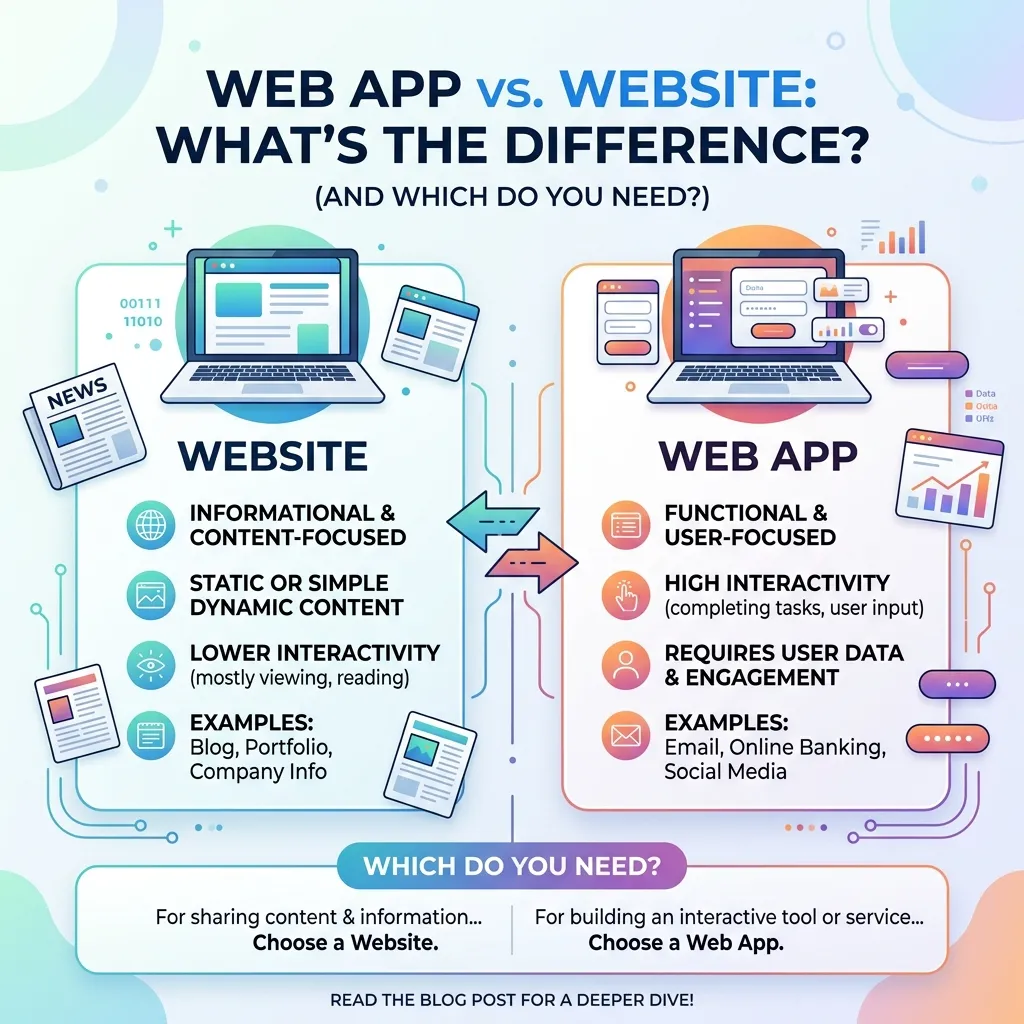
The web app vs website question comes up constantly for businesses planning their next digital project, and the answer depends entirely on what you’re trying to build. This guide breaks down the real technical and functional differences in the web app vs website comparison, along with practical guidance on which option fits your specific goals, budget, and timeline.
“Do I need a website or a web app?” is one of the most common questions businesses ask when starting a new digital project, and it’s a more important decision than it might first appear. The web app vs website distinction affects everything from development cost and timeline to how users interact with your product and how well it performs in search results. Getting this decision wrong early on can mean rebuilding significant parts of a project later.
This guide walks through the practical differences in the web app vs website comparison, when each option makes sense, and how to think about the decision based on your specific business goals. For a deeper technical foundation, our guide on what web development actually involves is a useful starting point before diving into this specific comparison.
What Is a Website?
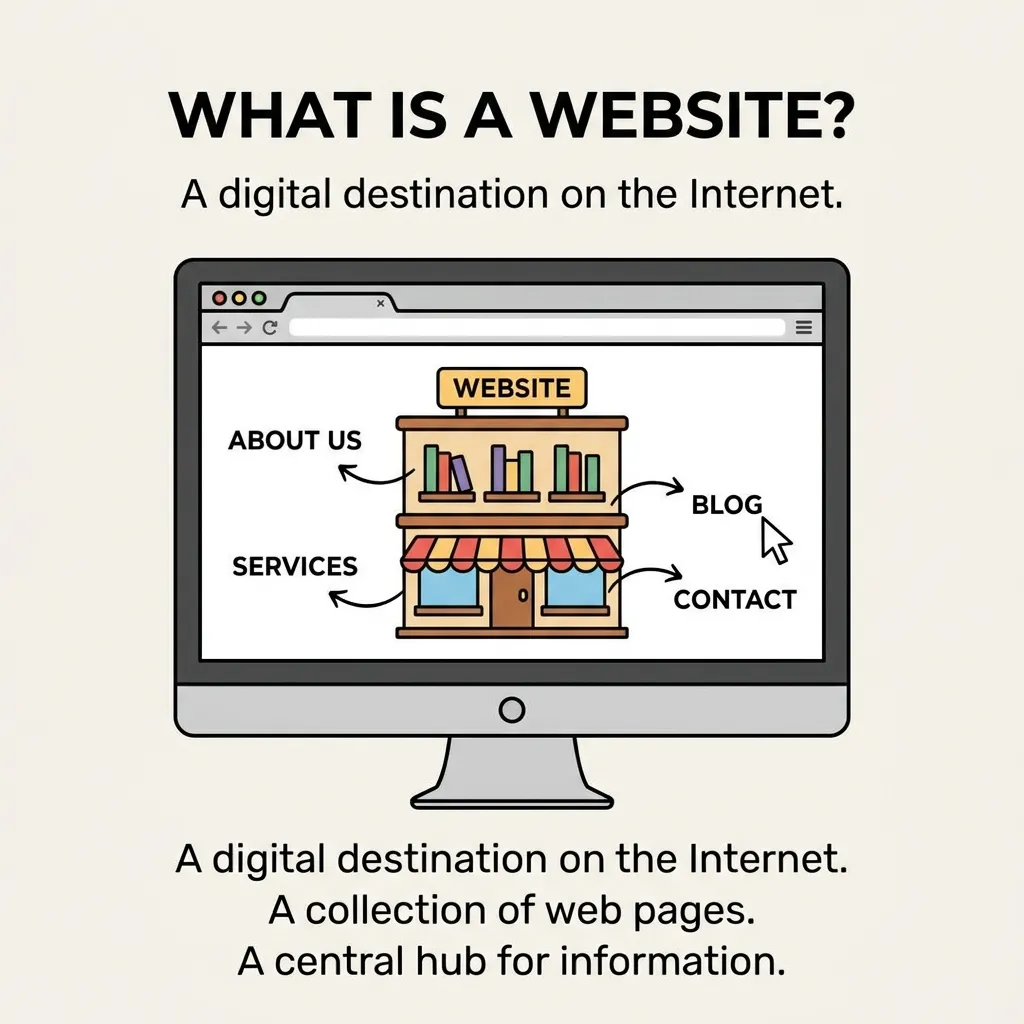
A website is a collection of related web pages, typically built to present information, content, or a brand to visitors. Most websites are primarily informational or content-driven — think of a company’s homepage, a blog, a portfolio, or a marketing landing page. Users generally browse a website by navigating between pages, reading content, and occasionally filling out a simple form, but there’s usually limited two-way interaction beyond that.
Our guide on what web design actually covers explains the visual and structural principles behind effective websites in more depth, which forms the foundation for understanding one side of the web app vs website comparison.
What Is a Web App?
A web app, short for web application, is a more interactive, functional piece of software that runs in a browser but behaves much more like a program than a simple content page. Rather than just displaying information, a web app allows users to perform tasks — managing data, processing transactions, collaborating in real time, or manipulating content dynamically. Examples include project management tools, online banking dashboards, and collaborative document editors.
Our detailed breakdown of web application development covers the technical architecture behind these more complex, interactive systems, which is central to understanding the other half of the web app vs website comparison.
Key Differences in the Web App vs Website Comparison
Functionality and Interactivity
The clearest distinction in the web app vs website debate comes down to functionality. Websites are largely static or semi-static, focused on presenting content. Web apps are dynamic and interactive, allowing users to input data, receive personalized results, and complete multi-step processes without leaving the application.
Technology and Architecture
Websites are often built with simpler technology stacks — HTML, CSS, and lightweight JavaScript, sometimes powered by a content management system. Web apps typically require more complex architecture, including frontend frameworks, backend servers, databases, and APIs to handle dynamic data and user interactions. Our guide on web application architecture covers this complexity in detail, which is one of the biggest practical differences in the web app vs website decision.
User Accounts and Personalization
Websites often don’t require user accounts at all — visitors can browse freely without logging in. Web apps, by contrast, frequently require authentication, since much of their value comes from personalized data, saved preferences, or ongoing user-specific functionality that only makes sense once a user is logged in.
Development Cost and Timeline
Generally speaking, websites are faster and less expensive to build than web apps, since they involve fewer moving technical parts. Web apps require more extensive backend development, testing, and often ongoing maintenance to support evolving functionality, which typically means a higher upfront investment and longer development timeline.
Offline Capability
Traditional websites generally require an active internet connection to function at all. Many modern web apps, especially those built as Progressive Web Apps, can offer partial offline functionality, caching data locally so users can continue certain tasks even with an unstable connection. Our guide on progressive web apps explores this hybrid approach, which increasingly blurs the line in the web app vs website distinction.
Where the Line Gets Blurry
Modern development has made the web app vs website distinction less clear-cut than it used to be. Many marketing websites now include interactive elements like calculators, quizzes, or dynamic filtering — features that were once exclusively associated with web apps. Similarly, Progressive Web Apps combine website-like accessibility (no installation required, instantly loadable via a URL) with app-like functionality and offline support.
Rather than treating web app vs website as a strict binary, it’s often more useful to think of it as a spectrum — from purely static content sites on one end to fully interactive, account-based software on the other, with plenty of hybrid solutions in between.
When to Choose a Website
A website is generally the right choice when the primary goal is presenting information, building brand awareness, or generating leads through content. Common scenarios include:
- A company homepage and marketing pages
- A blog or content hub focused on SEO and organic traffic
- A portfolio or showcase site for a service business
- A simple online store with a limited catalog, especially when built on established e-commerce platforms
Our guide on e-commerce web development shows how many online stores actually sit closer to the website end of the spectrum, since much of their functionality can be handled through existing platforms rather than custom application development.
When to Choose a Web App
A web app makes more sense when users need to perform tasks, manage data, or interact with the platform in an ongoing, personalized way. Common scenarios include:
- SaaS products and software platforms
- Internal business tools for managing operations, inventory, or customer data
- Collaborative platforms like project management or document editing tools
- Any product where user accounts, saved data, or real-time interaction are core to the value proposition
Our resource on SaaS development services covers what’s involved in building this type of more complex, interactive product from the ground up.
SEO Considerations in the Web App vs Website Decision
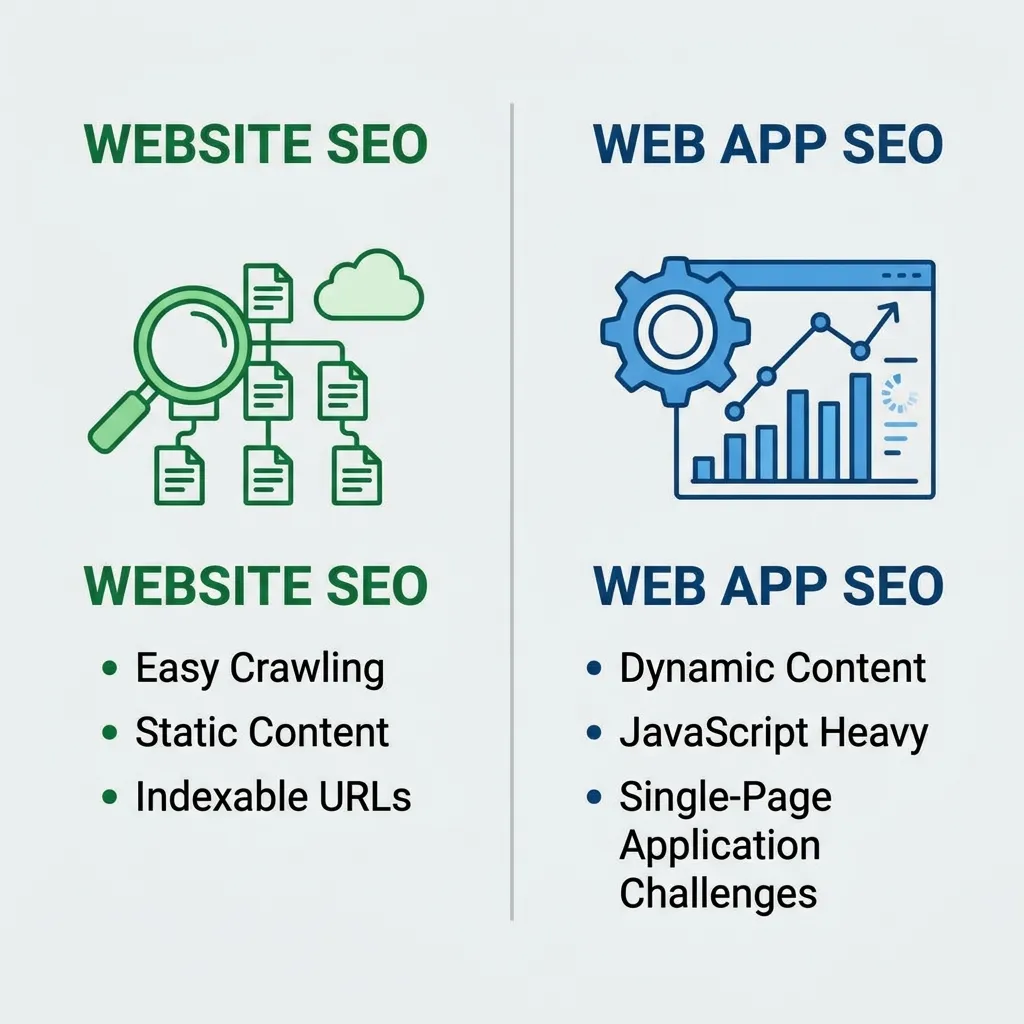
Search engine optimization plays a meaningful role in the web app vs website decision, since websites are generally easier for search engines to crawl and index effectively. Content-rich pages with clear headings and text tend to rank well organically. Web apps, especially those built as single-page applications, can present SEO challenges if content is loaded dynamically via JavaScript without proper technical optimization, sometimes making pages harder for search engines to fully index.
Businesses that need both strong organic search visibility and app-like functionality often build a hybrid approach — a content-rich, SEO-optimized website that links out to or embeds a more functional web app for logged-in users, getting the benefits of both approaches rather than forcing everything into a single structure.
Performance and Maintenance Differences
Websites, being simpler in structure, generally have fewer performance bottlenecks and require less ongoing maintenance once launched. Web apps, due to their complexity, need more active monitoring, security patching, and infrastructure management to keep the underlying servers, databases, and integrations running smoothly. Our guide on web application security highlights just how much more attention this side of the web app vs website comparison requires on an ongoing basis compared to a relatively static website.
Mobile Considerations
Both websites and web apps need to work well on mobile devices, but the approach differs. Responsive website design ensures content displays properly across screen sizes, while mobile-optimized web apps often need more careful attention to touch interactions, performance on slower connections, and sometimes offline functionality through Progressive Web App techniques. Our comparison of mobile vs web application development covers this related decision in more detail, which often comes up alongside the original web app vs website question once a project’s scope becomes clearer.
For businesses researching layout and structural decisions on the website side of this comparison, our external resource on website layout types and elements offers a useful overview of how structure and navigation choices differ from the more application-focused patterns used in web app design.
Cost Comparison: Web App vs Website
Cost is often the deciding factor in the web app vs website decision for smaller businesses. A basic informational website can often be built quickly using existing templates or website builders, keeping upfront costs relatively low. A custom web app, by contrast, typically requires dedicated development resources for both frontend and backend work, ongoing hosting for more complex infrastructure, and ongoing maintenance budgets to handle updates, security, and scaling as the user base grows.
Businesses should weigh this cost difference against the actual functionality they need — building a full custom web app when a simple website with a few interactive elements would suffice often results in unnecessary expense and complexity.
Making the Right Choice for Your Business
Ultimately, the web app vs website decision should be driven by what your users actually need to accomplish. If the primary goal is communicating information, building brand presence, and driving traffic through content and SEO, a website is usually the more efficient choice. If your product’s value depends on ongoing user interaction, data management, or personalized functionality, a web app is typically necessary despite the higher investment involved.
Many successful businesses eventually need both — a marketing website to attract and inform visitors, paired with a web app that delivers the core product experience once someone becomes a user or customer.
Industry Examples of the Web App vs Website Decision
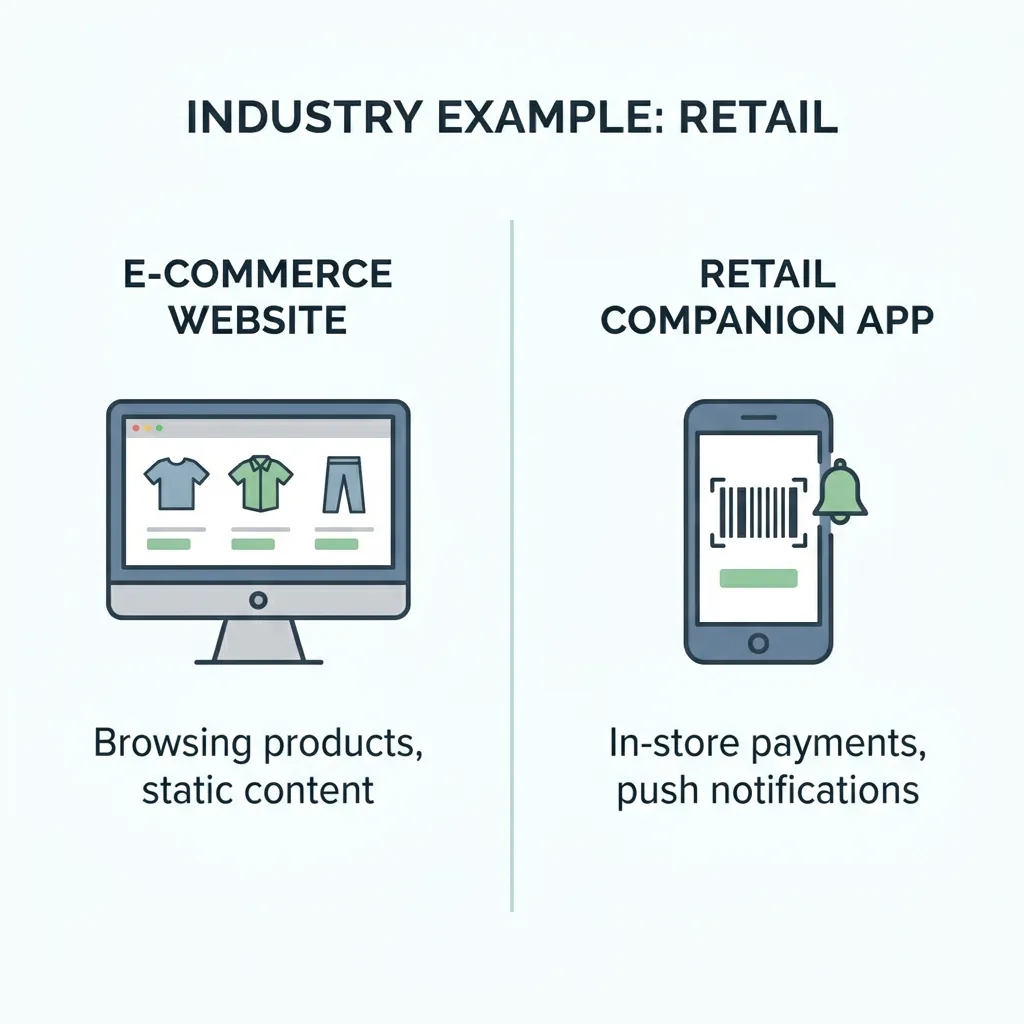
Looking at how different industries approach the web app vs website decision helps make the distinction more concrete.
Media and publishing companies typically lean heavily toward the website end of the spectrum, since their core value comes from content discoverability and SEO-driven traffic. A news site or blog rarely needs complex account-based functionality for most visitors, even if it includes lightweight interactive elements like comment sections or newsletter signups.
Financial services companies often need both. A marketing website handles brand presence and educational content, optimized for search visibility, while a separate secure web app handles account management, transactions, and personalized financial data — functionality that requires the more robust architecture only a true web app can provide.
Retail and e-commerce businesses frequently sit in the middle of the web app vs website spectrum. A straightforward online store built on an established platform can function largely like a website with added transactional features, while a highly customized shopping experience with personalized recommendations, saved carts across devices, and account-based loyalty tracking starts to resemble a full web app.
B2B software companies almost always need a true web app to deliver their core product, since the value proposition depends entirely on ongoing, personalized functionality. These companies typically pair that web app with a separate, content-focused marketing website designed to attract leads and rank well in search results before those visitors ever create an account.
Local service businesses, such as restaurants, salons, or repair shops, usually only need a straightforward website with basic contact information, hours, and perhaps a simple booking form — building a full custom web app for this kind of business would rarely be justified given the relatively simple functionality required.
Recognizing which pattern best matches your own business model is often the fastest way to resolve the web app vs website question without over-engineering a simple project or under-building a genuinely interactive product.
Conclusion
The web app vs website decision isn’t about which option is inherently better — it’s about matching the right tool to your specific goals, budget, and the way your users actually expect to interact with your product. Websites excel at presenting information efficiently and performing well in search results, while web apps excel at delivering interactive, personalized functionality that users return to repeatedly. Understanding these differences in the web app vs website comparison before starting development helps ensure your budget, timeline, and technical approach align with what you’re actually trying to build.
Frequently Asked Questions (FAQs)
1. What’s the simplest way to explain the web app vs website difference?
A website primarily presents information, while a web app allows users to perform interactive tasks like managing data or completing transactions.
2. Can a website include some app-like features?
Yes, many modern websites include interactive elements like calculators or quizzes without becoming full web applications, sitting somewhere in the middle of the spectrum.
3. Which is cheaper to build, a web app or a website?
Websites are generally faster and less expensive to build than web apps, since they involve simpler technology and less backend complexity.
4. Do web apps always require user accounts?
Most web apps require accounts to deliver personalized, ongoing functionality, though some limited-use tools may allow basic use without logging in.
5. Is a Progressive Web App a website or a web app?
Progressive Web Apps blend characteristics of both, offering website-like accessibility through a URL alongside app-like features such as offline functionality.
6. Which option is better for SEO, a web app or a website?
Websites are generally easier for search engines to crawl and rank, while web apps, especially single-page applications, sometimes require additional technical optimization for strong SEO performance.
7. Can a business have both a website and a web app?
Yes, many businesses use a content-rich website for marketing and SEO alongside a separate web app that delivers the core interactive product experience.
8. How do I know if my business needs a web app instead of a website?
If your product requires ongoing user interaction, data management, or personalized functionality, a web app is typically necessary rather than a simple website.
9. Do web apps require more ongoing maintenance than websites?
Yes, web apps generally require more active maintenance, including security updates and infrastructure management, due to their greater technical complexity.
10. Is an online store a website or a web app?
It depends on complexity — a simple store built on an established e-commerce platform often functions more like a website, while a highly customized shopping experience may require web app-level functionality.
11. How does mobile use factor into the web app vs website decision?
Both need to work well on mobile, but web apps often require more attention to touch interaction and performance, sometimes using Progressive Web App techniques for a more app-like mobile experience.
12. What’s the biggest mistake businesses make in the web app vs website decision?
Building a full custom web app when a simpler website with a few interactive features would meet the actual business need is one of the most common and costly mistakes.