
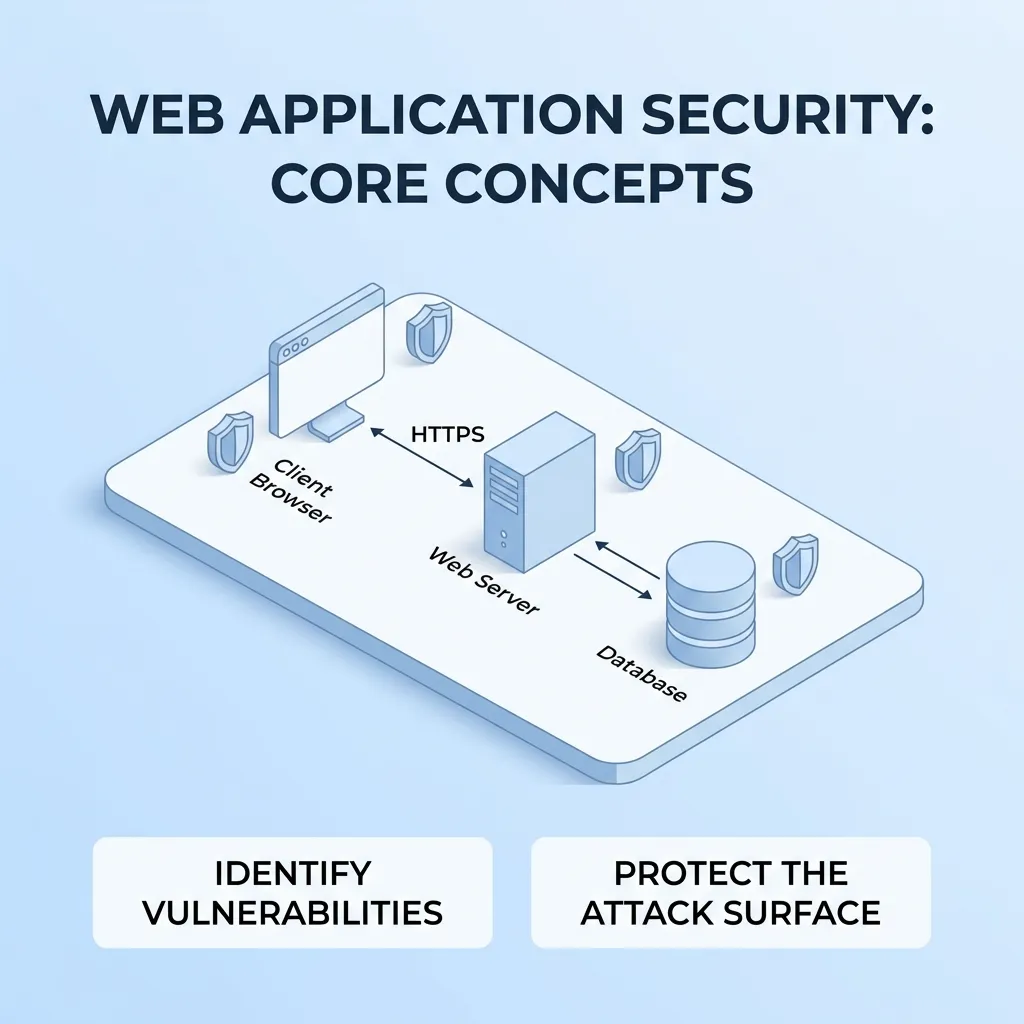
Web application security is the process of protecting web applications, users, data, servers, and application infrastructure from security threats. As businesses increasingly depend on web applications for customer accounts, payments, communication, internal operations, and data management, security has become a fundamental part of web development.
A vulnerable web application can expose sensitive information, allow unauthorized access, disrupt business operations, or damage customer trust. Security problems can also affect the reputation and long-term reliability of a business.
Effective web application security requires more than adding a security tool after development is complete. It involves secure architecture, safe coding practices, authentication, authorization, encryption, vulnerability testing, monitoring, and continuous maintenance.
This guide explains the fundamentals of web application security, common threats, security best practices, testing methods, and practical ways developers and businesses can build safer web applications.
What Is Web Application Security?
Web application security refers to the technologies, processes, and development practices used to protect web applications from unauthorized access, attacks, data breaches, and other security risks.
A secure web application should protect several important areas:
- User accounts
- Authentication credentials
- Personal information
- Payment information
- Business data
- Application databases
- APIs
- Server infrastructure
- Administrative interfaces
- Third-party integrations
Security should be considered throughout the entire application lifecycle, from planning and architecture to deployment and ongoing maintenance.
For businesses developing custom applications, understanding the web application development process is useful because security should be integrated into every development stage rather than treated as a final step.
Why Web Application Security Matters
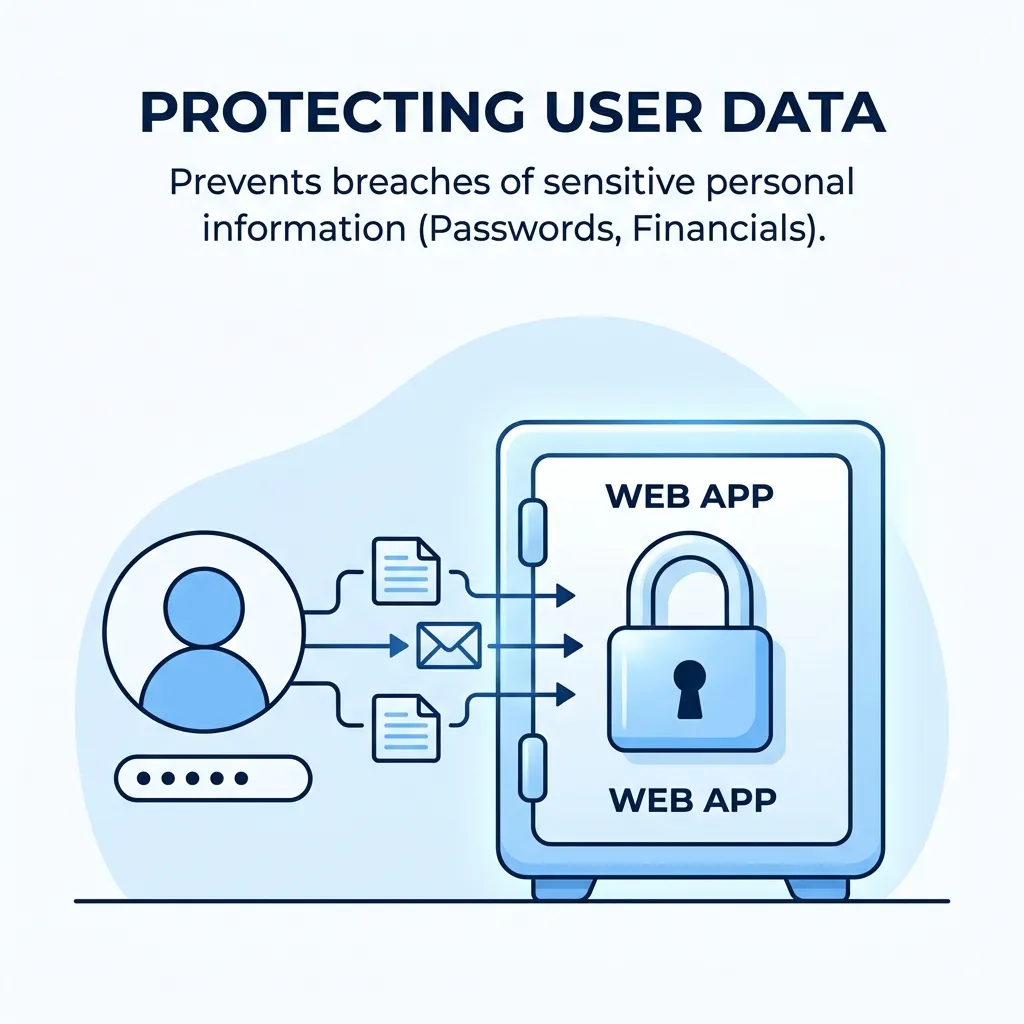
Modern web applications often process valuable and sensitive information. A security weakness can therefore create consequences beyond a technical problem.
Protects Sensitive Data
Web applications may store information such as:
- Names
- Email addresses
- Passwords
- Customer records
- Business documents
- Payment-related information
- Account information
Strong security controls help reduce the risk of unauthorized access to this data.
Prevents Unauthorized Access
Authentication verifies who a user is, while authorization determines what that user is allowed to access.
For example, a regular employee should not automatically have access to administrative functions simply because they successfully logged into the application.
Protects Business Reputation
Customers expect businesses to protect their information.
A serious security incident can reduce customer confidence and create long-term reputational consequences.
Supports Business Continuity
Security incidents can cause downtime, data loss, service disruption, or operational delays.
Security controls can help reduce the likelihood and impact of these events.
Improves Customer Trust
Security can become part of the overall customer experience.
When users can safely log in, manage information, make transactions, and interact with an application, they are more likely to trust the service.
Common Web Application Security Threats
Understanding common attack categories helps developers prioritize security controls.
Cross-Site Scripting
Cross-site scripting, commonly called XSS, occurs when an application allows untrusted content to be interpreted as executable code in a user’s browser.
Depending on the vulnerability, attackers may attempt to manipulate pages, steal session-related information, or perform actions in the context of a victim.
Common defenses include:
- Output encoding
- Input validation
- Content Security Policy
- Safe templating
- Avoiding unsafe browser APIs
SQL Injection
SQL injection occurs when attackers manipulate database queries through improperly handled application input.
A successful attack can potentially allow unauthorized database access or modification.
Developers should use parameterized queries, prepared statements, appropriate ORM protections, and strict input handling rather than constructing database queries directly from untrusted input.
Cross-Site Request Forgery
Cross-site request forgery, or CSRF, attempts to cause an authenticated user to perform an unwanted action.
Defensive measures can include:
- CSRF tokens
- SameSite cookie settings
- Origin validation
- Appropriate request methods
- Re-authentication for sensitive operations
Broken Authentication
Authentication vulnerabilities can allow attackers to gain unauthorized access to accounts.
Common risks include:
- Weak passwords
- Poor session management
- Credential stuffing
- Insecure password recovery
- Excessive login attempts
- Improper session expiration
Strong authentication controls are therefore an essential part of web application security.
Broken Access Control
Access control vulnerabilities occur when users can perform actions or access resources they should not be permitted to access.
For example, changing an identifier in a URL should not allow one customer to view another customer’s account.
Authorization should be enforced on the server rather than relying solely on frontend restrictions.
Security Misconfiguration
Security misconfiguration can happen when applications, servers, databases, or cloud environments use unsafe settings.
Examples include:
- Default credentials
- Unnecessary services
- Excessive permissions
- Debug mode enabled in production
- Exposed administrative interfaces
- Missing security headers
- Poorly configured cloud storage
Regular configuration reviews can reduce these risks.
Vulnerable Dependencies
Modern web applications frequently depend on third-party libraries and packages.
An outdated dependency may contain a known security vulnerability.
Developers should maintain an inventory of dependencies and regularly review updates, security advisories, and compatibility requirements.
Core Principles of Web Application Security
A strong security strategy should be based on several fundamental principles.
Least Privilege
Users, services, applications, and databases should receive only the permissions they actually need.
If a component is compromised, limiting its privileges can reduce the potential impact.
Defense in Depth
Do not rely on a single security control.
A stronger architecture uses multiple layers, such as:
Authentication → Authorization → Input validation → Encryption → Monitoring → Incident response
If one control fails, additional layers may still reduce the damage.
Secure by Design
Security should be considered during application planning and architecture.
Developers should identify sensitive data, trust boundaries, authentication requirements, and potential attack surfaces before implementation begins.
Fail Securely
When an application encounters an unexpected condition, it should fail in a way that does not accidentally expose sensitive information or grant additional permissions.
Minimize Attack Surface
Only expose the functionality and services that are necessary.
Reducing unnecessary endpoints, permissions, services, and integrations can reduce potential attack opportunities.
Web Application Security Best Practices
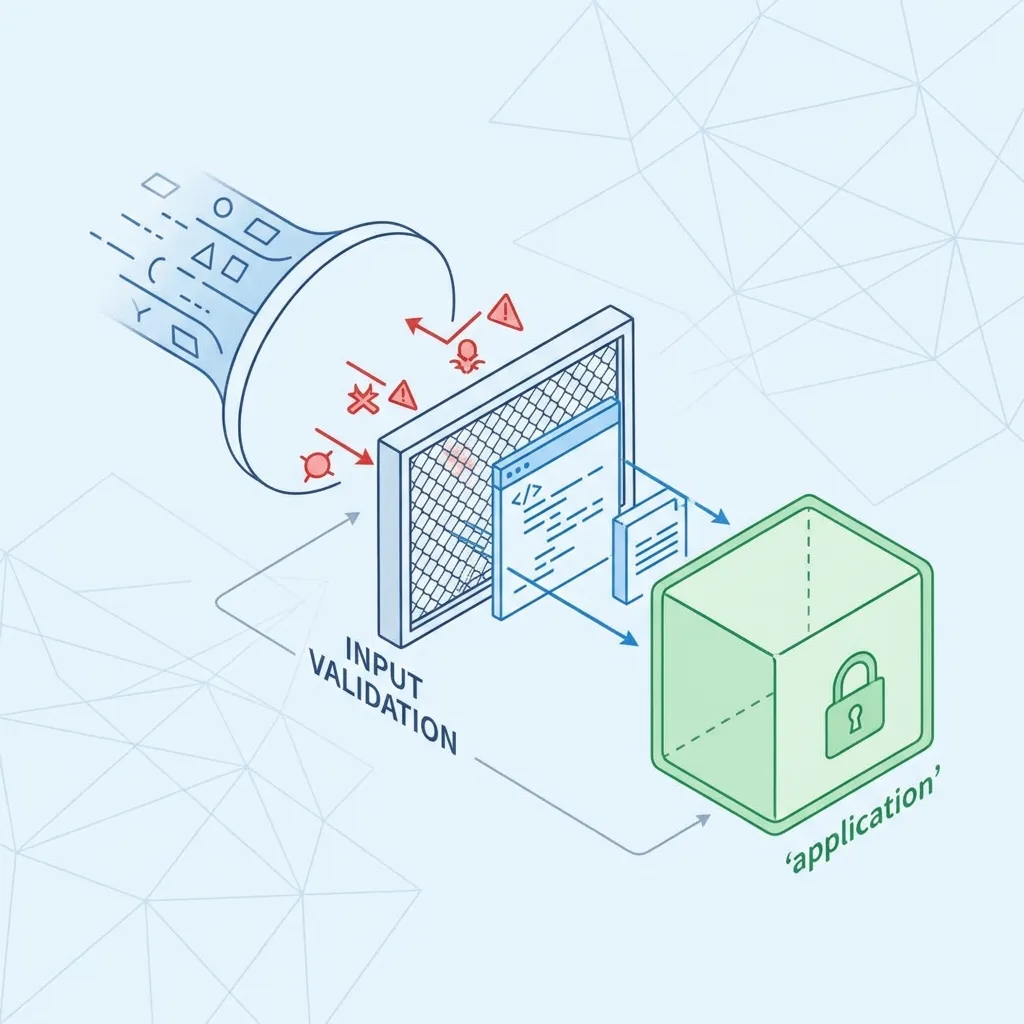
Security should become part of the development workflow rather than an occasional activity.
Use Strong Authentication
Authentication systems should protect accounts against common credential-based attacks.
Recommended practices include:
- Strong password policies
- Secure password hashing
- Multi-factor authentication
- Login attempt controls
- Secure account recovery
- Session expiration
- Protection against credential attacks
Implement Proper Authorization
Authentication alone is not enough.
Every sensitive action should be checked against the user’s permissions.
For example:
Authenticated user ≠ authorized administrator
The application should verify authorization on the server for every sensitive operation.
Validate Input
Applications should never blindly trust user input.
Validate data according to:
- Expected type
- Length
- Format
- Range
- Allowed values
Validation should be combined with context-appropriate output encoding and safe APIs.
Encrypt Sensitive Data
Encryption helps protect sensitive information both during transmission and, where appropriate, at rest.
HTTPS should be used to protect communication between clients and servers.
Sensitive credentials such as passwords should never be stored as plain text.
Protect Session Management
Session identifiers should be handled carefully.
Important practices include:
- Secure cookies
- HttpOnly cookies where appropriate
- SameSite cookie settings
- Session expiration
- Session rotation after authentication
- Logout invalidation
- Protection against session fixation
Use Security Headers
Security-related HTTP headers can provide additional browser-level protections.
Depending on the application, useful headers may include:
- Content-Security-Policy
- Strict-Transport-Security
- X-Content-Type-Options
- Referrer-Policy
- Permissions-Policy
Security headers should be configured according to the application’s actual requirements.
Secure Web Application Architecture
Architecture has a major influence on application security.
Secure Frontend and Backend Communication
Frontend applications should communicate with backend services through properly secured protocols and authenticated APIs.
Never assume that frontend restrictions are sufficient to protect sensitive functionality.
Protect APIs
APIs can expose significant amounts of application functionality.
API security should consider:
- Authentication
- Authorization
- Rate limiting
- Input validation
- Request size limits
- Error handling
- Logging
- Version management
Separate Sensitive Components
Where practical, sensitive systems and services should be isolated.
For example, database systems should not be unnecessarily exposed directly to the public internet.
Secure Database Access
Database accounts should use restricted permissions.
An application should not automatically receive administrative database privileges if it only needs to read and write specific application data.
For applications with complex backend requirements, this backend development guide for beginners provides useful development context.
Web Application Security Testing
Security testing helps identify vulnerabilities before attackers discover them.
Vulnerability Scanning
Automated scanners can identify certain known vulnerabilities and configuration problems.
However, automated scanning should not be considered a complete security assessment.
Static Application Security Testing
SAST analyzes source code or compiled code to identify potentially insecure coding patterns.
It can be integrated into development workflows and CI/CD pipelines.
Dynamic Application Security Testing
DAST evaluates a running application from an external perspective.
It can help identify issues that appear during application execution.
Penetration Testing
Penetration testing involves authorized security professionals attempting to identify and validate exploitable weaknesses.
Testing can examine:
- Authentication
- Authorization
- APIs
- Input handling
- Business logic
- Session management
- Application configuration
Dependency Scanning
Dependency scanning helps identify vulnerable third-party packages.
This is particularly important for applications built with modern package ecosystems.
Web Application Security in the Development Lifecycle
Security should be integrated into every development stage.
Planning
During planning, identify:
- Sensitive information
- User roles
- Security requirements
- Compliance considerations
- External integrations
- Potential attack surfaces
Development
Developers should follow secure coding standards and use approved libraries and frameworks.
Code review should include security considerations for sensitive functionality.
Testing
Security testing should occur before production deployment.
Combine automated tools with manual review where appropriate.
Deployment
Production environments should use secure configurations.
Remove development-only functionality, protect secrets, restrict permissions, and review exposed services.
Maintenance
Security does not end when the application launches.
Teams should continuously:
- Patch dependencies
- Monitor logs
- Review alerts
- Test backups
- Update systems
- Investigate suspicious activity
- Reassess security controls
Web Application Security Monitoring
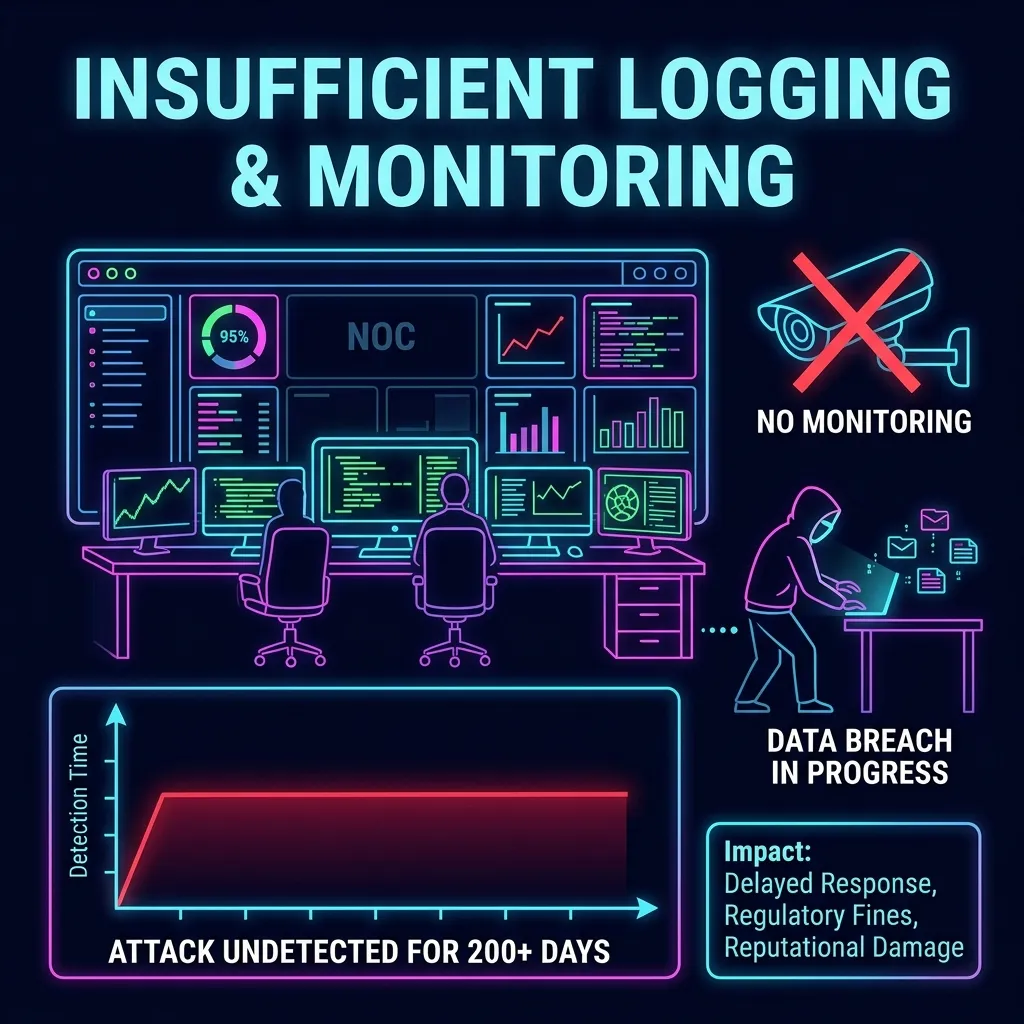
Monitoring helps organizations identify unusual activity and respond to incidents.
Application Logs
Logs can record important security events such as:
- Login attempts
- Authentication failures
- Password changes
- Privilege changes
- Administrative actions
- API activity
- Security errors
Avoid logging sensitive information unnecessarily.
Intrusion Detection
Security monitoring systems can help identify suspicious patterns.
Examples may include:
- Unusual login behavior
- Repeated failed requests
- Unexpected traffic
- Abnormal API usage
- Suspicious account activity
Alerting
Security alerts should prioritize meaningful events rather than generating excessive noise.
Poorly configured alerting can cause important warnings to be ignored.
Web Application Security for Different Application Types
Different applications have different security requirements.
Ecommerce Applications
Ecommerce applications often handle customer accounts, orders, payment-related information, and inventory.
Important considerations include:
- Account security
- Secure checkout
- Access control
- API security
- Data protection
- Fraud monitoring
SaaS Applications
SaaS applications often serve multiple customers from shared infrastructure.
Security should therefore address:
- Tenant isolation
- Role-based access
- API security
- Account management
- Data segregation
- Administrative privileges
Financial Applications
Financial applications require strong controls because they can involve highly sensitive financial information and transactions.
Security architecture should include appropriate authentication, authorization, encryption, monitoring, and fraud-prevention measures.
Content Management Systems
CMS-based applications should be kept updated and configured securely.
Administrators should also review:
- Plugins
- Themes
- User roles
- Login protection
- File permissions
- Third-party integrations
Common Web Application Security Mistakes
Treating Security as an Afterthought
Adding security only after development is complete can make vulnerabilities more expensive and difficult to fix.
Security should be incorporated from the beginning.
Trusting Client-Side Validation
Client-side validation improves user experience but should not be considered a security boundary.
Attackers can bypass browser-based controls.
Sensitive validation and authorization must occur server-side.
Storing Passwords Incorrectly
Passwords should never be stored as plain text.
Use an appropriate password-hashing mechanism designed for password storage.
Exposing Detailed Error Messages
Production applications should avoid exposing internal stack traces, database details, credentials, or implementation information to users.
Errors should provide useful information without revealing unnecessary internal details.
Ignoring Third-Party Components
Libraries and plugins can introduce vulnerabilities.
Dependency management should therefore be part of the regular security process.
Using Excessive Permissions
Overly broad permissions increase the potential impact of compromised accounts or components.
Apply least privilege wherever practical.
Web Application Security Checklist
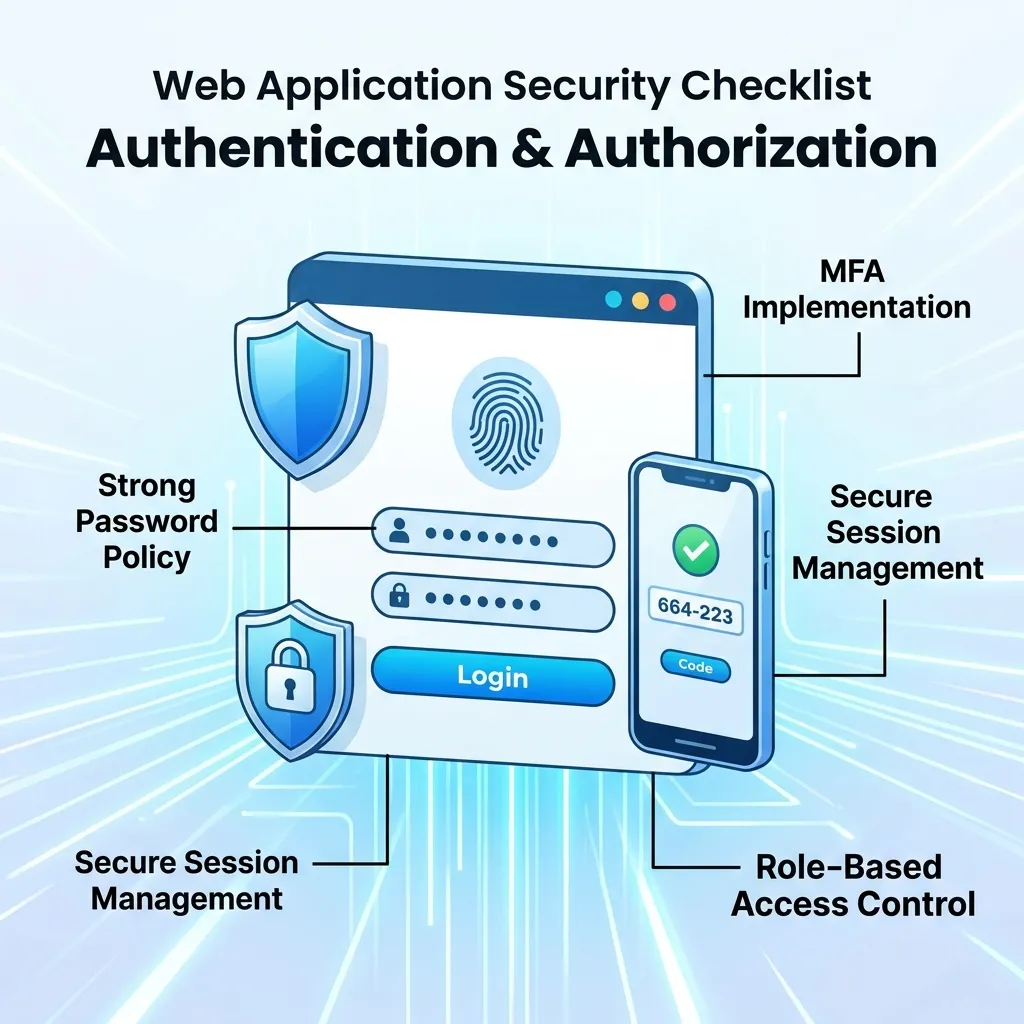
Before launching or reviewing a web application, use this checklist:
- HTTPS is properly configured
- Authentication is securely implemented
- Multi-factor authentication is considered for sensitive accounts
- Authorization is enforced server-side
- Passwords are securely hashed
- Input is validated
- Output is properly encoded
- SQL injection protections are implemented
- XSS protections are implemented
- CSRF protections are considered
- Sessions are securely managed
- Security headers are configured
- Dependencies are monitored
- Secrets are protected
- APIs are secured
- Rate limiting is implemented where appropriate
- Production configuration is hardened
- Security logging is enabled
- Vulnerability testing is performed
- Backups are tested
- Incident response procedures exist
Conclusion
Web application security is a continuous process that protects applications, users, data, and business operations from evolving threats. A secure application requires more than a firewall or security plugin. It needs secure architecture, strong authentication, proper authorization, safe coding, encryption, secure session management, vulnerability testing, monitoring, and ongoing maintenance.
The most effective approach is to build security into the development lifecycle from the planning stage through deployment and maintenance. Businesses should also regularly review dependencies, test applications, monitor suspicious activity, and update security controls as technologies and threats change.
By treating security as a core part of web application development rather than an optional feature, organizations can build applications that are more resilient, trustworthy, and prepared for modern security challenges.
Frequently Asked Questions About Web Application Security
What is web application security?
Web application security is the practice of protecting web applications, data, users, APIs, and infrastructure from unauthorized access, vulnerabilities, attacks, and misuse.
Why is web application security important?
It helps protect sensitive information, prevent unauthorized access, maintain business continuity, and preserve customer trust.
What are the most common web application security threats?
Common threats include cross-site scripting, SQL injection, broken authentication, broken access control, CSRF, security misconfiguration, and vulnerable dependencies.
How can I secure a web application?
Use HTTPS, secure authentication, strong authorization, input validation, output encoding, secure session management, dependency updates, security testing, monitoring, and least-privilege access.
What is the difference between authentication and authorization?
Authentication verifies a user’s identity. Authorization determines what that authenticated user is permitted to access or do.
Is HTTPS enough to secure a web application?
No. HTTPS protects data in transit, but it does not prevent vulnerabilities such as SQL injection, broken access control, insecure authentication, or application logic flaws.
What is secure coding?
Secure coding means developing software using practices that reduce vulnerabilities, such as validating input, handling authentication correctly, using safe APIs, managing errors securely, and limiting privileges.
How often should web applications be security tested?
Security testing should be part of the development lifecycle and repeated when significant application, infrastructure, or dependency changes occur. Organizations may also schedule periodic assessments based on risk.
What is penetration testing?
Penetration testing is an authorized security assessment in which testers attempt to identify and validate vulnerabilities in an application or system.
How do I protect a web application API?
Use strong authentication and authorization, validate requests, limit request rates, protect sensitive endpoints, monitor activity, and avoid exposing unnecessary functionality.
Can small businesses afford web application security?
Yes. Many important security practices are development and configuration practices rather than expensive products. Small businesses should prioritize high-risk areas and gradually improve their security controls.
Should security be handled only by developers?
No. Effective web application security is a shared responsibility involving developers, IT teams, security professionals, management, and sometimes third-party specialists.






[…] to keep the underlying servers, databases, and integrations running smoothly. Our guide on web application security highlights just how much more attention this side of the web app vs website comparison requires on […]
[…] checks — adds cost but significantly reduces the risk of expensive post-launch bugs. Our guide on web application security covers why skimping on this phase to reduce upfront web application development cost often […]
[…] flaws, broken authentication, and insecure data handling before they can be exploited. This complete guide to web application security and this practical resource on securing web applications cover the specific vulnerability […]